INSTRUCTIONS MANUAL
-45-
Use the keys 0 to 9 to type the volume of UV to be injected, can never be more than 10 ml.
* UV is disabled while servicing HYBRID VEHICLE
EDIT GAS CHARGE DATA
NOTE: For most systems the quantity of fluid to be refilled is indicated on a plate that is in the
vehicle’s engine compartment. If this quantity is not known, look for it in the relevant manuals.
Use the keys 0 to 9 to type the quantity (in grams) of refrigerant to be charged into the A/C
system.
NOTE: If DATABASE is installed, can be used to insert the value of refrigerant into the GAS
FILLING field.
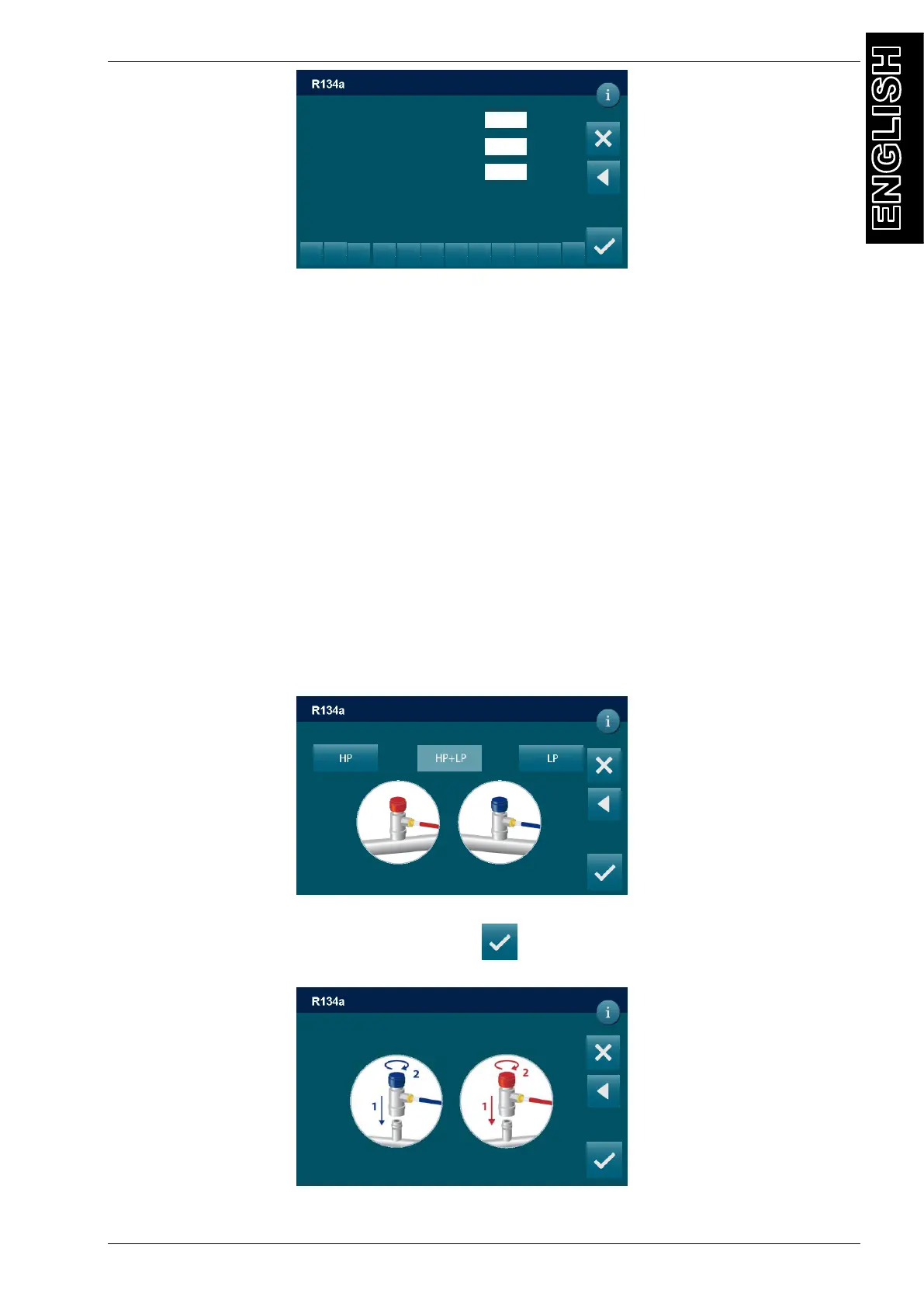
EDIT GAS CHARGE MODE
Select the connection mode:
- HP+LP fill the refrigerant from both HP and LP service ports
- HP to fill the refrigerant only from the HP service port,
- LP to fill the refrigerant only from the LP service port,
START PROCEDURE
After selected all the procedure data, press to continue, the following screen will be
displayed:
Connect and open the coupling (HP, LP, or HP/LP, depend of the previous choice) connected
g
DD/MM/YY XX:XX PM
MANUAL / OIL-UV INJECTION
0
ml
2
3
5
6
8
9
0
.
<
0
DD/MM/YY XX:XX PM
MANUAL / OIL INJECTION
POE H
0 ml
UV H
5 ml
Connect and open HP and LP couplings
To A/C system and press to continue
DD/MM/YY XX:XX PM
MANUAL / OIL INJECTION



 To Next Page