INSTRUCTIONS MANUAL
-69-
SET DATE - TIME
The machine keeps date and time settings even if it is not used for around one year.
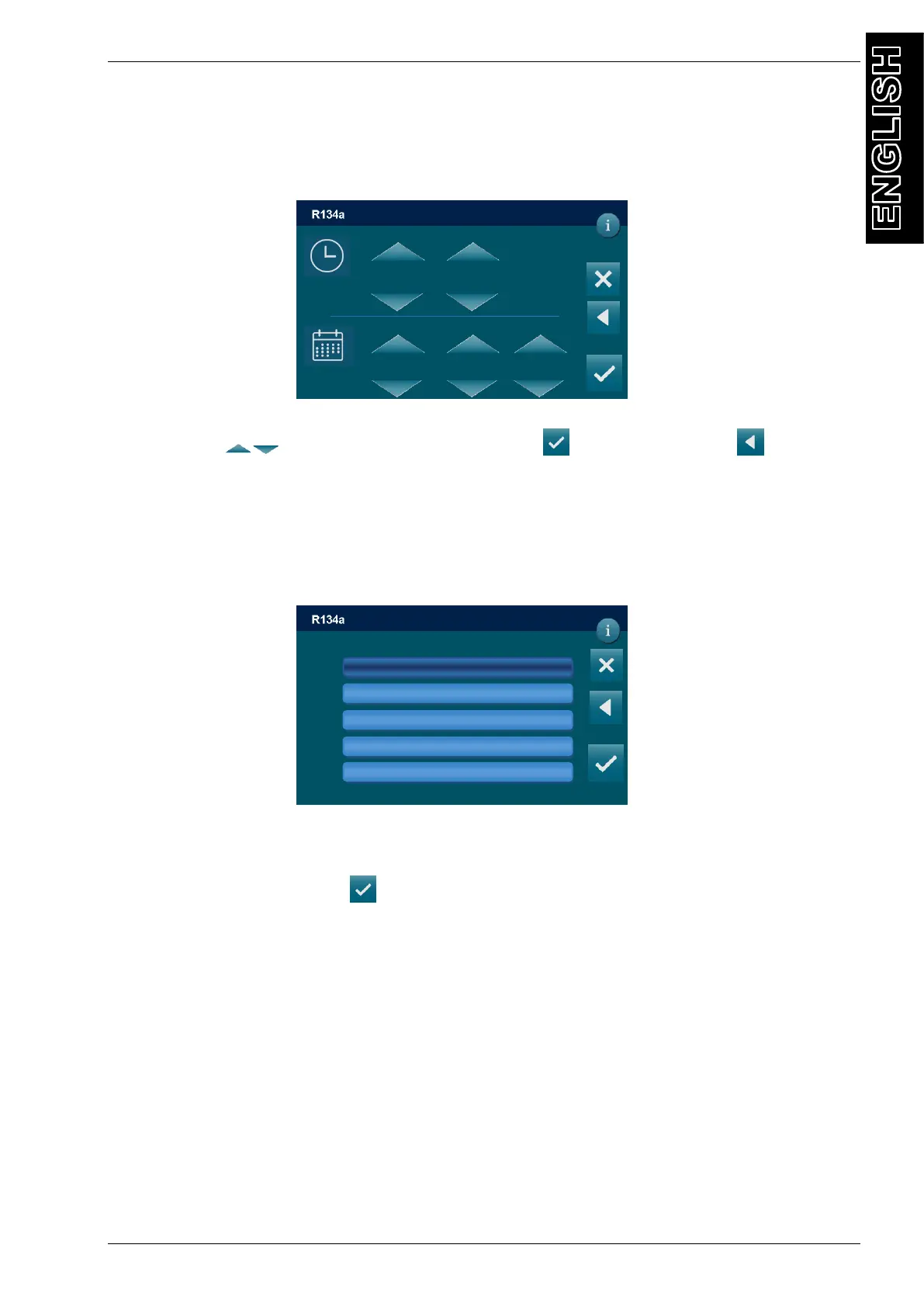
From the SETUP MENU, select DATE-TIME and the following screen is displayed:
Use ARROW to change date and time, press to confirm, or press to return to
SETUP menu without saving the changes.
LANGUAGE
From the SETUP MENU, select LANGUAGE and the following screen is displayed:
NOTE: current language is indicated by black background
Select a language, then press to confirm and return to the SETUP MENU
DD/MM/YY XX:XX PM
SETUP / DATE-TIME
hour minute
day month year
2019 02 18
17
16
DD/MM/YY XX:XX PM
SETUP / LANGUAGE
English
French
German
Spanish
Portuguese



 To Next Page