INSTRUCTIONS MANUAL
-65-
SETUP
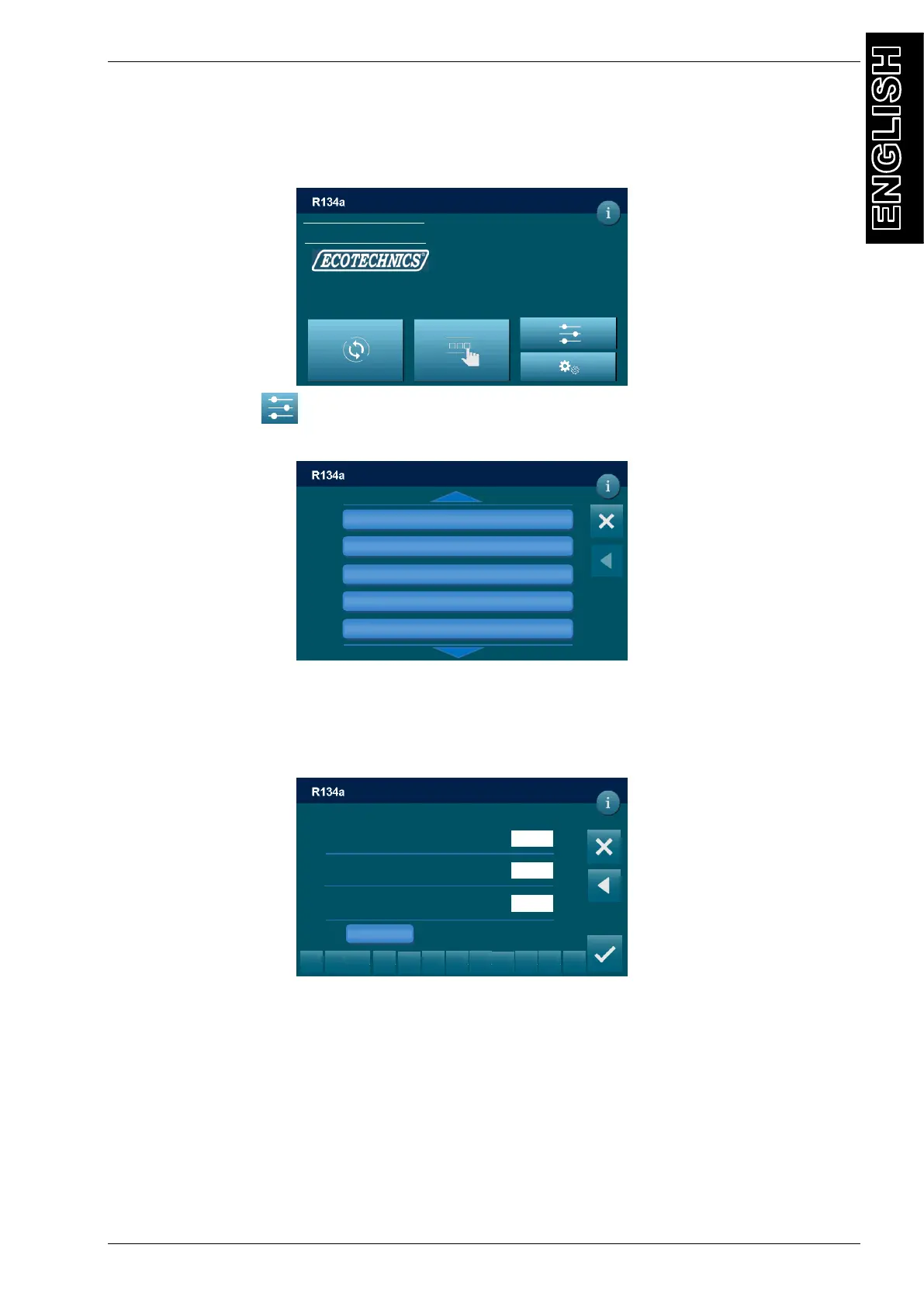
From the MAIN MENU:
Select the SETUP , the following screen will be displayed:
VACUUM SETTINGS
Allows to modify the default vacuum time and the default time of check.
From the SETUP, select VACUUM SETTINGS, default setting is displayed:
Each value can be modified, within the values shown in parentheses.
NOTE: press INFO to restore default values:
Vacuum time 25 min
Time of check 2 min
Vacuum rising 0,1 mbar
SETUP
Vacuum setting
N2 setting
Oil setting
Options
Setup header print
DD/MM/YY XX:XX PM
MAIN MENU
TANK PRESSURE PAG
6.32 BAR 136ml
TANK TEMPERATURE POE
17.9°C 110 ml
REFRIGERANT AVAILABLE UV H
2735 g 27ml
USED OIL
89 ml
DD/MM/YY XX:XX PM
SETUP / VACUUM SETTING
1
2
3
5
6
8
9
0
.
<
VACUUM TIME min
(min 1 – 120 max)
TIME OF CHECK min
(min 1 – 120 max)
VACUUM RISING bar
(min 0.10 – 0.90 max)
Press to set default values
DD/MM/YY XX:XX PM
DEFAULT



 To Next Page