8. In a while, the program will finish installing all the
utilities and drivers you selected. Thus far you have
completed the installation phase and prepare to configure the
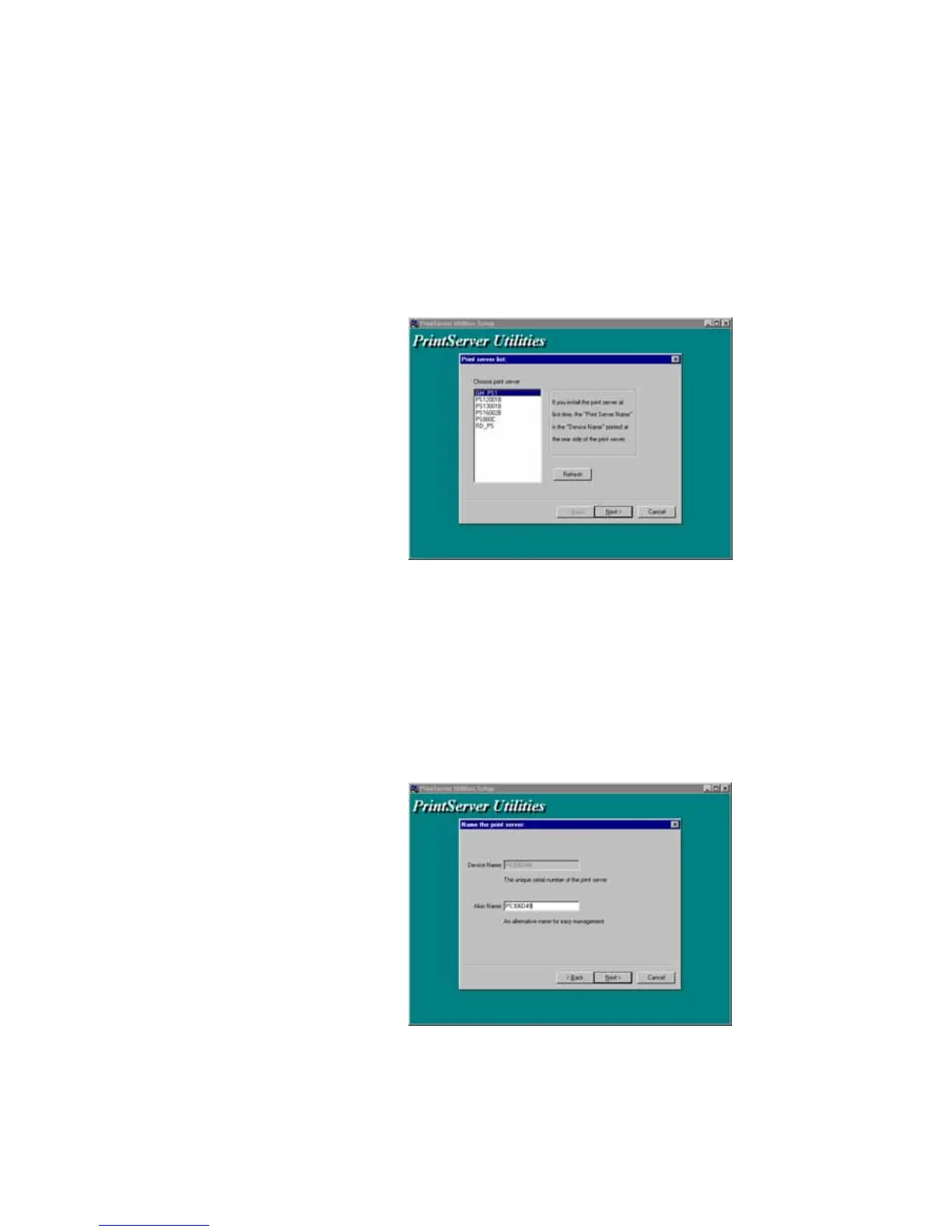
Print Server. Click “Next”, and the “Choose Print Server”
dialog box will be displayed as following.
NOTE: If this is the first time you configure the print
server, the “Print Server Name” is the same as
the “Device Name” printed at the rear side of the
print server.
9. Click “Next”, and the “Name the print Server”
dialog box will be displayed as following,















 To Next Page