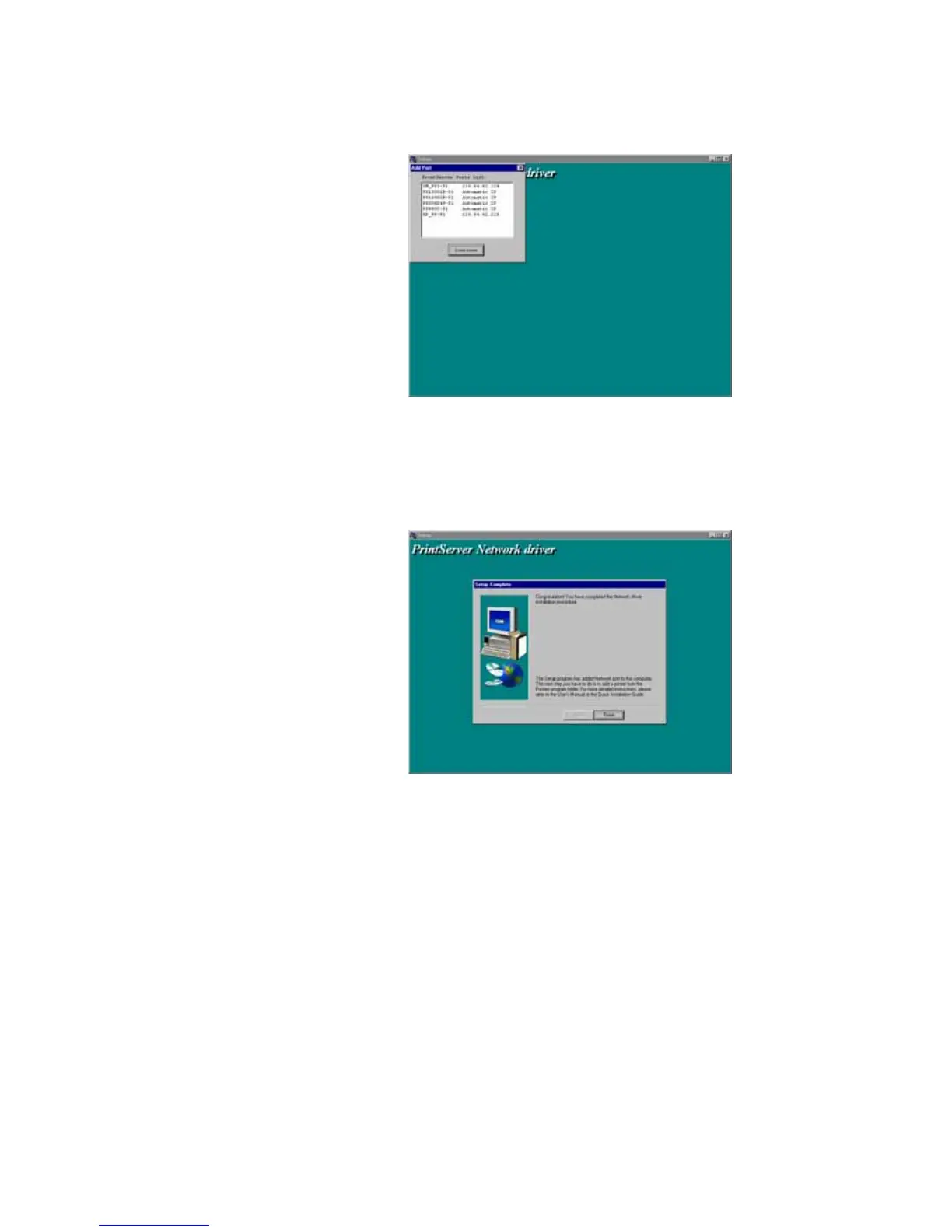
8. Finally, the “Installation complete” window is
displayed to indicate that the Client Installation procedure is
finished.
After the installation, you have completed the following
tasks :
Install all utilities and drivers to the client’s PC.
Add all the print server’s network ports of the
network to the client’s PC.















 To Next Page