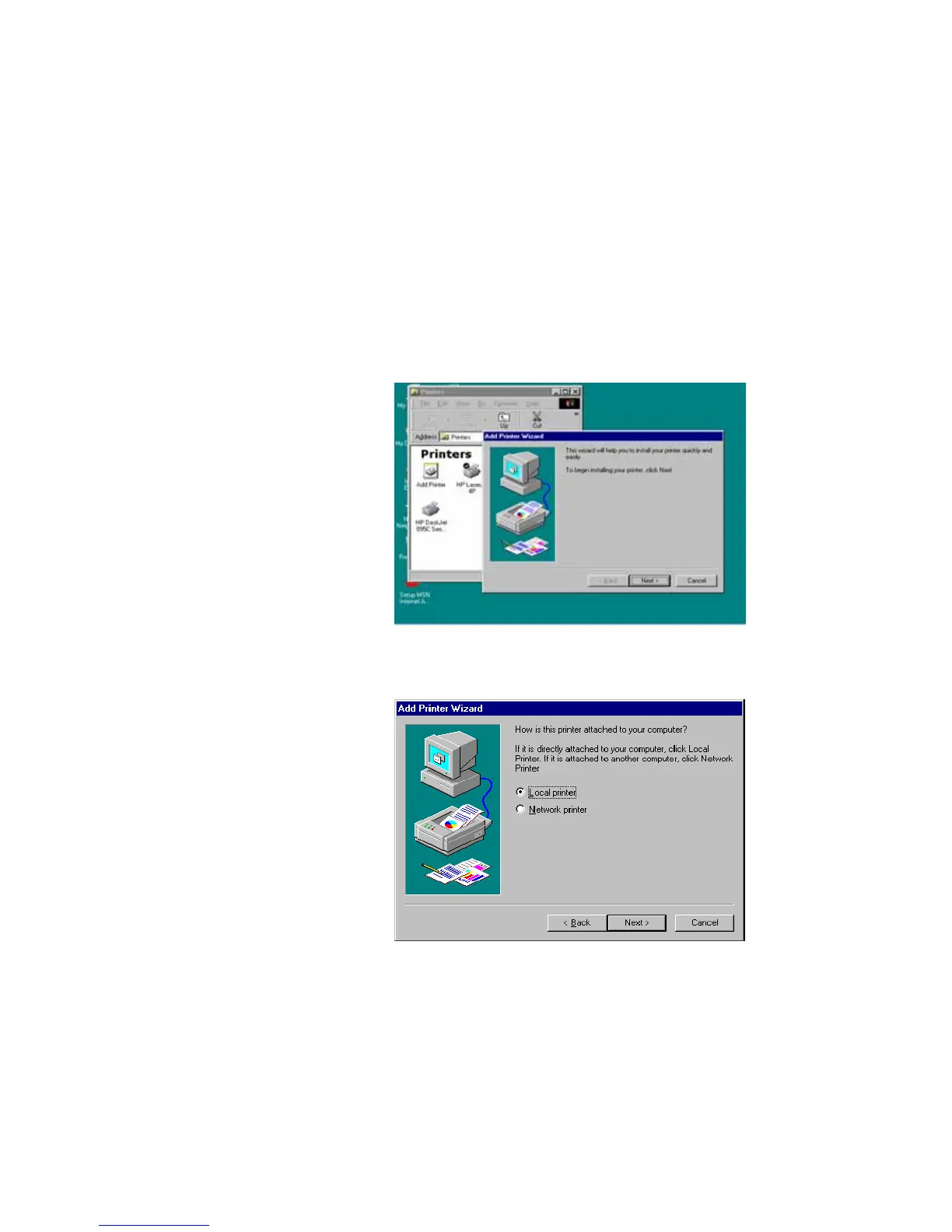
You can then perform the Windows’ standard “Add
Printer” procedure as described below to add network
printers to your PC.
Step1. Click “Start” button, choose Setting =>
Printers
Step2. Double click “Add New Printer”.
Step3. Select Local printer => click Next.
Step4. Select the suitable printer manufacturer and model,
then click Next.















 To Next Page