requirements for your network, you can use the quick
installation method.
To use this method,
1. Log into your NetWare server as SUPERVISOR.
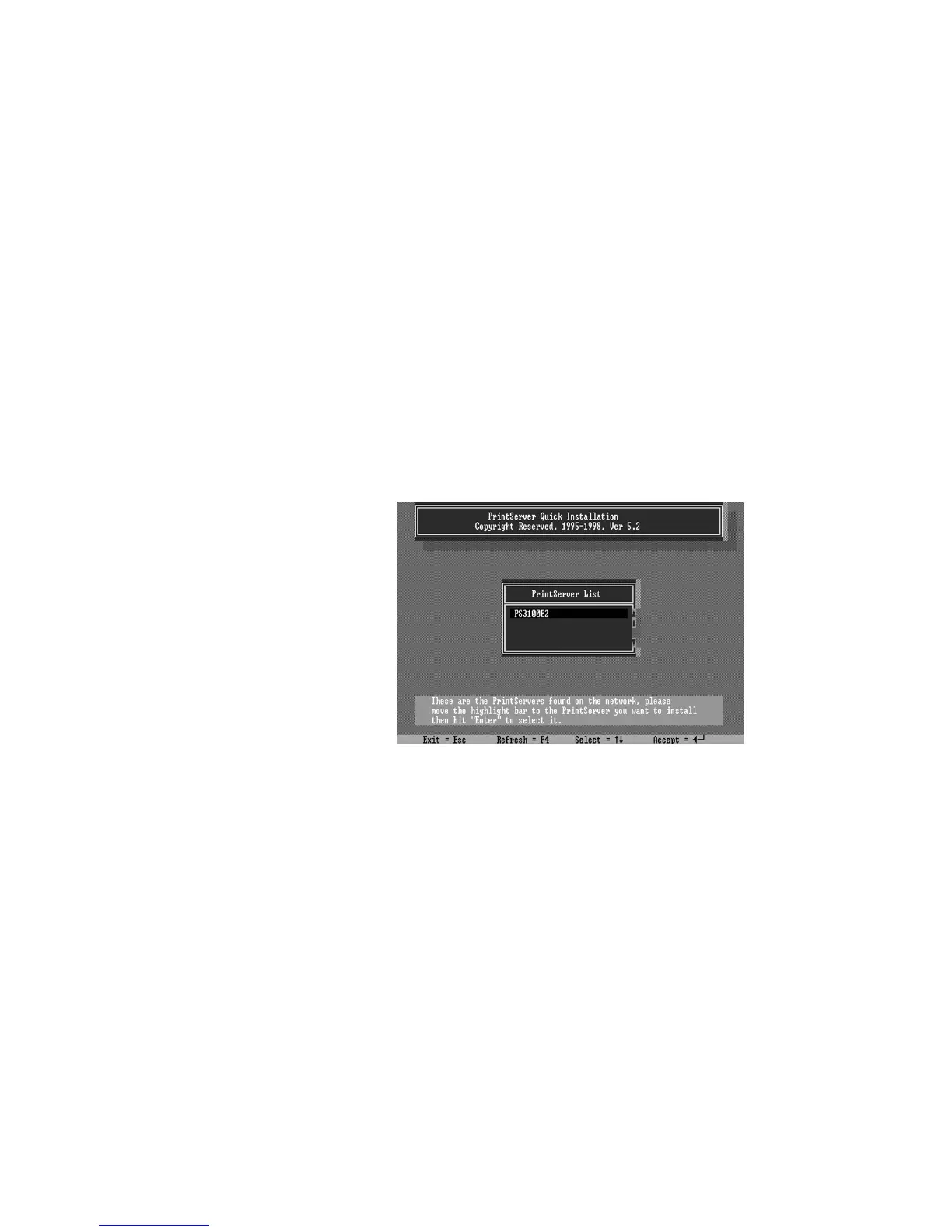
2. Insert the CD-ROM included with the print server,
and change to the appropriate drive and directory. Ex.
e:\dosutil\
3. Run the INSTALL program
4. Select your new print server from the displayed list
and press Enter. The name listed will be the same as the
Device Name printed on a label on your print server.
5. A list of defaults will be displayed. If you need to
change any of these items, use the arrow keys to choose the
item you need to change, then press
Enter
to display a list of
choices. When all of the values are correct, select the
Continue Installation
item and press
Enter
.















 To Next Page