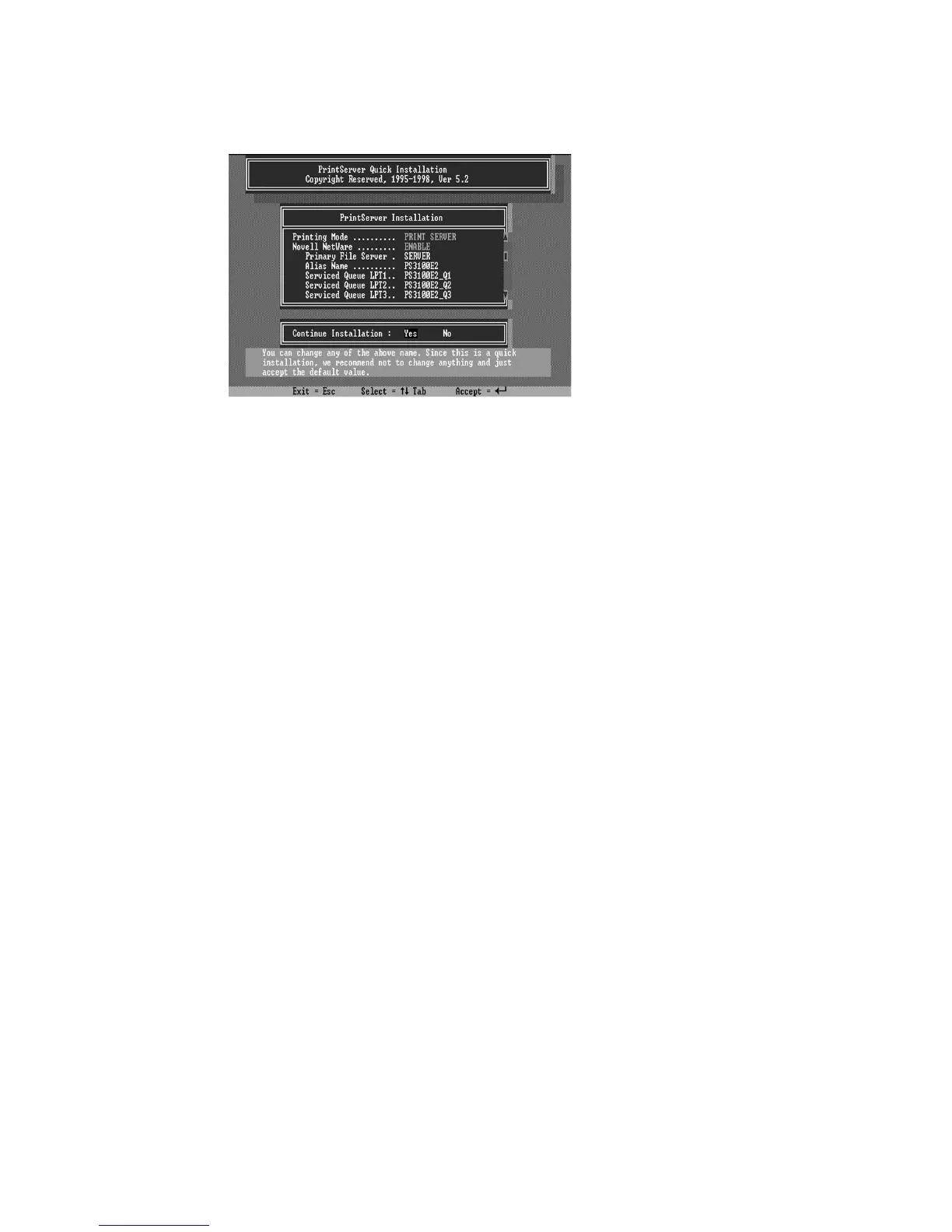
6. The quick installation program will not only set up
the print server, but create and setup all required objects on
the file server. When the setup is complete, it will also
display an execution command as following that you can run
after logging in to the file server to redirect print commands
to the new print server. :
capture /S=III /Q=PRINTSERVER_Q1 /nt /nff /nb /l=1
/ti=10
This redirects the LPT1 port (/l=1) to the print queue
PRINTSERVER_Q1 on the file server named III. No banner
page will be printed (/nb), no form feed will be added to the
end of the job (/nff), and tabs will not be expanded into
spaces (/nt). If the program does not explicitly signal end-of-
job, the capture facility will wait 10 seconds (/ti=10) before
assuming that the print job is complete.
7. Reset the print server to have the changes take effect.
Before printing, you may want to verify that the setup
was complete. Using the
Print Server Status
option of the
PSETUP command (as described in the following section),















 To Next Page