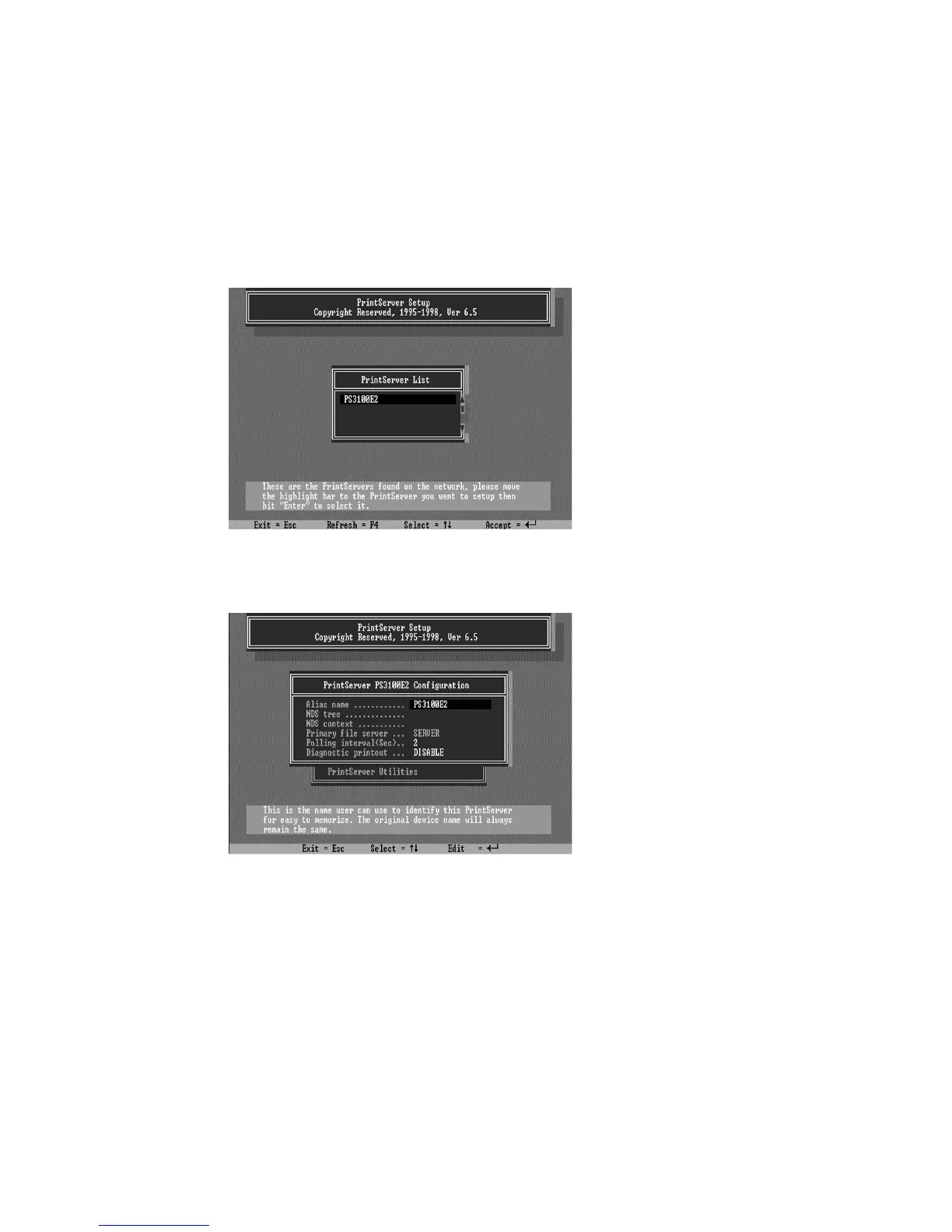
2. Run the PSETUP program included on the CD-ROM.
( Ex. e:\dosutil\psetup.exe )
3. Select your new print server from the list provided.
4. Choose NetWare Configuration from the menu.
5. Select Print server in the Printing mode field.
6. Change the Alias name if you want.
7. Set the Primary File Server to be the file server
where the print server’s queue will be located.















 To Next Page