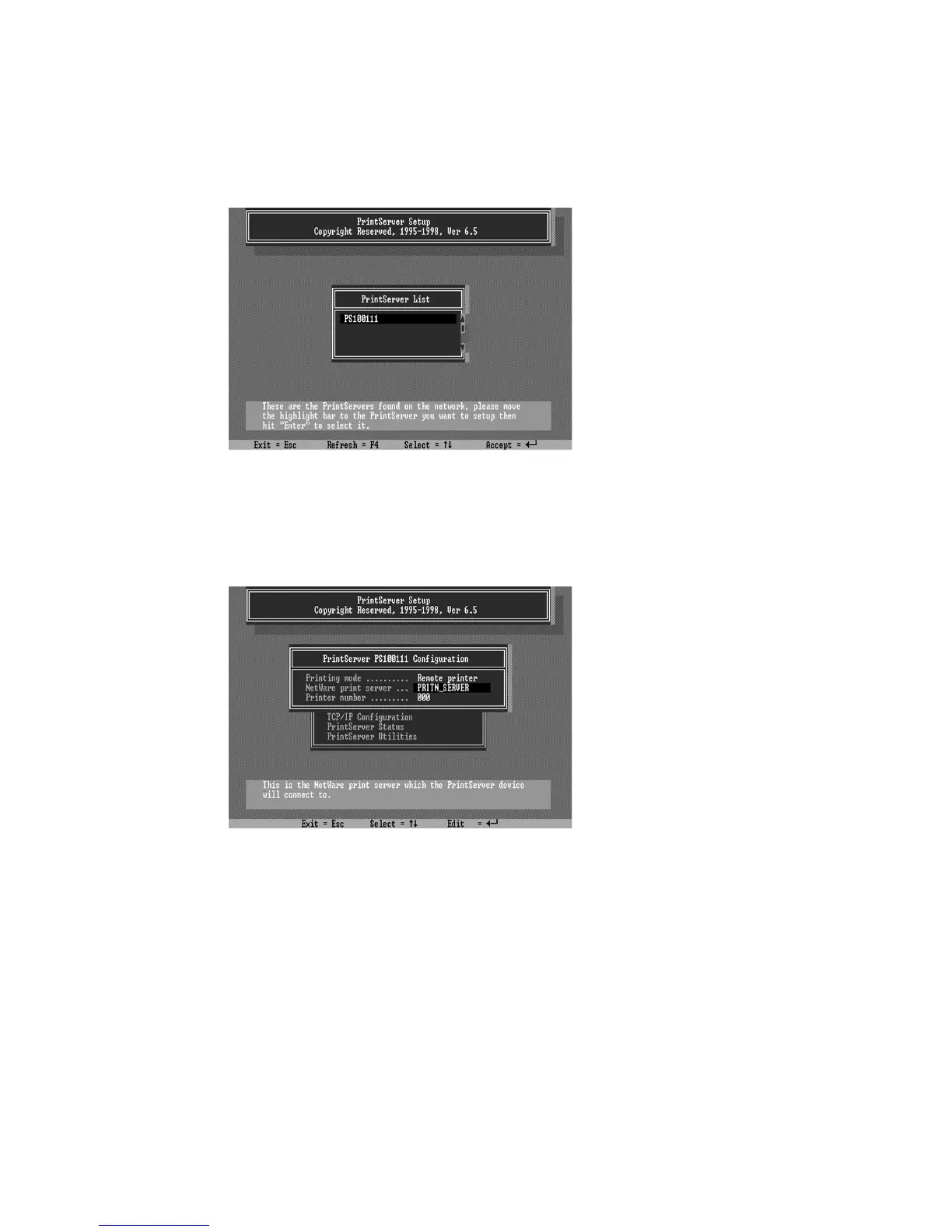
3. Select your new print server from the list provided.
4. Choose
NetWare Configuration
from the menu.
5. Select Remote Printer in the Printing mode field.
6. Type the print server‘s name in the
Print server
field.
The print server will be serviced by the print server that is
being configured as a remote printer now.
7. Type the printer number assigned in PCONSOLE in
the
Printer Number
field.















 To Next Page