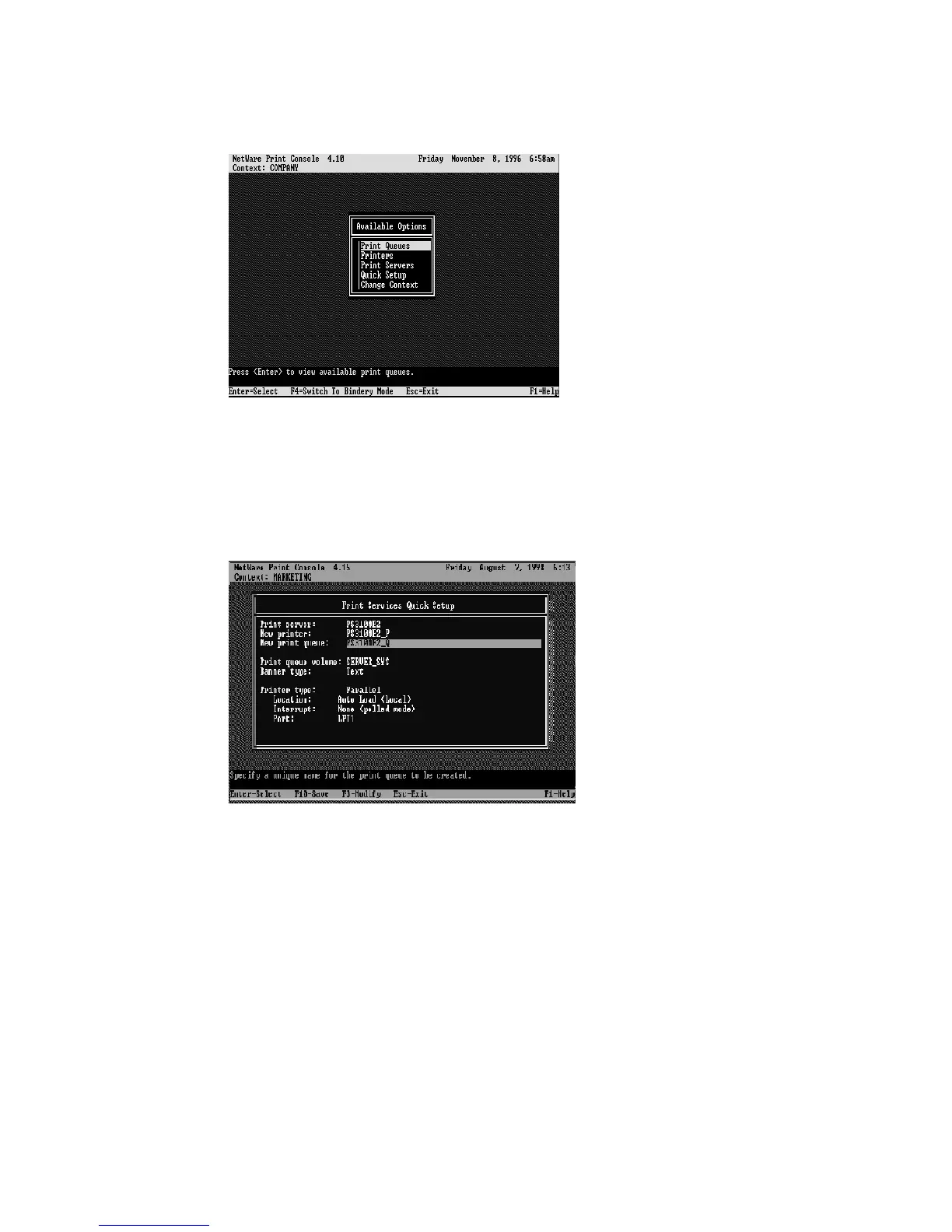
10. Change the current context, if necessary, using the
Change Context
menu selection.
11. Choose Quick Setup from the menu.
12. Enter the print server name (either the PSxxxxxx
name or an alias name you have assigned) in the Print server
field.
13. Assign printer and print queue names.
14. Set the
Banner type
to
PostScript
if you are using a
PostScript printer, and to Text otherwise.















 To Next Page