110
PC-80 driver settings
■
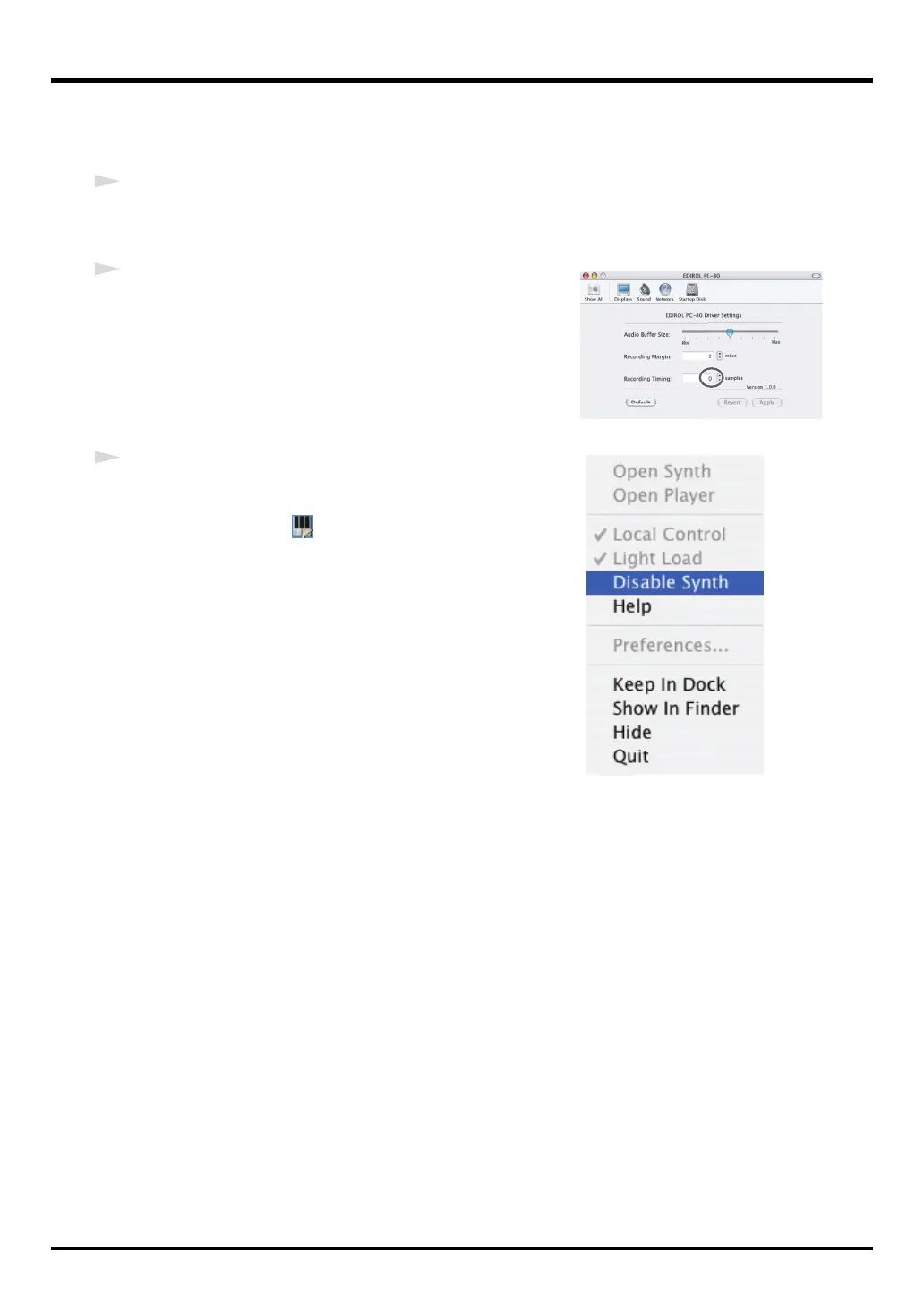
Adjusting the recording timing
If the timing of the recorded audio data seems off, adjust the timing value as follows.
1
As described in
“Accessing the EDIROL PC-80 Driver Settings panel”
(p. 107), open the
EDIROL PC-80 Driver Settings
dialog box.
2
Adjust the
“Recording Timing.”
Click
▲▼
to adjust the timing.
3
Enable the PC-80 software synthesizer.
1.
Hold down the
Control
key and click the
PC-80 Software
Synthesizer icon
shown in the Dock.
2.
From the menu that appears, choose
Disable Synth
to
clear the check mark.
3.
A dialog box indicating
“Enable the PC-80 Software
Synthesizer”
will appear.
Click
[OK]
.
* After you change a setting in the
EDIROL PC-80 Driver Settings
dialog box, you must restart any software
that uses the PC-80. If you are using software that has an audio device test function, please execute the test
function.
PC-80_e.book 110 ページ 2005年11月10日 木曜日 午前11時34分



 To Next Page