44
Playing back songs (Standard MIDI Files) on the PC-80
■
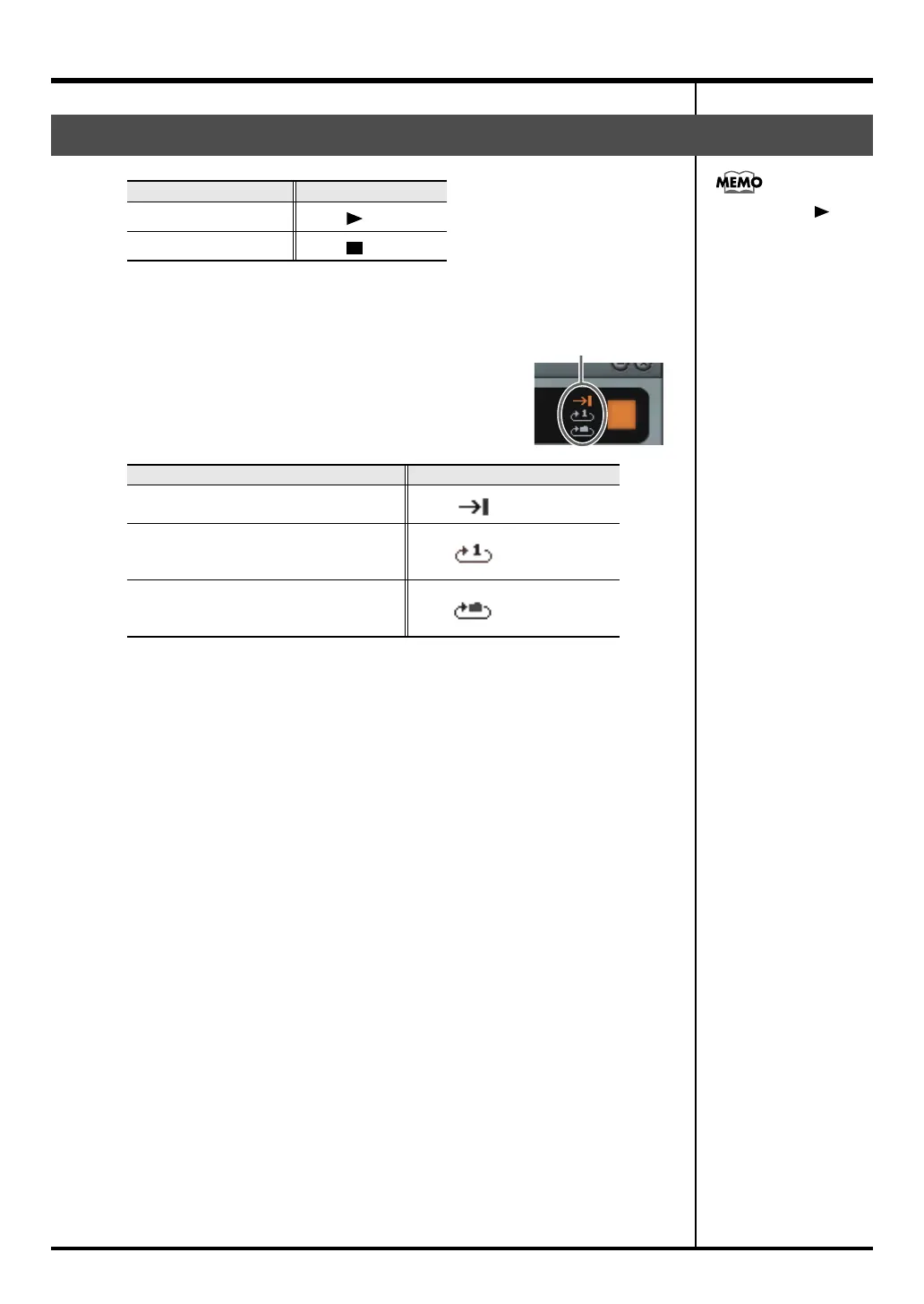
Repeat playback
fig.syn*
Click the repeat button to switch the Repeat mode.
Playing/stopping a song
When you want to Do this
Start playback
Click
Stop playback
Click
Repeat mode Operation
No repeat:
When the song ends, playback will stop
Click
Repeat 1 song:
When the song ends, that song will
continue playing from the beginning.
Click
Repeat folder:
When the song ends, the next song in
that folder will play.
Click
When you click ,
playback will always start
from the beginning of the
song. You can’t start
playback from the middle
of a song.
Click
PC-80_e.book 44 ページ 2005年11月10日 木曜日 午前11時34分



 To Next Page