111
PC-80 driver settings
1
With the PC-80 disconnected, start up Windows.
All USB cables should be disconnected, with the exception of those for a USB keyboard or USB
mouse (if used).
2
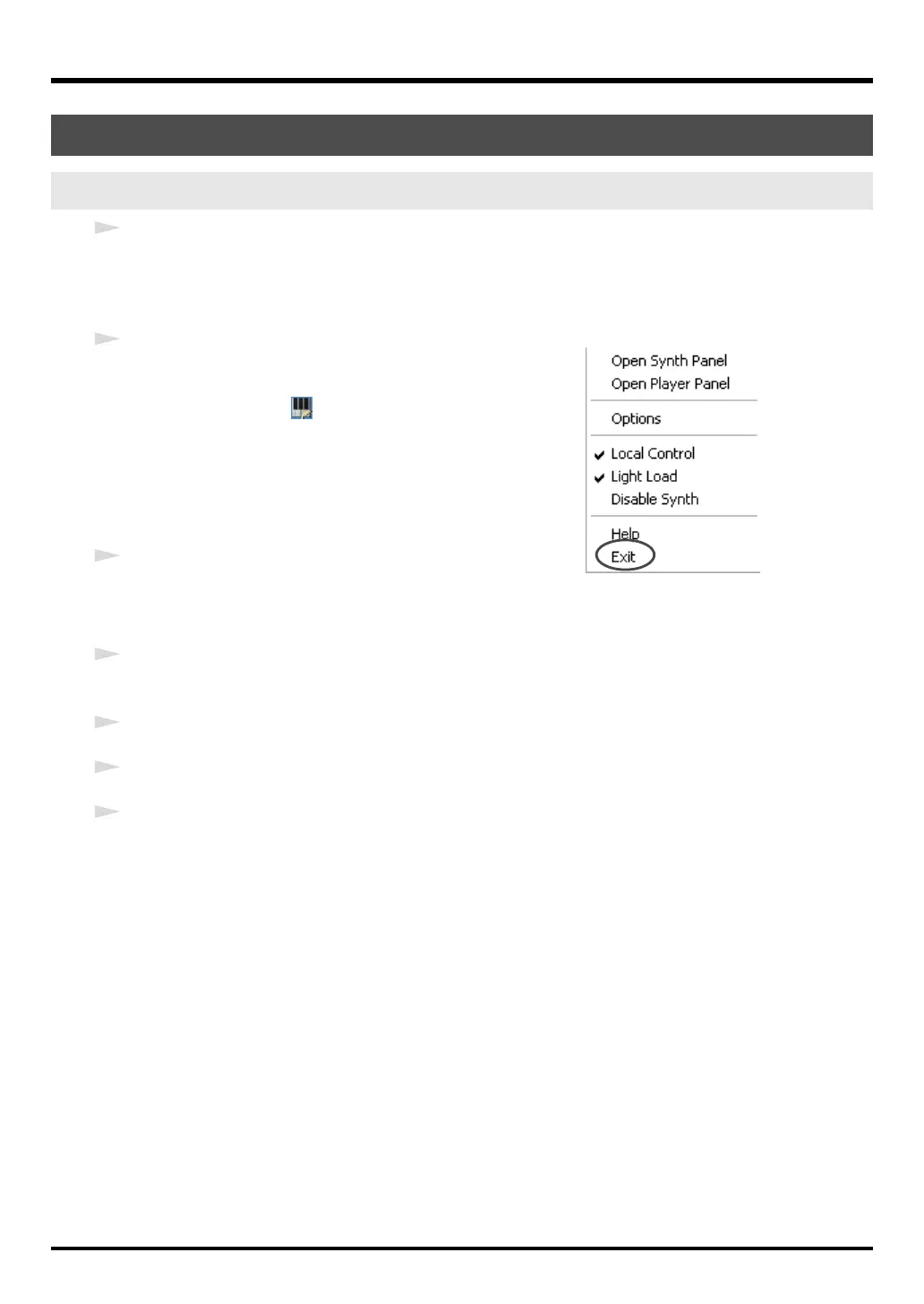
Close the PC-80 software synthesizer.
1.
In the taskbar, right-click the
PC-80 Software
Synthesizer icon
.
2.
From the menu that appears, choose
Exit
.
3.
A dialog box indicating
“Close the PC-80 Software
Synthesizer”
will appear.
Click
[OK]
.
3
Open the
Control Panel
.
If you’re using Windows XP, open the
Control Panel
from the
Start
menu. If you’re using
Windows 2000, choose
Settings | Control Panel
from the Windows Start menu.
4
If you’re using Windows XP, click “Switch to Classic View” to select the Classic view. If the
Classic view is already selected, proceed to the next step.
5
Double-click the
EDIROL PC-80
icon.
6
In the dialog box, click
[Uninstall]
.
7
Follow the instructions in the dialog box that appears to proceed with the uninstallation.
If you are unable to uninstall the driver using the above method, close the PC-80 software
synthesizer as described in step 2, and then use
Uninstal.exe
(located in the
Driver
folder of the
CD-ROM) to uninstall the driver.
For details, refer to Readme_E.txt on the CD-ROM.
Uninstalling the driver
Windows users
PC-80_e.book 111 ページ 2005年11月10日 木曜日 午前11時34分



 To Next Page