36
Playing the PC-80 keyboard
Use Upper mode to select the Upper sound.
■
Selecting the Upper sound from the PC-80
fig.upper
1
Press the PC-80’s
UPPER
button.
The PC-80’s
UPPER
button will light; Upper mode is selected.
The sound name field shows the name of the sound currently
selected for the Upper part.
2
Select the sound. (
➔
“Selecting sounds”
(p. 34))
■
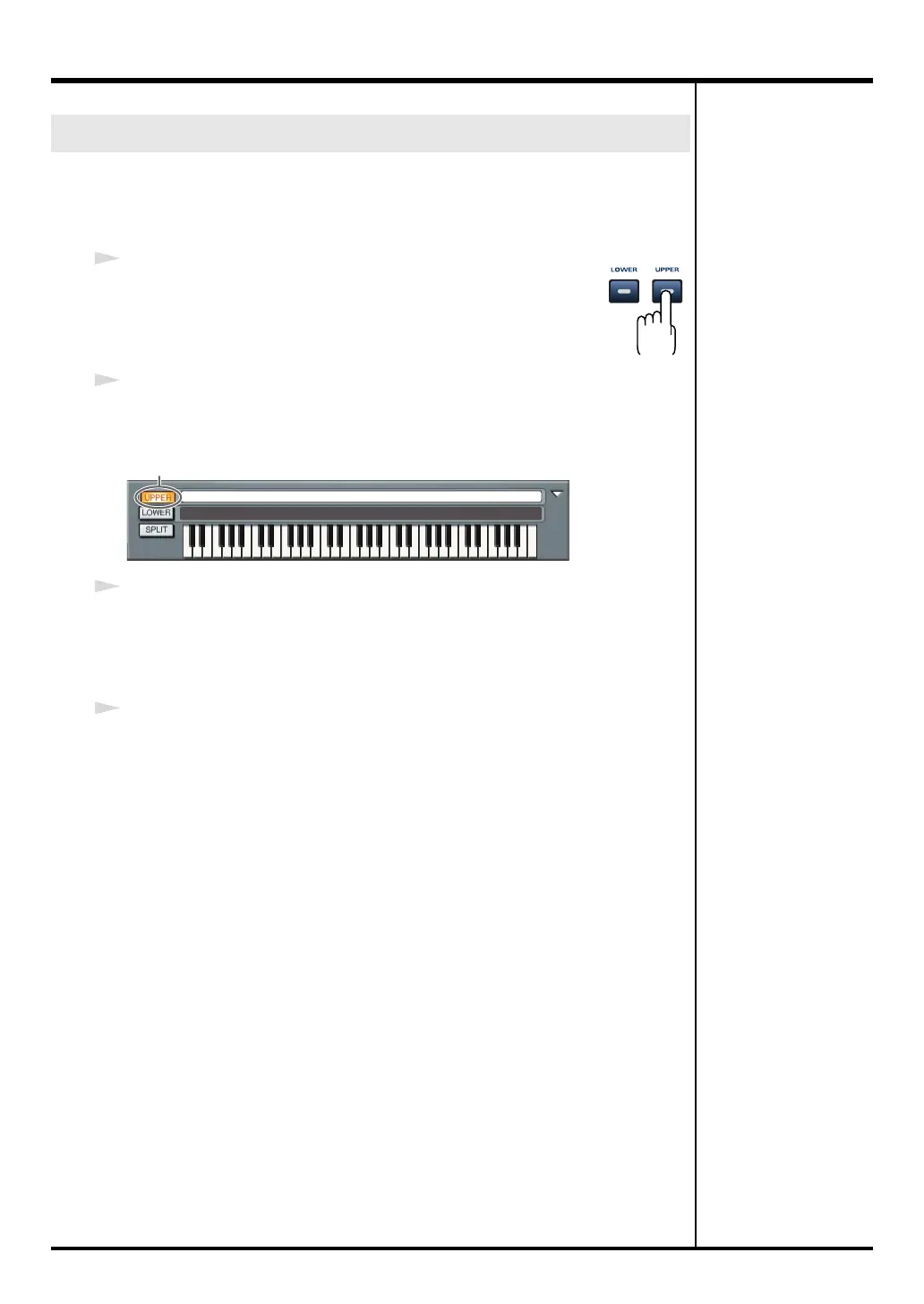
Selecting the Upper sound from the Synth panel
1
In the Synth panel, click the
UPPER
button.
The Synth panel’s
UPPER
button will light; Upper mode is selected.
The sound name field shows the name of the sound currently selected for the
Upper part.
2
Select the sound. (
➔
“Selecting sounds”
(p. 34))
Play the keyboard, and you will hear the sound selected for Upper mode.
Selecting the Upper sound
C7C7C6C6C5C5C4C4C2C3C2C2
C7C7C6C6C5C5C4C4C2C3C2C2
Click
PC-80_e.book 36 ページ 2005年11月10日 木曜日 午前11時34分



 To Next Page