34
Playing the PC-80 keyboard
Now let’s change the sound that is heard when you play the keyboard.
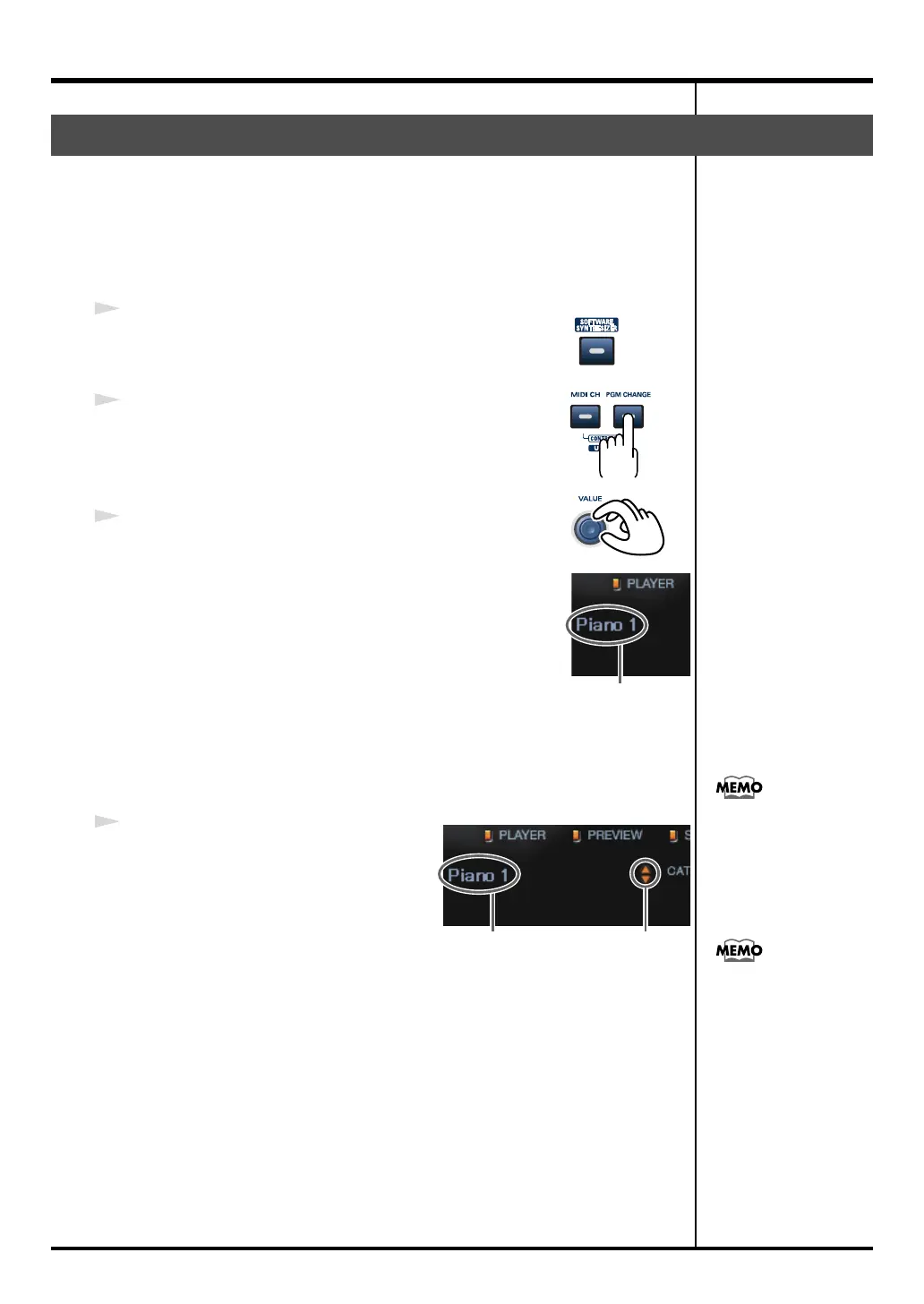
You can either use the PC-80’s VALUE encoder to select a sound, or select a
sound in the PC-80 software synthesizer’s screen (Synth panel).
■
Using the PC-80’s VALUE encoder to select sounds
1
Make sure that the PC-80’s
SOFTWARE SYNTHESIZER
button is lit.
fig.program
2
Press the
PGM CHANGE
button.
The
PGM CHANGE
button will light.
3
Use the
VALUE encoder
to select a sound.
fig.ss-tsujo-s1_70
Turning the VALUE encoder toward the right will select the
next sound, and turning it toward the left will select the
preceding sound. The selected sound is shown in the Synth
panel.
Play the keyboard to hear the selected sound.
■
Using the Synth panel to select sounds
fig.ss-tsujo-s_70
1
In the Synth panel screen on your
computer, use your mouse to select
sounds.
Use your mouse to click
▲
/
▼
.
Clicking
▲
will select the next sound,
and clicking
▼
will select the preceding
sound.
Play the keyboard to hear the selected sound.
Selecting sounds
Sound name
Click
Sound name
Alternatively, you can
click the sound name to
view a menu, and choose a
sound from this list.
For a more detailed
explanation of the PC-80
software synthesizer, refer
to “Using the Synth panel
to select a sound” (online
help).
PC-80_e.book 34 ページ 2005年11月10日 木曜日 午前11時34分



 To Next Page