84
System settings for the PC-80
Here you can make settings for the PC-80’s audio functionality.
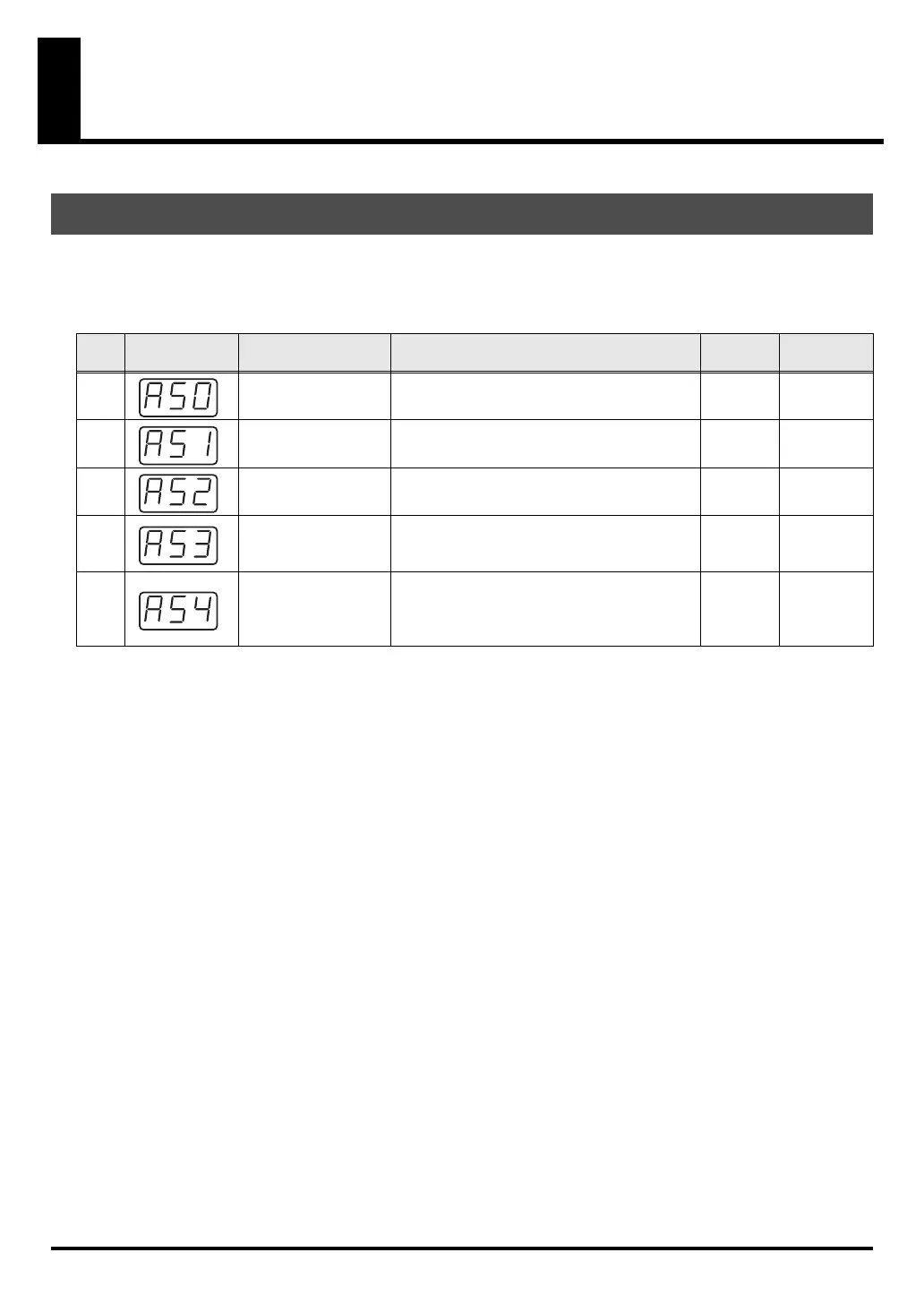
Audio System setting items
Audio System settings
Key Display Mode Contents of setting Factory
setting
Procedure
0
SAMPLE RATE
SETTING
Specifies the sample rate for USB audio.
* Changes go into effect upon next power-up.
44.1 kHz p. 85
1
AUDIO ADVANCED
DRIVER ON/OFF
Specifies the driver mode for USB audio.
* Changes go into effect upon next power-up.
ON p. 86
2
SPEAKER ON/OFF
Turns the PC-80’s built-in speakers on/off.
ON p. 87
3
BASS ENHANCER
ON/OFF
Turns the Bass Enhancer function on/off.
Turn this on if you want to strengthen the
bass.
ON p. 88
4
LOOP BACK ON/
OFF
Turns the Loop Back function on/off. If this is
on, the audio sent by your sequencer or other
software from the computer will be routed
through the PC-80 and back to the computer.
OFF p. 88
PC-80_e.book 84 ページ 2005年11月10日 木曜日 午前11時34分



 To Next Page