17
Installation and settings (Windows)
5
Click
[OK]
to close the
System Properties
dialog box.
6
Exit all currently running software (applications).
Also close any currently open windows. If you are using antivirus or similar
software, you must exit all of these programs as well.
7
Prepare the CD-ROM.
Insert the CD-ROM into your computer’s CD-ROM drive.
8
From the Windows
start
menu, choose
Run...
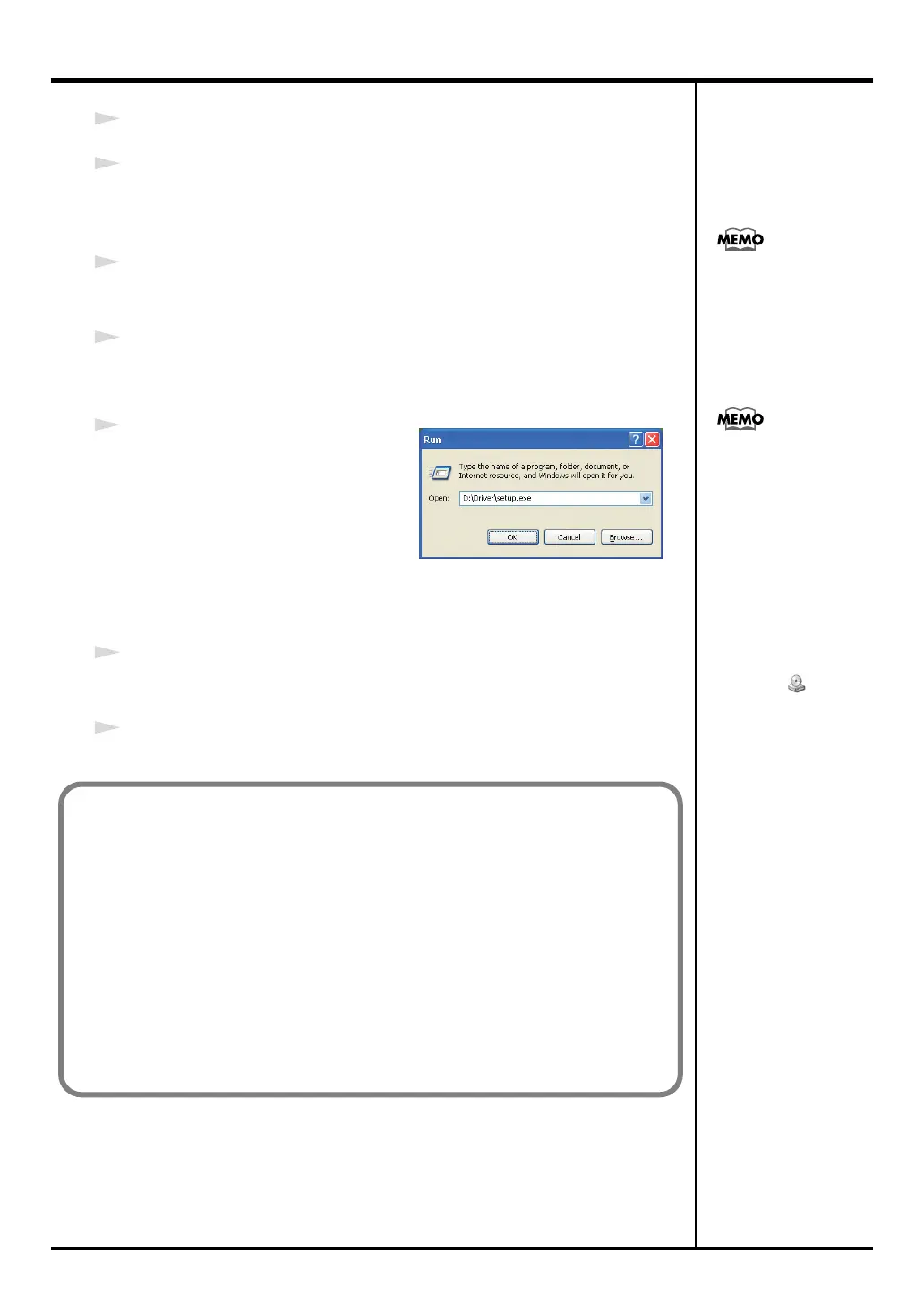
The
Run
dialog box will appear.
fig.win-run
9
In the Open field of the dialog box,
type the following and click
[OK]
.
(Drive name): \Driver\Setup.exe
* The drive name is “D:” in the example shown here, but may be different on your
system. Use the drive name for your CD-ROM drive.
10
The
Driver Setup
dialog box will appears.
Click
[Next]
.
11
To begin the installation, click
[Next]
once again. Installation will begin.
If the message “Windows
can perform the same
action each time you
insert a disk or connect a
device with this kind of
file” appears, [Cancel].
Checking the drive name
If you need to check the
drive name, choose start
➔ My Computer. In the
window that appears, note
the drive name of the CD-
ROM drive into which you
inserted the CD-ROM in
step 7.
The (D:) or (E:) that is
indicated for that CD-
ROM drive is the drive
name.
If the “Driver Signing Options” setting is other than “Ignore” a dialog box like the
following will appear.
If a dialog box with an “!” mark appears
1. Click [Continue Anyway].
2. Installation will begin.
If a dialog box with an “X” symbol appears
1. Click [OK].
2. When the “Found New Hardware Wizard” appears, click [Finish].
3. Return to step 1 (p. 16), and reinstall the driver from the beginning.
PC-80_e.book 17 ページ 2005年11月10日 木曜日 午前11時34分



 To Next Page