27
Installation and settings (Windows)
fig.soft-inst2.eps
7
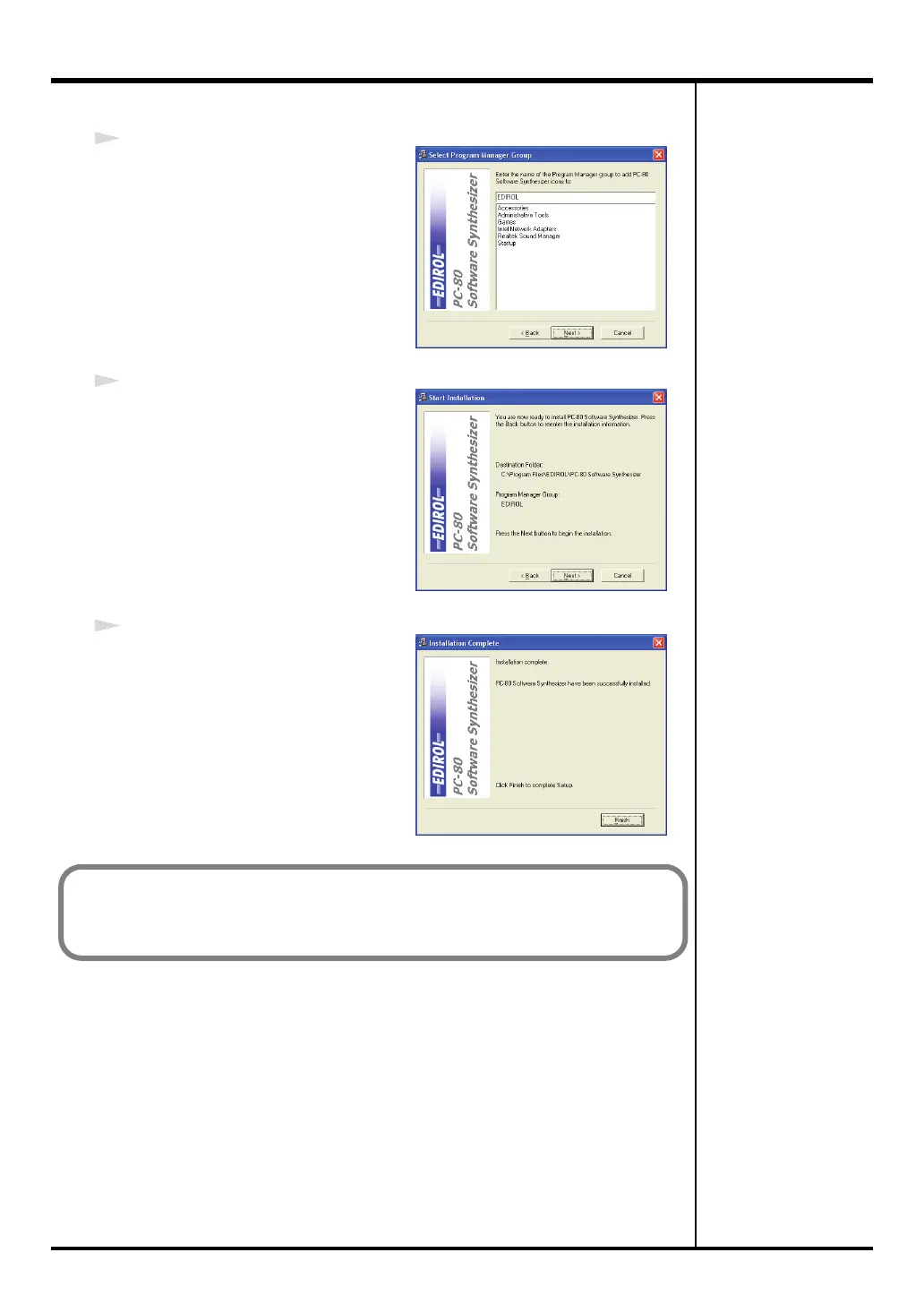
If the
Select Program Manager
Group
screen appears, click
[Next]
.
fig.soft-inst3.eps
8
The
Start Installation
screen will
appear. Click
[Next]
.
fig.-soft-inst4.eps
9
When the files have been copied, the
Installation Complete
will appear.
Click
[Finish]
.
This completes installation of the PC-80 software synthesizer.
Now, let’s try starting up the PC-80 software synthesizer.
(➔ “Starting up the PC-80 software synthesizer” (p. 28))
PC-80_e.book 27 ページ 2005年11月10日 木曜日 午前11時34分



 To Next Page