64
Using the PC-80 as a MIDI controller keyboard
■
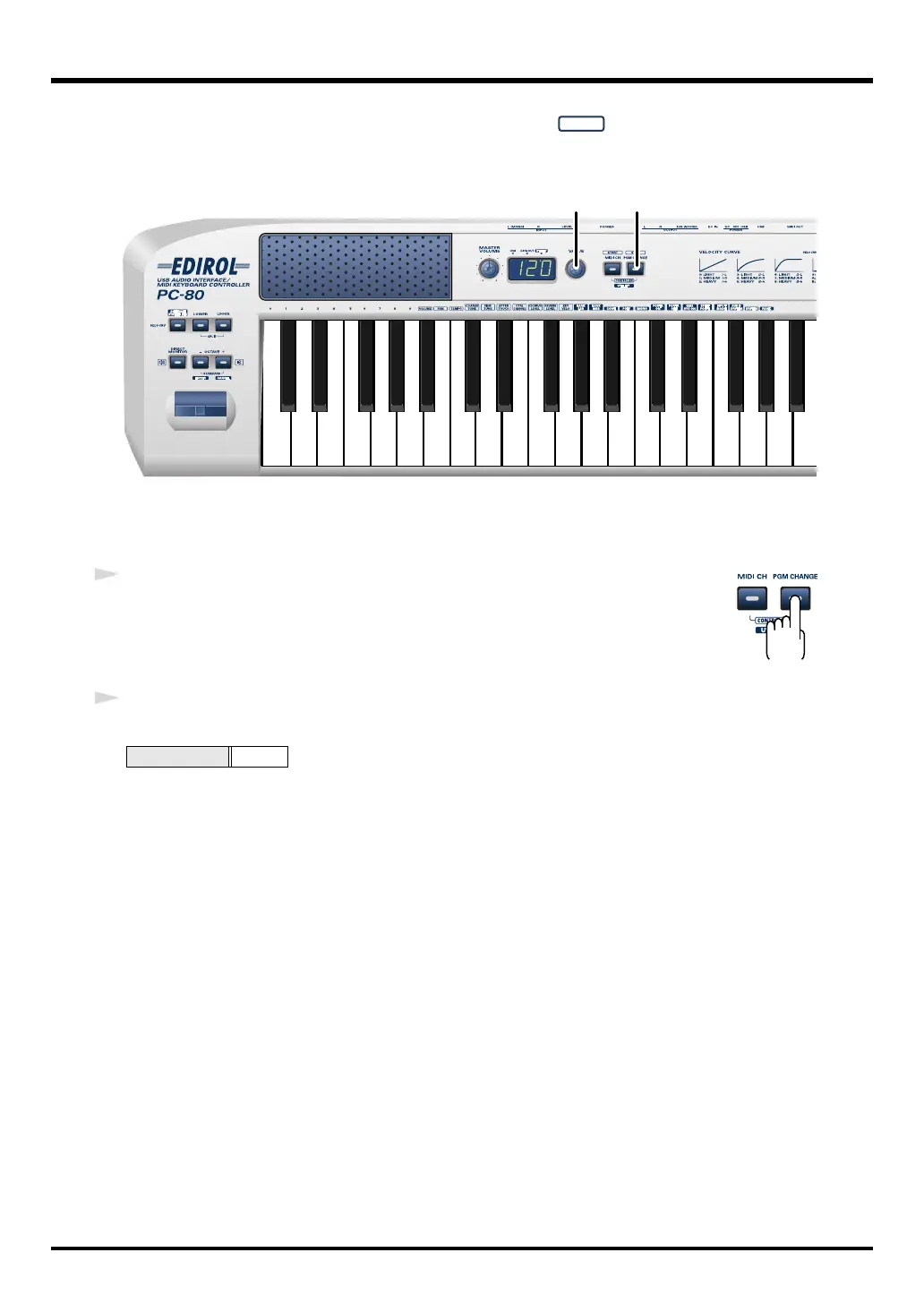
Transmitting a program change message
Here’s how to transmit a Program Change message on the current channel (p. 62).
fig.PC-1_75
Make sure that the PC-80’s
SOFTWARE SYNTHESIZER
button is not lit.
If you’re in Controller mode (p. 67), switch to Play mode.
fig.program
1
Press the
PGM CHANGE
button.
The
PGM CHANGE
button will light. The display will show the most recently
transmitted Program Change number.
2
Use the
VALUE encoder
to specify the Program Change number you want to transmit.
The Program Change message has been sent.
Range
1–128
12
PC-80_e.book 64 ページ 2005年11月10日 木曜日 午前11時34分



 To Next Page