EWM1000plus EWM2000evo EWM3000new
QUICK GUIDE AND APPLIANCES LIST 17/176 599 72 40-80
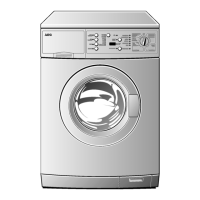
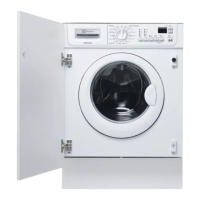
2.2 Sigma/Alpha/Ellipse//Multipanel Built-In/Sigma-ZK/Jewel with or without
selector
2.2.1 Access to diagnostics system
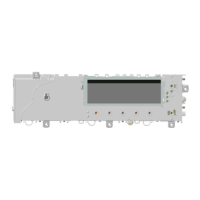
Attention: the programme selector is not always in the position indicated in the picture; it can be on the right
or on the left of the display board!
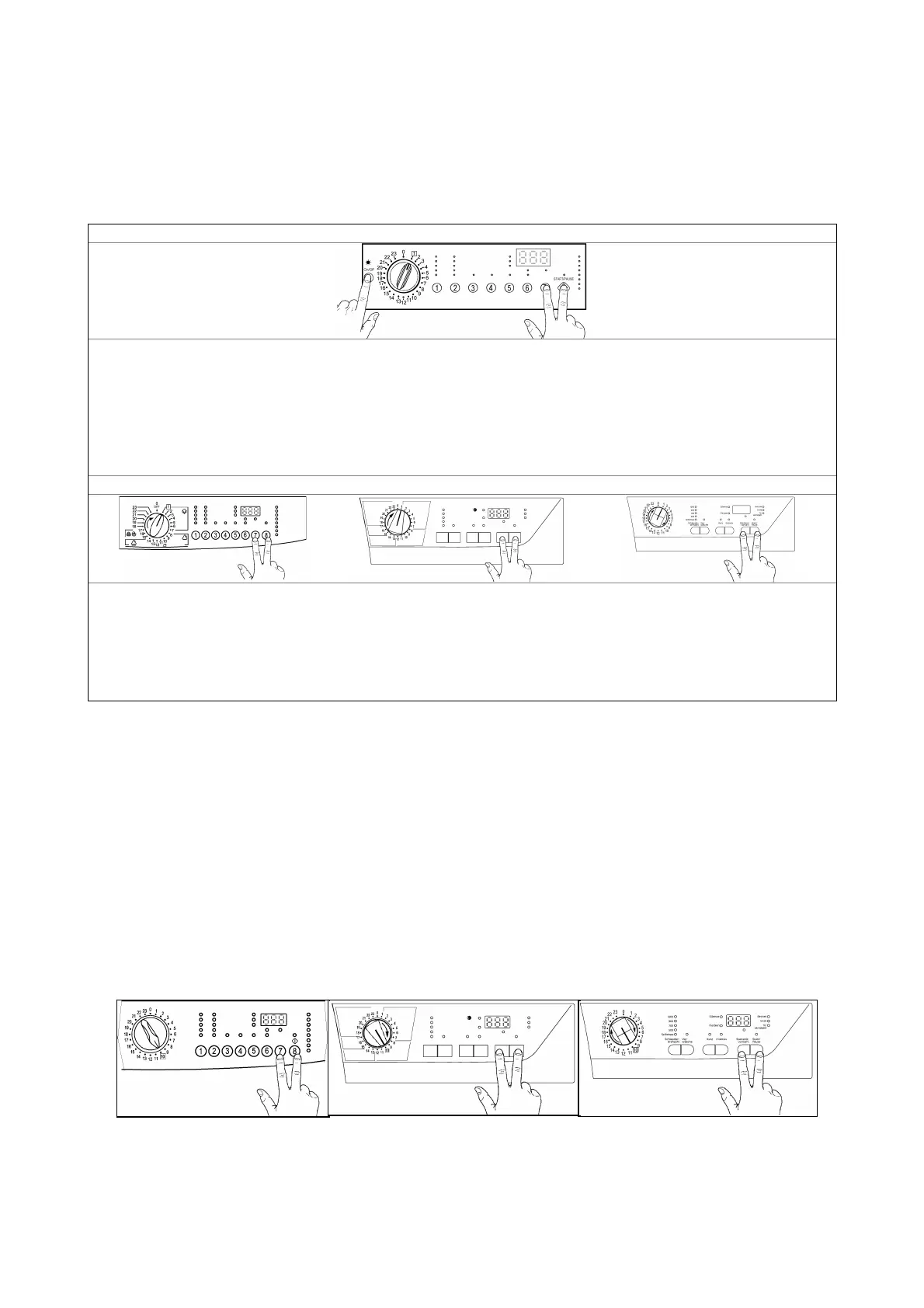
Version with selector and button ON/OFF switch
1. Cancel the set programme and switch the appliance off.
2. Rotate the programme selector of one positions clockwise.
3. Press the start/pause (8) button and any of the option button simultaneously and then, keeping them
pressed, switch the appliance on through the ON/OFF button (on/off).
4. Hold the start/pause and option buttons down till the LEDs start flashing (about 5 seconds).
5. To exit the diagnostics system switch the appliance off, on and then off again.
Version with selector and incorporated ON/OFF switch
1. Cancel the set programme switching the appliance off.
2. Press the start/pause (8) button and any of the option buttons simultaneously and then, keeping them
pressed, switch the appliance on rotating the programme selector of one position clockwise.
3. Hold the start/pause and option buttons down till the LEDs start flashing (about 5 seconds).
4. To exit the diagnostics system switch the appliance off, on and then off again.
2.2.2 Rapid reading of alarm codes
The last alarm code can be displayed even if the programme selector is not in the tenth position
(diagnostics) or if the appliance is in normal operating mode (e.g. during the execution of the washing
programme):
ª Press and hold down START/PAUSE and the option button nearest to the START/PAUSE button for at
least two seconds: the LEDs initially switch off, and then display the flashing sequence corresponding to
the alarm; if the display is featured, it will display the alarm code
ª The alarm sequence is displayed for the time in which the buttons are hold down
ª During the time the alarm is displayed, the appliance continues to perform the cycle or, if it is in the
selection phase, it keeps in memory the options previously chosen.
2.2.3 Cancelling the last alarm
It is good practice to cancel the last alarm, after reading the alarm code to check whether the alarm re-occurs
during the diagnostics control after the reparation of the appliance.
1. Select diagnostics mode and turn the programme selector to the tenth position (reading of alarm)
2. Press and hold down START/PAUSE and any of the option buttons at the same time for five
seconds.



 To Next Page