EWM1000
1 EWM1000
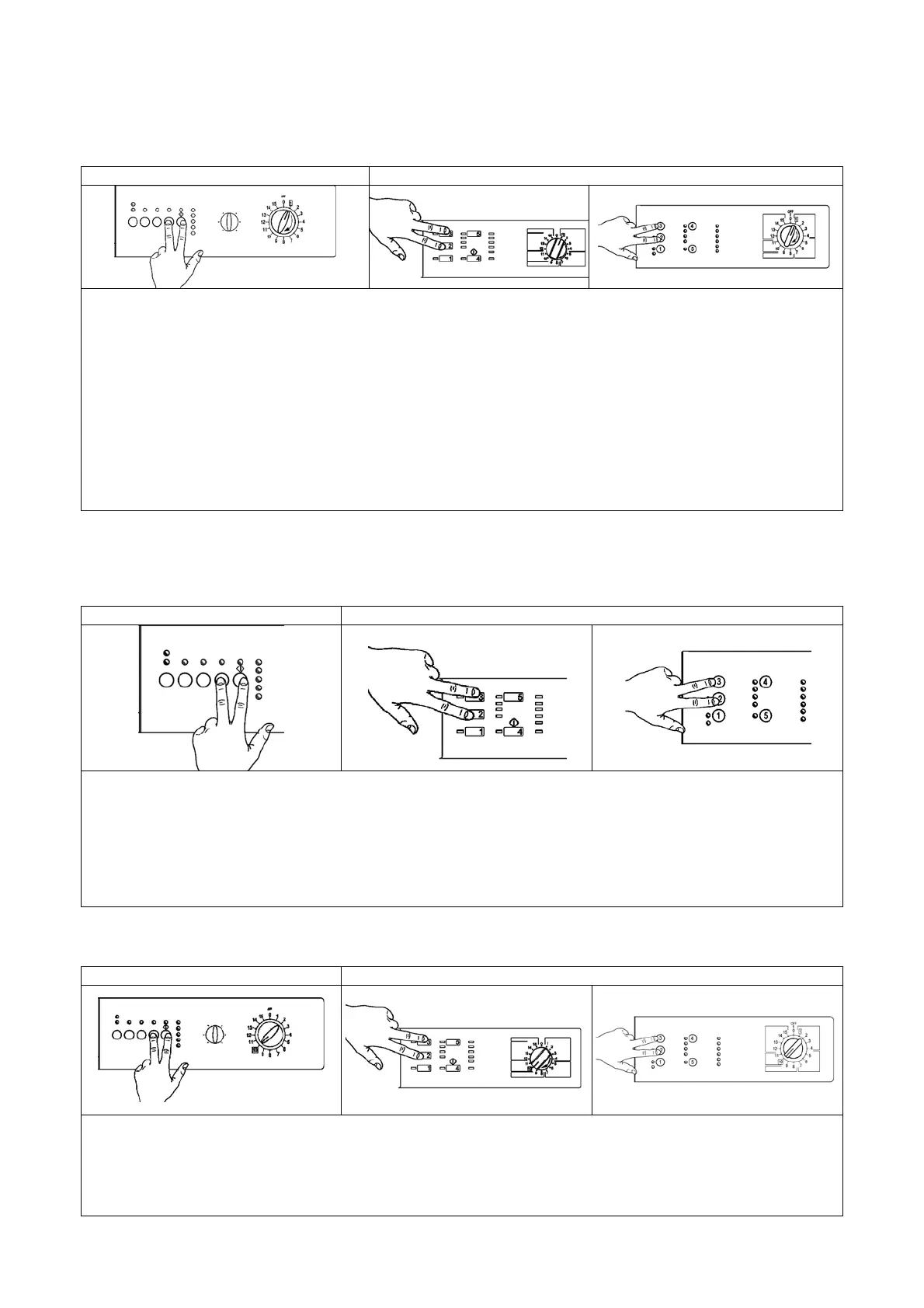
1.1 Access to the diagnostic cycle
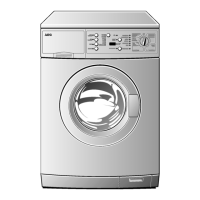
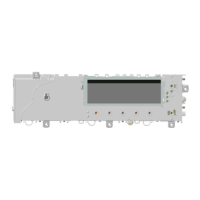
version with horizontal pushbuttons version with vertical pushbuttons
1. Switch off the appliance.
2. Press and hold down the START/PAUSE button and any one of the OPTION buttons simultaneously.
horizontal version, while for vertical version pushbuttons are 2 and 3.
3. Holding down both buttons, switch the appliance on by turning the programme selector one position
clockwise.
4. Continue to hold down the START/PAUSE button and the OPTION button horizontal version, while for
vertical version pushbuttons are 2 and 3, until the LEDs begin to flash (at least 2 seconds).
5. To exit the diagnostics system switch the appliance off, on and then off again.
IMPORTANT: The position of the START/PAUSE button varies according to the model, and is
therefore not always the same.
1.2 Rapid reading of alarms
The last alarm can be displayed even if the programme selector is not in the tenth position (diagnostics) or if
the appliance is in normal operating mode (e.g. while the washing programme is in operation):
version with horizontal pushbuttons version with vertical pushbuttons
1. Press START/PAUSE and any one of the option buttons simultaneously for horizontal version, while
for vertical version pushbuttons are 2 and 3, for at least two seconds: the LEDs first switch off, and then
display the flashing sequence corresponding to the alarm condition.
2. The alarm sequence continues as long as the two buttons are held down.
3. While the alarms are displayed, the current cycle being performed continues or, if the appliance is in the
programme selection phase, the options previously selected remain in memory.
1.3 Cancelling the last alarm
version with horizontal pushbuttons version with vertical pushbuttons
1. Access alarm reading mode (tenth selector position)
2. Press and hold down START/PAUSE and any one of the option keys simultaneously for horizontal
version, while for vertical version pushbuttons are 2 and 3.
3. Hold the START/PAUSE and OPTION button down until the LEDs begin to flash (about 5 seconds)



 To Next Page