ENV06 EWM11xx EWM21xx EWM25xx/35xx
QUICK GUIDE AND APPLIANCES LIST 42/176 599 72 40-80
3.2 Cancelling the last alarm
It is good practice to cancel the last alarm:
• after reading the alarm code, to check whether the alarm re-occurs during diagnostics;
• after repairing the appliance, to check whether it re-occurs during testing.
1. Select diagnostics mode.
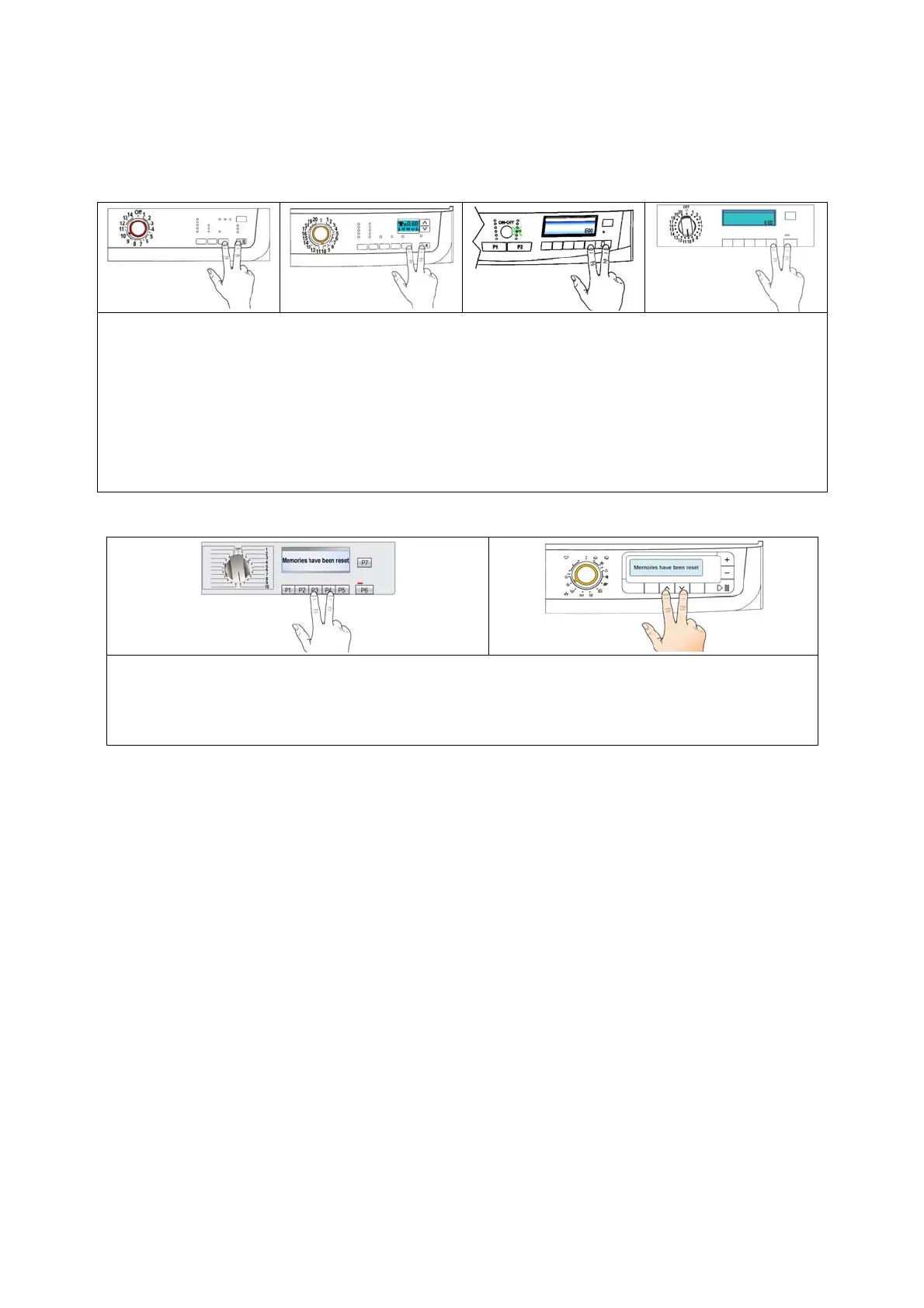
2. Turn the programme selector (version with knob) to the tenth position or push button P2 till to
switch on the LED N°10 (alarm reading).
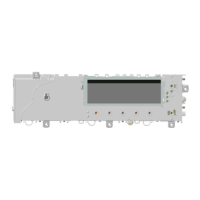
3. Push simultaneously the START/PAUSE button and the nearest option button (as represented
in figure).
4. Hold down the buttons till the LEDs stop to flash the LCD display shows “E00” (at least 5 seconds).
With this operation all the memorised alarms are deleted
1. Select diagnostic mode, turn the selector to the tenth position.
2. Press the buttons simultaneously (as represented in figure).
3. Hold down the buttons till the LCD display shows “Deleted memories” (at least 5 seconds).



 To Next Page