Use and maintenance manual
Page 10
Engineering Department PHONE: +39 0532 829 965 - FAX: +39 0532 829 177
E-Mail: support@elenos.com
3. USER INSTRUCTIONS
3.1.
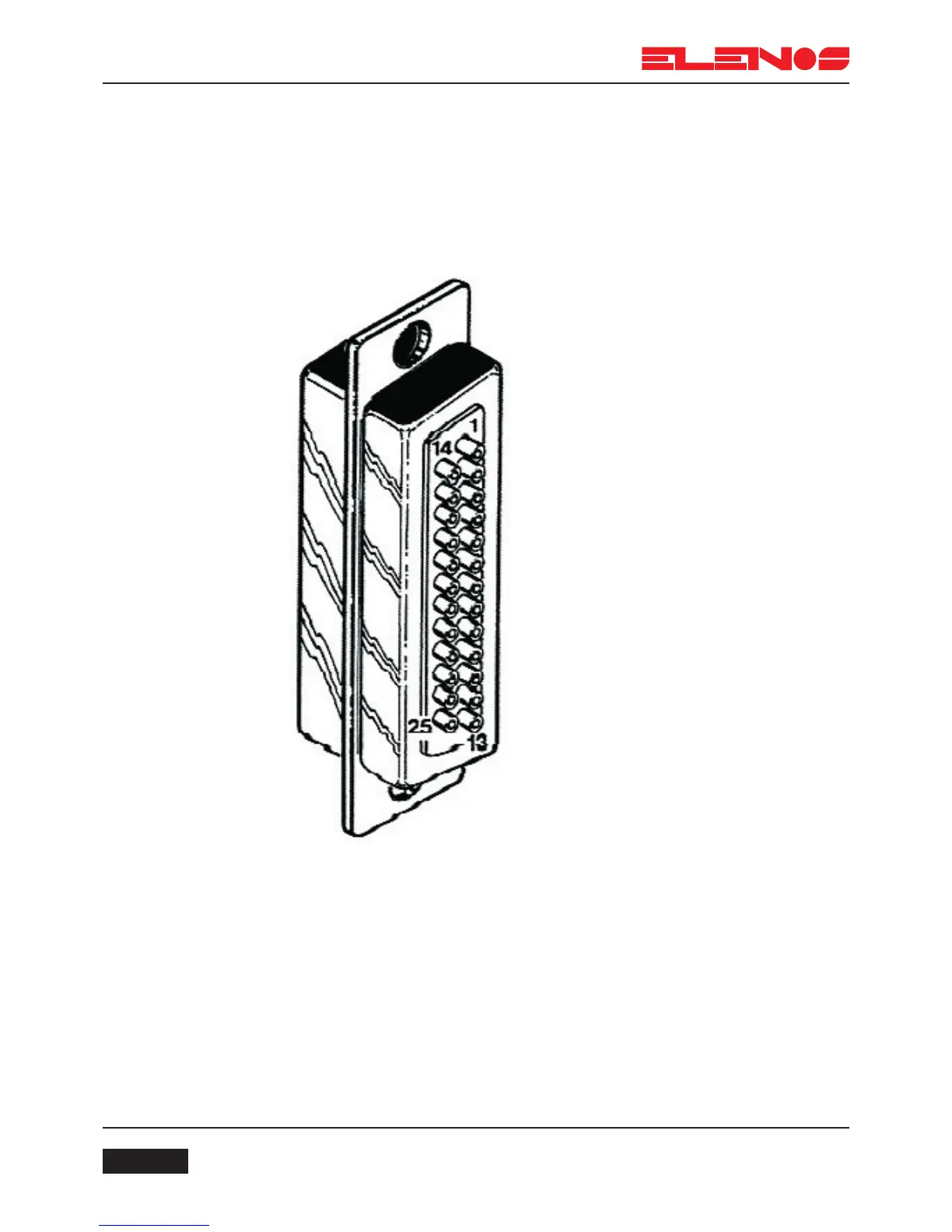
User interface
The user interface is designed to accept upto 14 analog signals in the range 0 to
2V. For example, it is possible to read a remote temperature, remote voltages and currents
of other equipment and direct and reflected power of other equipment.
Pins with an “IN” prefix are inputs
Pins with an “NC” prefix are not connected
Pins with a “GND” prefix are earths
To enable external RF OFF function (stand by) after having switched on the device, during
countdown, press P2 and P7 at the same time, enter the password (2222, press P2 four
times) enable “EXT RF OFF” and save the new configuration.



 To Next Page