Use and maintenance manual
Page 19
Engineering Department PHONE: +39 0532 829 965 - FAX: +39 0532 829 177
E-Mail: support@elenos.com
3. USER INSTRUCTIONS
3.4.6.
User setup menu
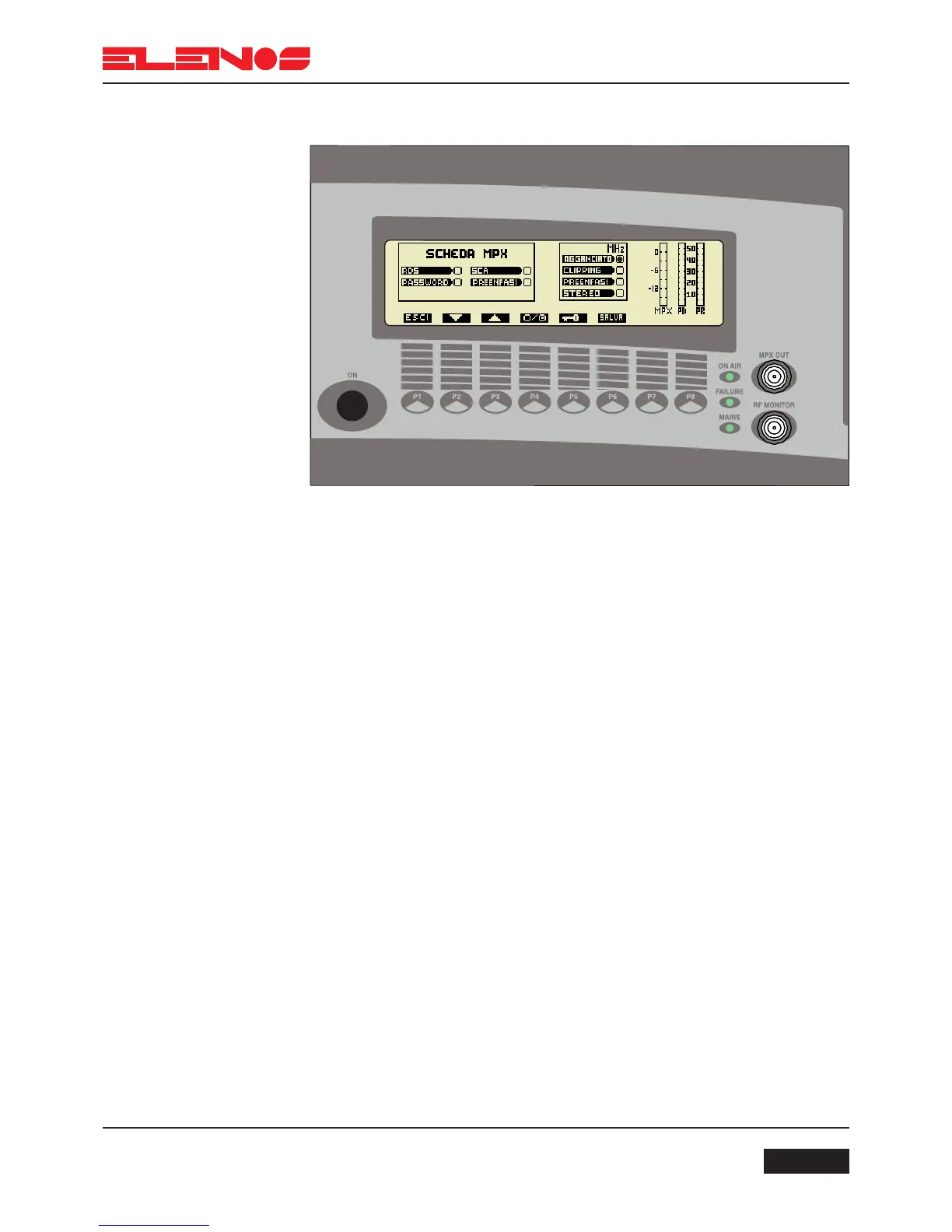
Press key P1 to return to the functions menu
Press key P2 to scroll the menu options from top to bottom
Press key P3 to scroll the menu options from bottom to top
Press key P4 to enable (circle filled) or disable (circle empty) the selected function
Press key P6 to save the change
Press key P5 to program a four figure password
The password restricts access to the audio, frequency, power and user setup menus by
unauthorised personnel.
The following parameters are displayed in the user setup menu: MPX level, direct power,
reflected power, operating frequency, PLL lock, clipper operation, insertion of pre-empha-
sis and activation of the stereo encoder.



 To Next Page