Use and maintenance manual
Page 21
Engineering Department PHONE: +39 0532 829 965 - FAX: +39 0532 829 177
E-Mail: support@elenos.com
3. USER INSTRUCTIONS
3.4.8.
RDS menu
(Optional)
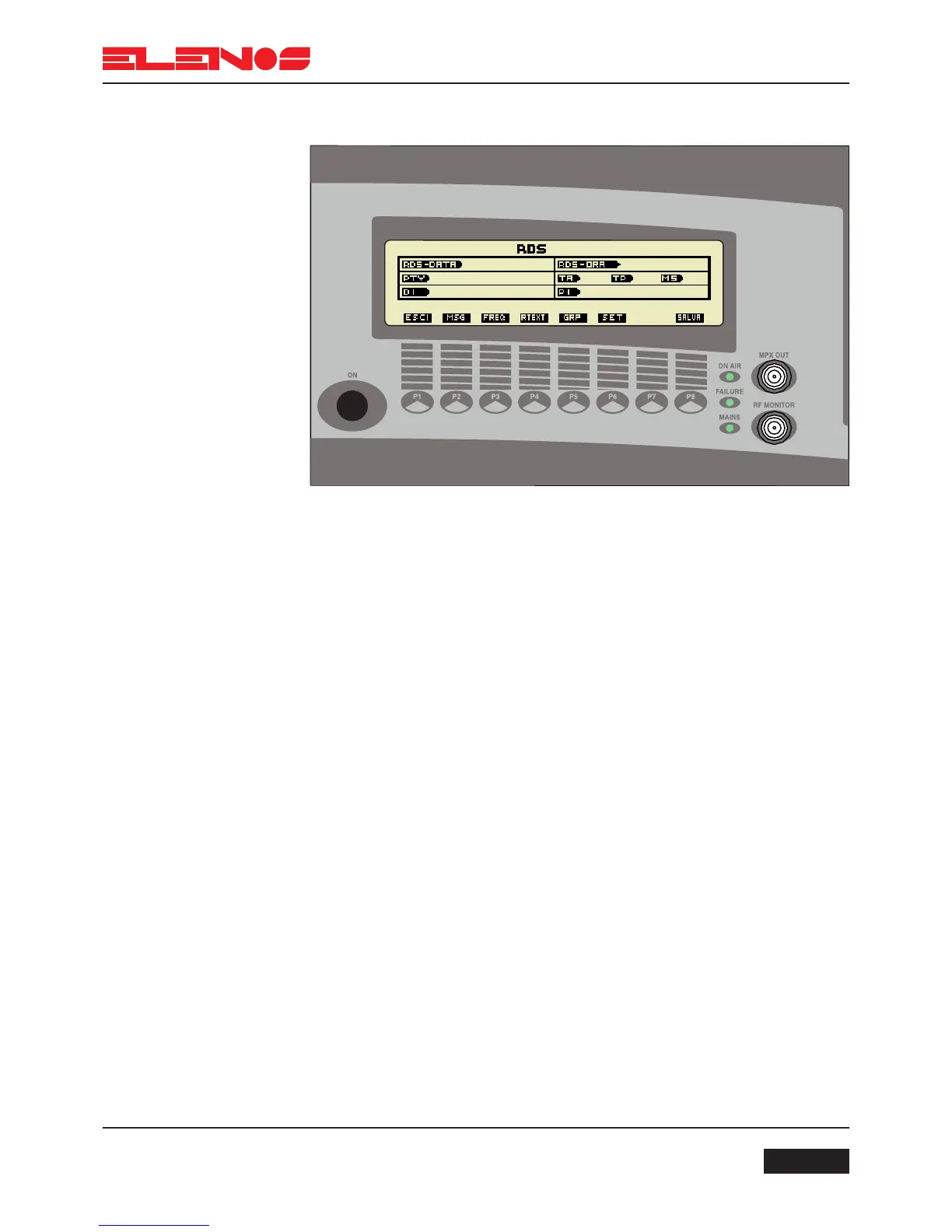
Adjustment of RDS settings (optional)
In function menu press P4 to enter RDS menu
Press P1 to return to function menu
Press P2 to enable RDS messaging settings
Press P3 to enable alternative frequencies settings
Press P4 to enable radio text settings
Press P5 to enable groups settings
Press P6 to set RDS Date and Time, PTY, DI, TA, TP, MS and PI
Press P8 to save settings



 To Next Page