IV.
Connect the terminal to the measurement position as shown in Figure 6.9.1 or 6.9.2.
V.
If there is no voltage induced when connected to the measurement position, press the Test button.
VI.
Press the Test button once to perform continuous measurement and press the Test button again to
stop the measurement.
VII.
The measured value is held on the screen.
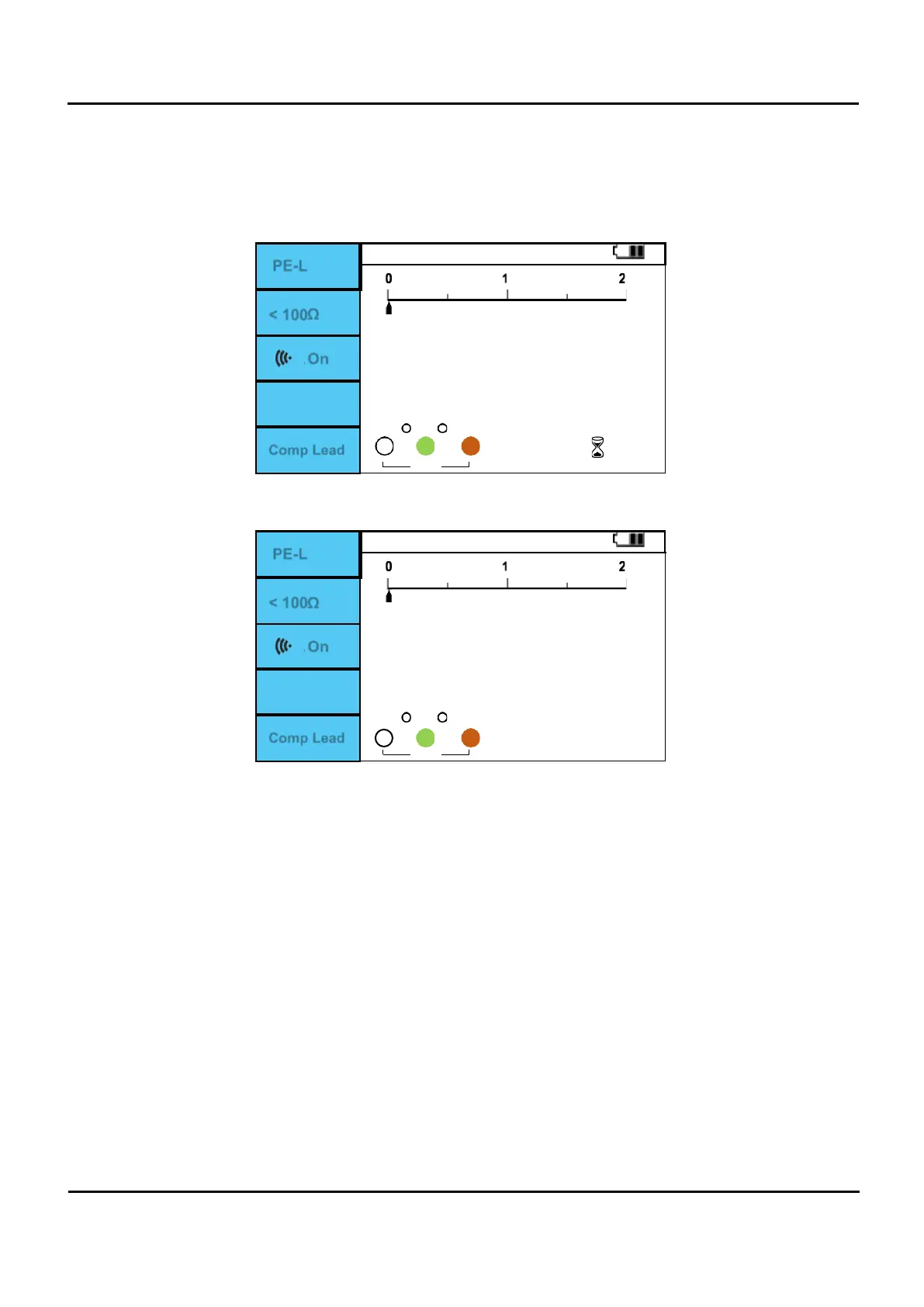
PE-L
< 100Ω
On
0
0
Figure 6.9.6 CONTINUTY L-PE Measuring.
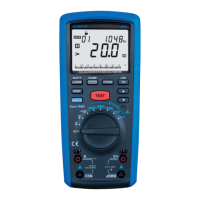
PE-L
< 100Ω
On
Comp: 0.00 Ω
Comp Lead
0
0
Figure 6.9.7 CONTINUTY L-PE Measurement complete.
The F2 button is the resistance value that makes a beep sound. When the resistance value is
lower than the set value and the F3 button is on, a beep sound is output.
The resistance of the Beep sound is changed by pressing the F2 button. (<100Ω, <50Ω, <20Ω,
<10Ω, <5Ω, <2Ω)
Comp Lead measures the lead resistance and then presses the F5 (Comp Lead) button. The
resistance value compensated for the lead resistance value is displayed, and the corrected
resistance value is displayed on the screen “Comp”. The compensated resistance value is
corrected to 5.00Ω or less. (It works with LOWOHM and CONTINUTY functions.)


 To Next Page