LMI Setup-Greer EEC-0066 V1.0
LMI Setup
1. Home button: This returns the user to the Home display.
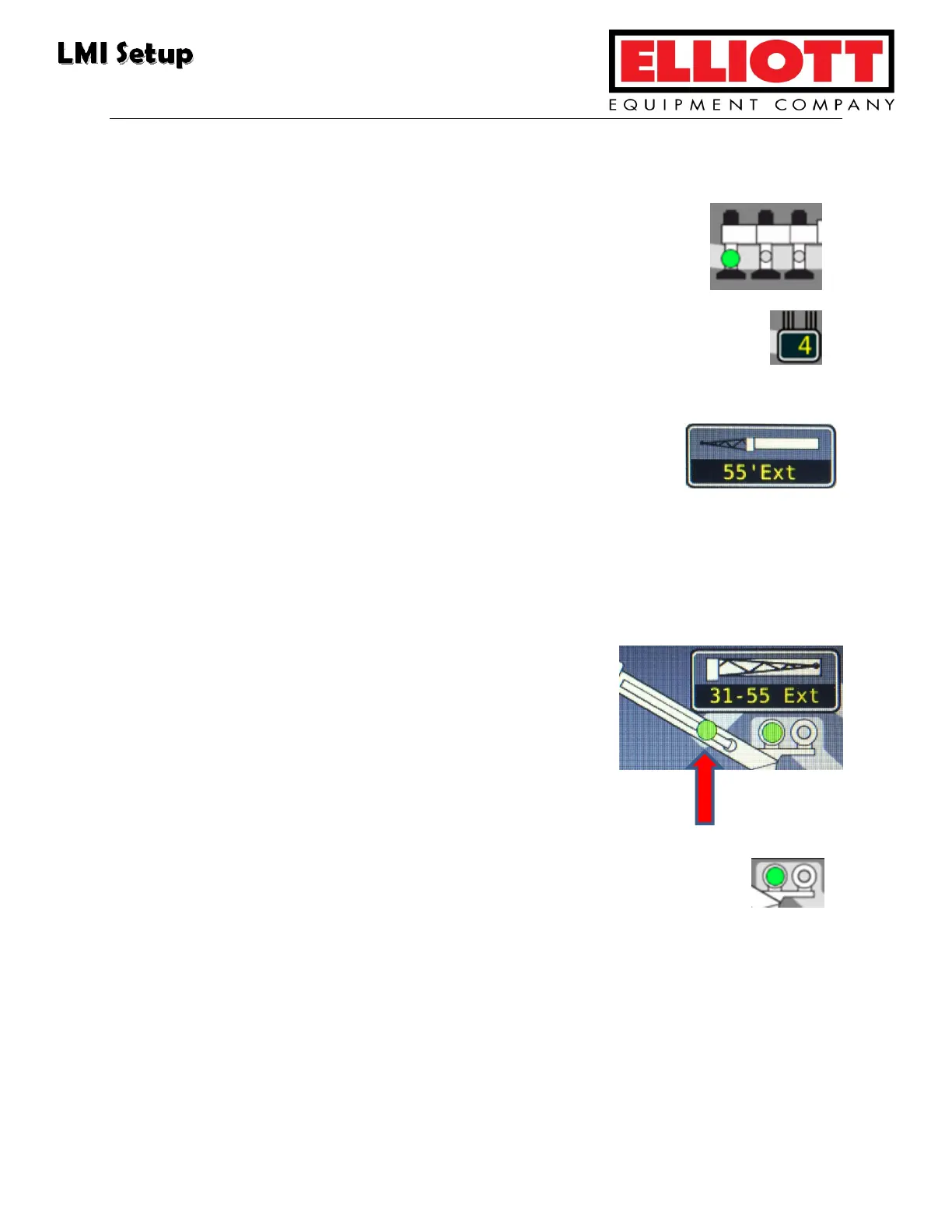
2. Outrigger button: The operator uses this option to select the
outrigger position.
3. Parts Of Line button: This button selects the increment number of the
POL (i.e. 1, 2, 3). Once the maximumum POL is reached, the next
button push sends the indicator back to one POL.
4. Jib Options button: The operator can press the jib button
multiple times to scroll through each of the jib position
options. If no options are available, the display reads “None.”
5. Pick Long, Pick Short, Pick Main button: This feature is not used on all
models.
6. Stow button: This button refers to the position of
the jib when stowed. The green
indicator light
appears on the display when the jib is in the stow
position. Use the button to scroll through the jib
options. If no options are availale, the display reads
“None.”
7. Winch button: The operator presses the button to select either the
front or rear winch. There are two green indicator lights that appear
when the appropriate winch is selected.
8. Operator Alarms button: The operator presses the button to access this
function.



 To Next Page