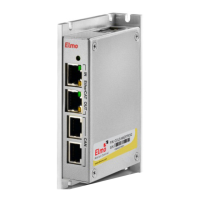
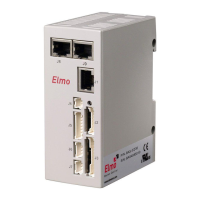
Bassoon Installation Guide Introduction
MAN-BASIG (Ver 1.4)
2-4
2.4 How to Use this Guide
In order to install and operate your Elmo Bassoon servo drive, you will use this
manual in conjunction with a set of Elmo documentation. Installation is your first step;
after carefully reading the safety instructions in the first chapter, the following
chapters provide you with installation instructions as follows:
Chapter 3, Installation, provides step-by-step instructions for unpacking, mounting,
connecting and powering up the Bassoon.
The Appendix, Technical Specifications, lists all the drive ratings and specifications.
Upon completing the instructions in this guide, your Bassoon servo drive should be
successfully mounted and installed. From this stage, you need to consult higher-level
Elmo documentation in order to set up and fine-tune the system for optimal operation.
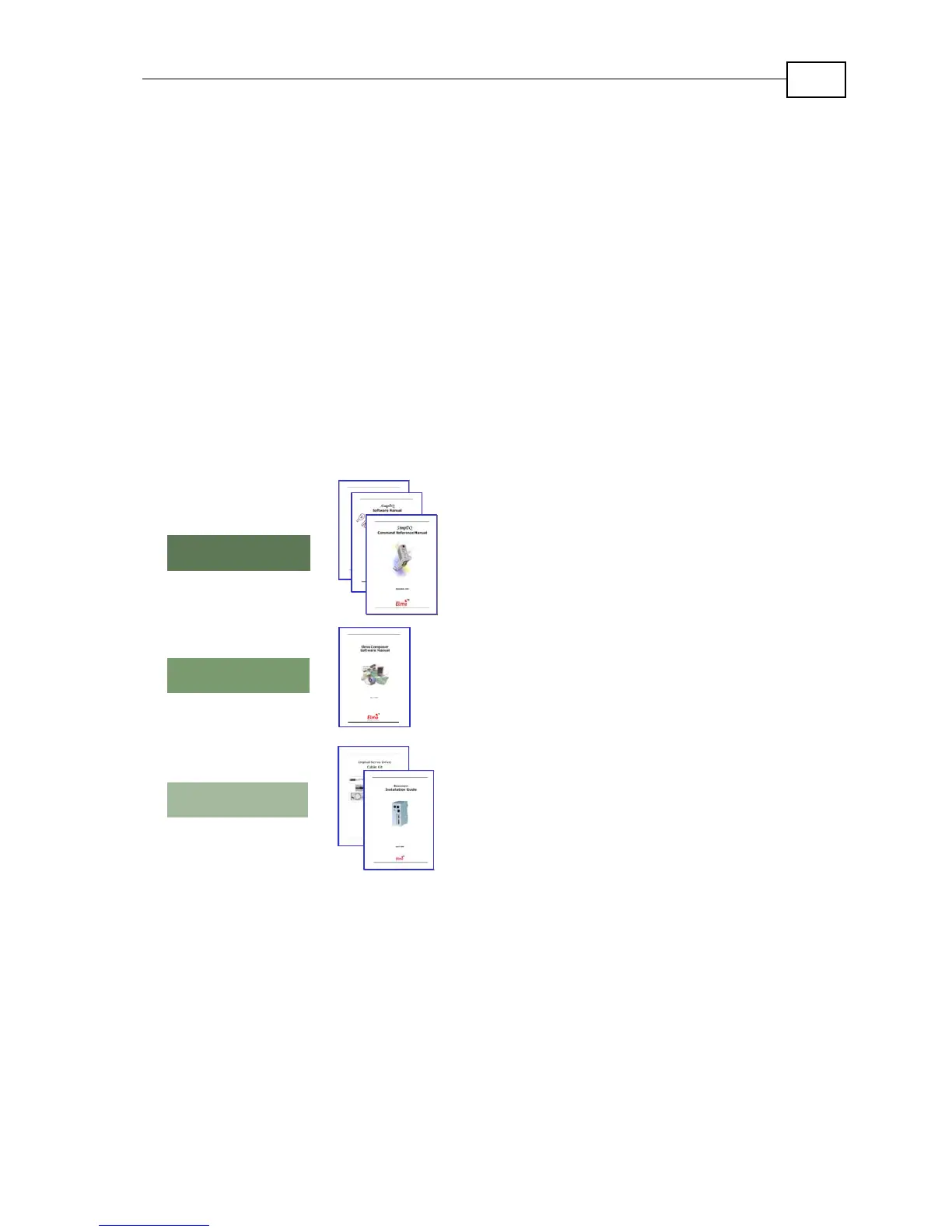
The following figure describes the accompanying documentation that you will
require.
SimplIQ Command Reference Manual
Bassoon Installation Guide
SimplIQ Software Manual
Programming
Setup
Installation
Composer User Manual
CANopen Implementation Guide
Digital Servo Drive Cable Kit
Figure 2-2: Elmo Documentation Hierarchy
As depicted in the previous figure, this installation guide is an integral part of the
Bassoon documentation set, comprising:
y The Composer Software Manual, which includes explanations of all
the software tools that are part of Elmo’s Composer software
environment.
y The SimplIQ Command Reference Manual, which describes, in detail,
each software command used to manipulate the Bassoon motion
controller.
y The SimplIQ Software Manual, which describes the comprehensive
software used with the Bassoon.


 To Next Page