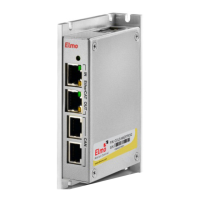
Figure 3-28: CANopen Connection Diagram
3.6 Powering Up
After the Bassoon has been mounted, check that the cables are intact. The Bassoon servo drive
is then ready to be powered up.
Caution:
Before applying power, ensure that the AC power is within the range
specified for the Bassoon.
To power up the system, first switch on the auxiliary power and then the main power supply.
(Note that this order is recommended but not critical; if a problem occurs, the system is well
protected.) The two-color LED turns green to indicate proper functioning.
3.7 Initializing the System
After the Bassoon has been connected and mounted, the system must be set up and
initialized. This is accomplished using the Composer, Elmo’s Windows-based software
application. Install the application and then perform setup and initialization according to the
directions in the Composer Software Manual.
Bassoon Installation Guide Installation
MAN-BASIG (Ver 1.4)
3-35


 To Next Page