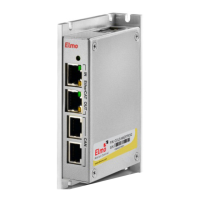
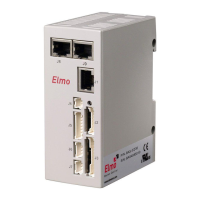
3.5.8 Communication Cable (Port J1, J8, J9)
The communication cables use an 8-pin RJ-45 plug that connects to the J1 port (RS-232), the J8
port (CANopen) and/or J9 (CANopen) on the front of the Bassoon.
The communication interface may differ according to the user’s hardware. The Bassoon can
communicate using the following options:
a) RS-232, full duplex
b) CANopen
c) RS-232 and CANopen can be used simultaneously
RS-232 communication requires a standard, commercial 3-core null-modem cable connected
from the Bassoon to a serial interface on the PC. The interface is selected and set up in the
Composer software.
In order to benefit from CANopen communication, the user must have an understanding of
the basic programming and timing issues of a CANopen network. The interface is electrically
isolated by opto-couplers and isolated power is supplied by the Bassoon.
For ease of setup and diagnostics of CAN communication, RS-232 and CANopen can be used
simultaneously.
3.5.8.1 RS-232 Communication
Notes for connecting the RS-232 communication cable (J1 port):
Use a 26 or 28 AWG twisted pair shielded cable. The cable should have an
aluminum foil shield covered by copper braid with a drain wire.
Connect the shield to the ground of the host (PC). Usually, this connection is
soldered internally inside the connector at the PC end. You can use the drain
wire or shield to facilitate connection.
The male RJ plug must have a shield cover.
Ensure that the shield of the cable is connected to the shield of the RJ plug. The
drain wire can be used to facilitate the connection.
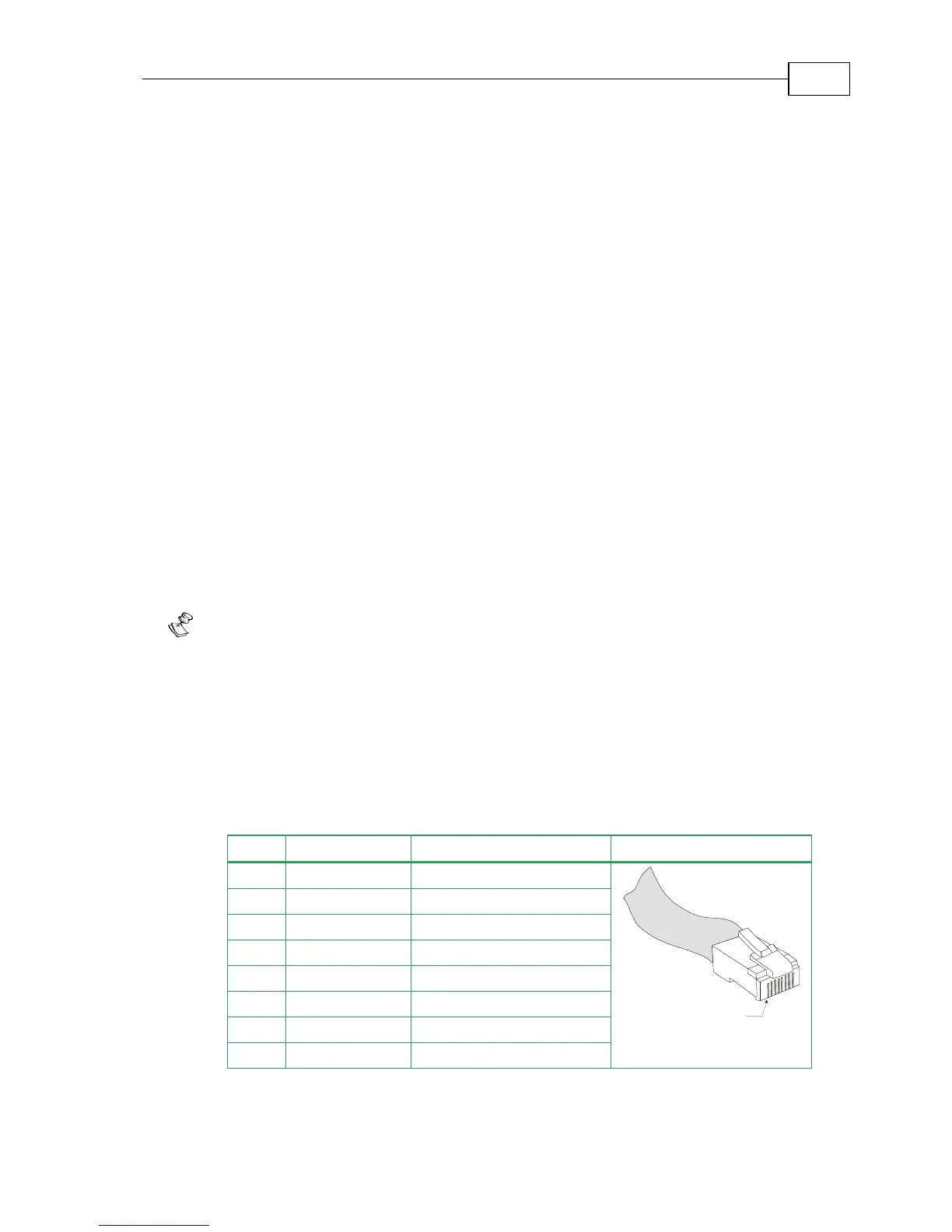
Pin Signal Function Pin Location
1 — —
2 — —
3 Tx RS-232 transmit
4 — —
5 COMRET Communication return
6 Rx RS-232 receive
7 — —
8 — —
1
Table 3-15: RS-232 (J1) Cable Pin Assignments
Bassoon Installation Guide Installation
MAN-BASIG (Ver 1.4)
3-32


 To Next Page