28
To configure actions when the PX-10E/30E is connected to a PC through the
USB3.0 port.
To control the PX-10E/30E from a PC.
To transfer the data from the SD card to a PC.
To select the source of the audio input.
To set the audio source to external microphone.
To set the audio source to HDMI in.
※1 For details about the video output, refer to ➏ Specifications.(⇒P.53)
(2/5 page)
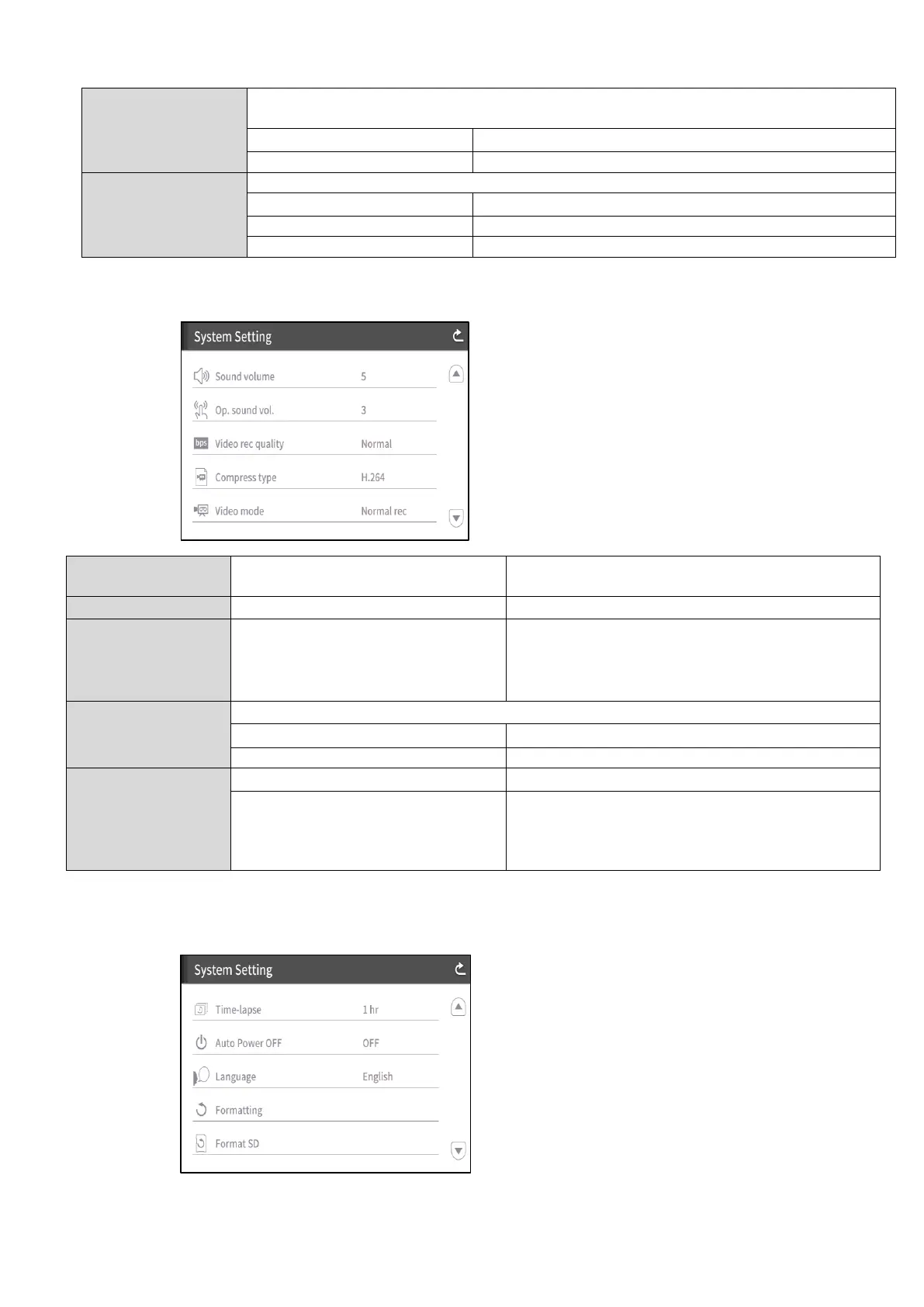
To configure the HDMI sound volume and the
external microphone volume.
To configure the speaker volume.
Excellent Quality / High Quality/
Normal✔ / Economy / Fast
Economy
To configure the recording bitrate.
※When Excellent Quality or High Quality is
selected, the recording time becomes
shorter.
To select the video compression method. ※1
To set the video compression method to H.264.
To set the video compression method to H.265.
To continuously record the video.
To create a video by combining multiple photos
taken at certain intervals.
The recording interval can be configured from
“Time-lapse”.
※1 HEVC(H.265) can achieve image quality equivalent to that of H.264 at half bit rate and half data
size. However, it may take longer to process data due to its high compression ratio.
(3/5 page)



 To Next Page