29
(4/5 page)
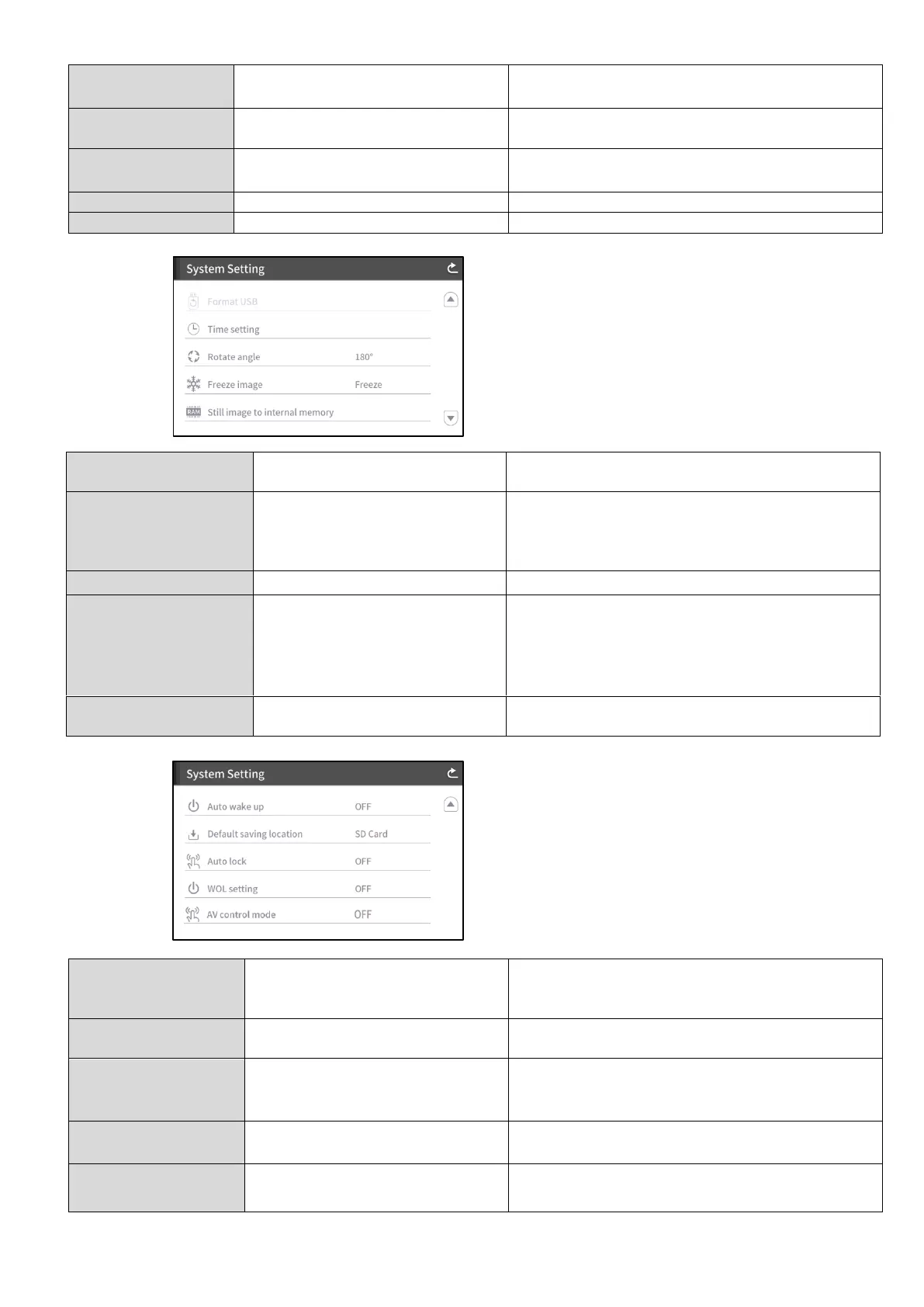
To perform a quick format of the USB flash
drive.
YEAR / MONTH / DAY / HOUR
/ MINIUTES / SECOND
To configure the time setting of the
PX-10E/30E.
Touch the desired item and configure by using
the up and down cursors.
To set the rotation angle of the image.
To set whether to freeze the image on the LCD
touchscreen when Freeze function is activated.
※When this setting is set to Move, the image
on the LCD touchscreen does not freeze
when Freeze function is activated.
Still image to internal
memory
To record a still image to the internal memory.
Tap “Save” to save.
(5/5 page)
1min / 10min / 30min / 1hr✔ / 3hrs
/ 6hrs
To create a 1 second video by combining 30
photos taken at set intervals.(⇒P.33)
OFF✔ / 30min / 1hr / 2hrs / 3hrs
To automatically turn off the power after no
operation for a specific period of time.
日本語 / English✔ / Deutsch /
Frencais / ةيبرعلا
To set the language of the OSD menu.
To initialize all the settings.
To perform a quick format of the SD card.
When this setting is set to ON, the
PX-10E/30E automatically starts up after the
AC power is supplied.
SD Card✔ / USB Memory Stick
To set the primary destination for saving still
image or videos.
To disable the functions of buttons on the
operating panel or the LCD touchscreen. (⇒
P.45)
WOL setting
(for PX-30E only)
To turn on the PX-30E remotely from a PC via
the LAN cable. (⇒P.46)
AV control mode
(for PX-30E only)
By connecting the HDBaseT cable, you can
control a projector easily. (⇒P.47)



 To Next Page