30
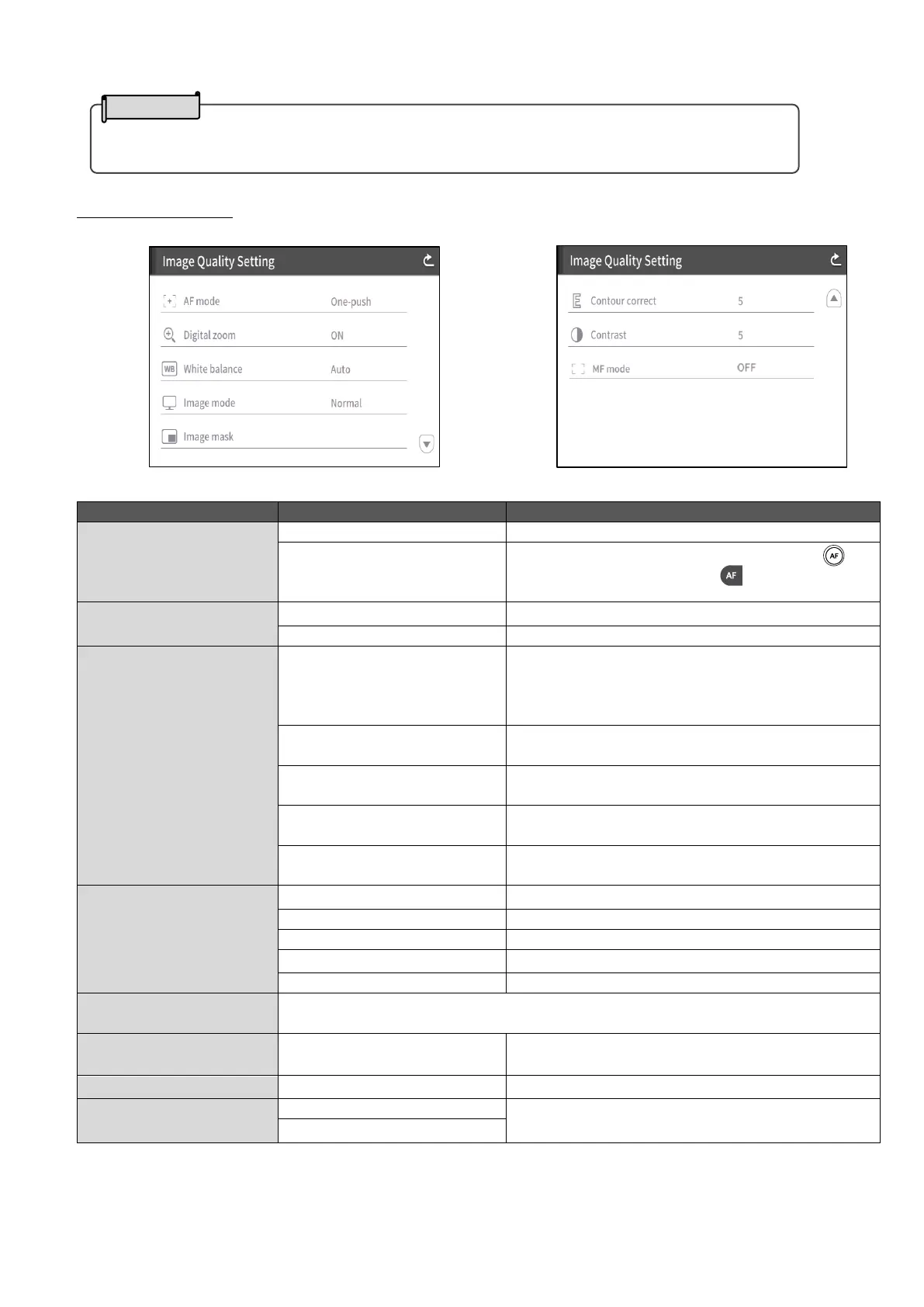
Image Quality Setting
(1/2 page) (2/2 page)
To perform auto focus only once after zooming.
To perform auto focus only once when [ ]
on the operating panel or [ ] on the remote
control is pressed.
To enable the digital zoom.
To disable the digital zoom.
To always adjust the white balance
automatically. The white balance is adjusted
automatically to ensure a more natural color
according to the characteristics of the object.
To automatically adjust the white balance only
once when this setting is selected.
To adjust the white balance according to the
environment under fluorescent light.
To adjust the white balance according to indoor
environment.
To adjust the white balance according to
outdoor environment.
Suitable for displaying documents.
Suitable for displaying colorful subjects.
To display black and white images.
Suitable for projecting images with a projector.
To mask a part of the image selected by dragging on the screen with your
finger.
To adjust the level of edge enhancement.
To adjust the contrast of the image.
By rotating the jog dial on the Operating panel,
you can manually adjust the focus.
・Some versions do not have the Time setting function.



 To Next Page