44
4.6 — Setting energy pulse out
The digital output (chapter 2.5) can be used as a pulse output, each
pulse equivalent to pre define energy consumption value, in order
to set the pulse output - See Section 4.0 for instructions to arrive
at the Technical Menu.
From Technical Menu:
1 Scroll to SET ENERGY PULSE
2 Click “ENTER”.
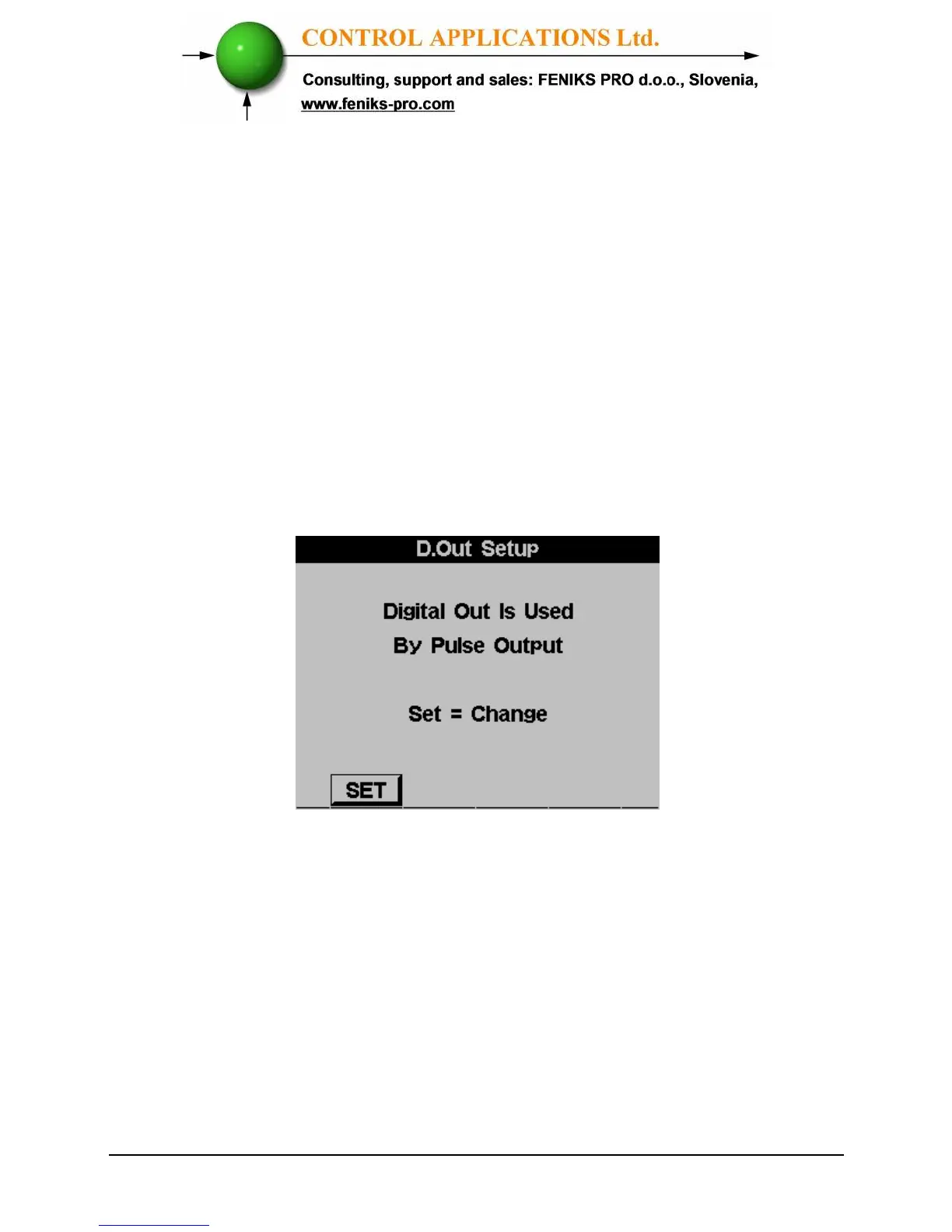
3 If the Digital Out was defined to be used
for alarm the following message screen
will appear
Figure 4.9 Changing Digital Out usage
4 Click SET (F1) to access the change mode
and click again SET (F1) in order to
change between alarm mode to energy
pulse out mode.
5 The SET ENERGY PULSE screen
appears:



 To Next Page