37
3 Use the buttons F3 & F4 to move the cursor, to set the value
use buttons F1 &F2.
4 Click “ENTER”
.
If the incorrect password is inserted into the Password
field, an Error message appears and the password
should be reentered
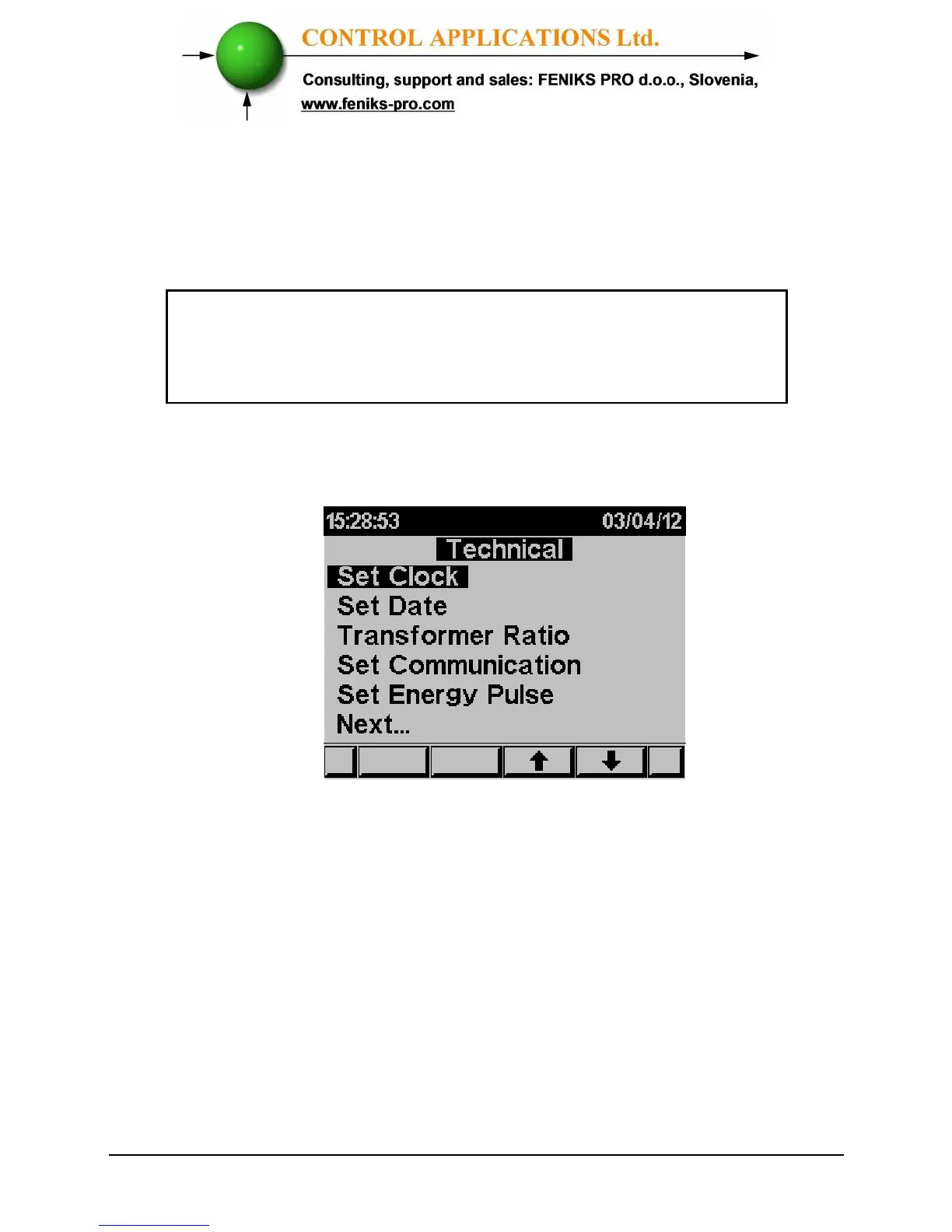
The Technical Menu screen appears
Figure 4.2 Technical Menu
Use the buttons F3 & F4 to move the cursor, selecting "NEXT"
will lead you to more functions that can be set by the
technician.
4.1 — Settings for Current/Voltage Transformer
To set or change settings for Current/Voltage Transformer
See Section 4.0 for instructions to arrive at the Technical Menu



 To Next Page