38
1 Scroll to Transformers ratio and select current or voltage
transformer ratio to be set.
2 Click “ENTER”.
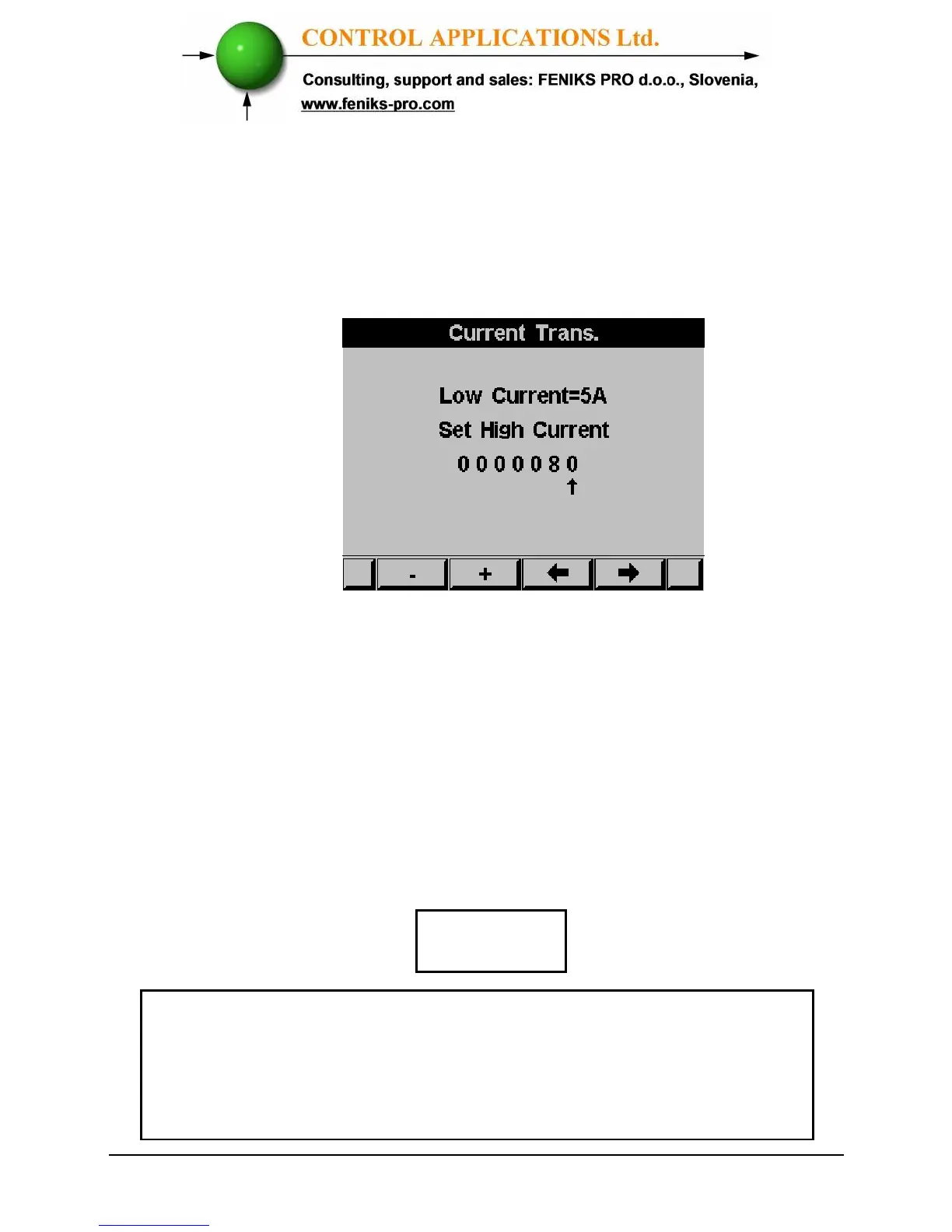
The Current / Voltage Transformer screen appears
Figure 4.3 Current Transformer
The present setting for the Current Transformer is shown.
Use the buttons F3 & F4 to move the cursor, to set the ratio use
buttons F1 &F2.
The method for setting for the Voltage Transformer is the
same.
4.2 — Electrical Connection Check
To avoid any problems arising from incorrect Voltage
Connections or accidental reversal of Current Transformer
Connections, it is necessary to perform a Phase Order Check
before continuing.
NOTE!



 To Next Page