39
The proper current direction connection ("K" and "L") between
the External CT and the ELNet is very important in case that the
energy direction is monitored and the energy should be logged as
Import (consumed) or Export (produced) modes.
ELNet energy powermeter can auto correct the wrong current
direction wiring (in case the Export energy is not required to be
logged).
As default the device is defined to perform the auto correction. In
order to change these settings and deactivate or activate the auto
correction mode:
1 See Section 4.0 for instructions to arrive at the
Technical Menu
2 From Technical Menu click Next and scroll to
Wiring and press "Enter".
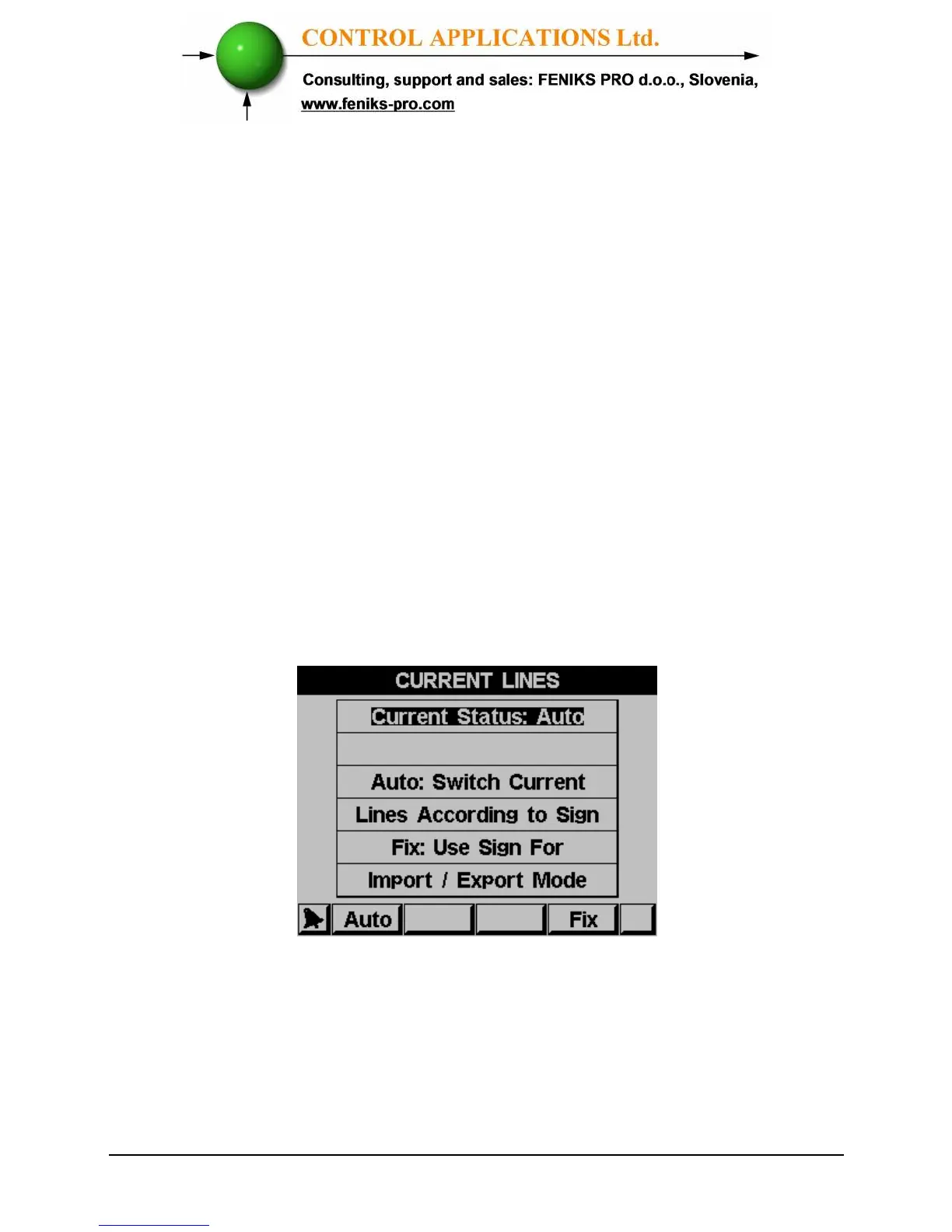
3 Scroll to Current Lines and press "Enter".
4 The Current Lines screen will appear:
Figure 4.4 Current Lines
5 Click Auto to activate auto correction mode or click
Fix to deactivate (in case the Export energy is
required to be logged).



 To Next Page