40
To perform Electrical connection Check
1 From Main Menu scroll to Technical.
2 Click
“ENTER”.
The Enter Code screen appears.
3 Enter code: 11
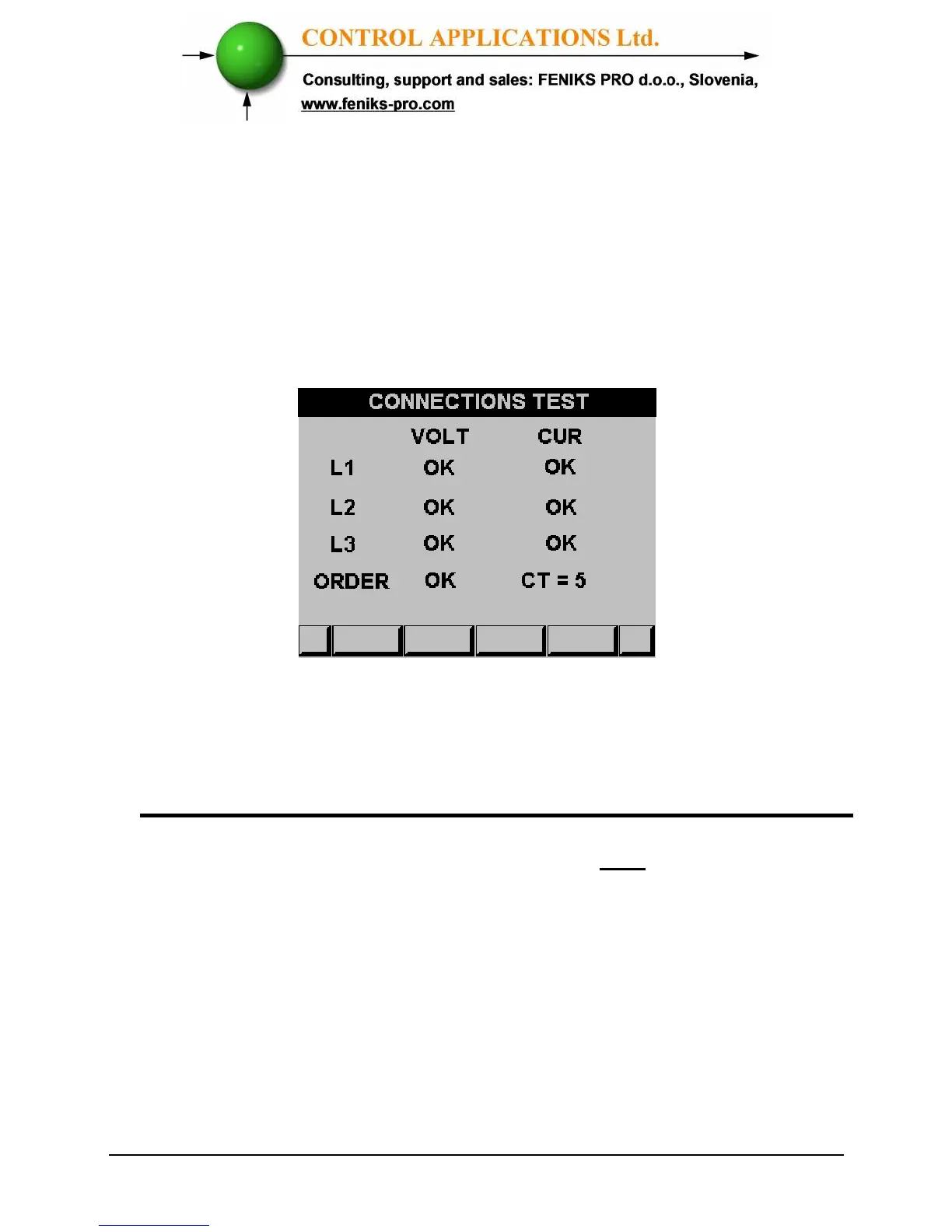
The Connections Test screen appears
Figure 4.5 Connections Test
Very important – very common problem!!!!!
The information above and under is accurate only if there is a phase
coloration between the current and voltage.
The current (I1, I2, I3) and the voltage (V1, V2, V3) should be
connected in this order.



 To Next Page