72
6.5.2 — Set up Ethernet Communications
See Section 4.1 for instructions to reach the Technical Menu.
1 From Technical Menu scroll to Set Communication.
2 Click
“ENTER”
.
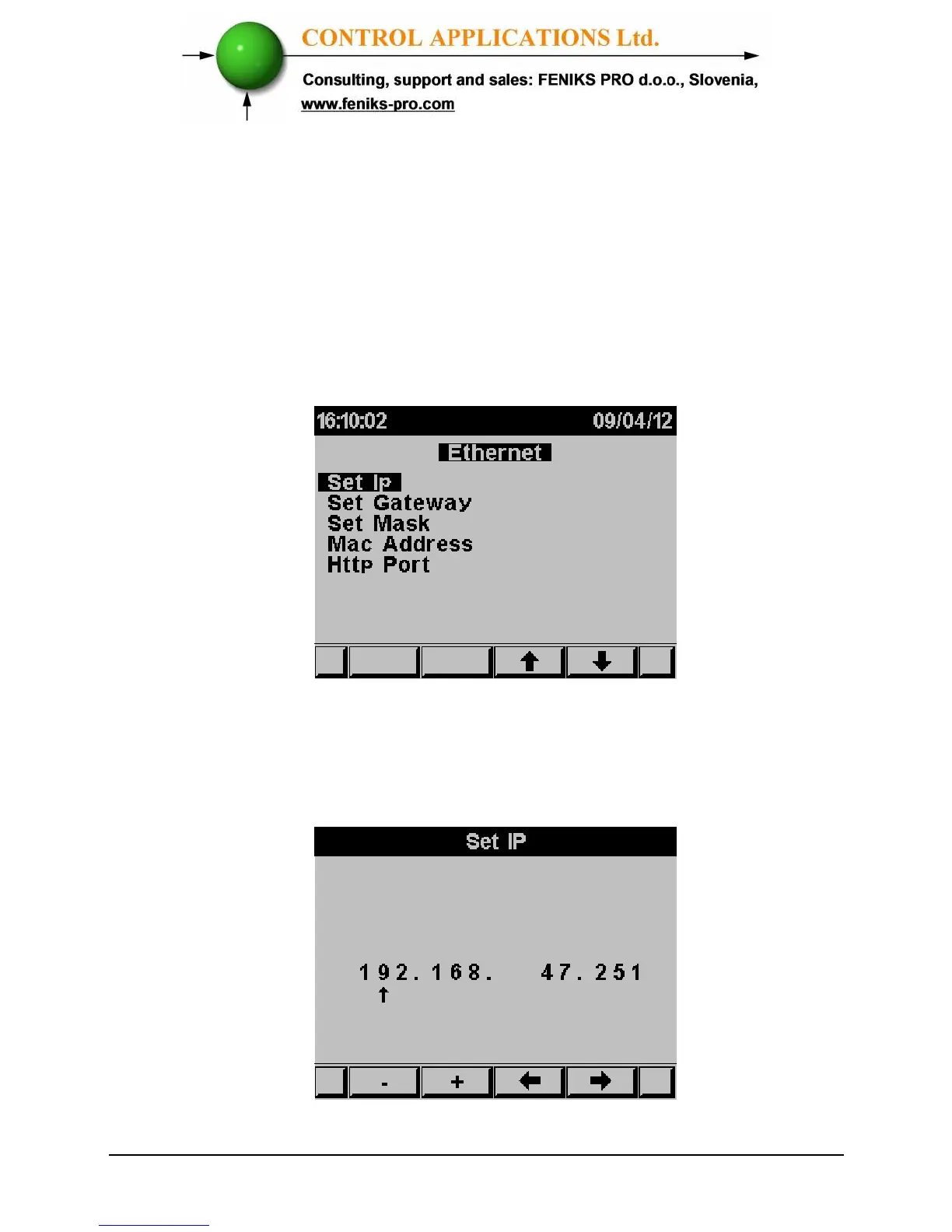
3 Scroll to "Ethernet" and click "Enter".
The Ethernet Communication Setup screen appears
Figure 6.3 Ethernet Communication Setup
4 Scroll to "Set IP" and click "Enter".
The IP Setup screen appears
Figure 6.4 IP Setup



 To Next Page