57
Use “F1” “F2” in order to toggle the display between current
waveform and voltage waveform.
Use “F3” in order to toggle between L1, L2, L3 and All together.
Use “F4” in order to display and toggle between the harmonics
values up to the 64
th
harmony.
NOTE!
The bar graph of the 1
st
Harmonics (100%) is shown
without proportion to the other harmonics in order to
display properly all the other harmonics.
5.4.3 — Alarm Setup
To set the alarm level for electrical measurements
1 From Main Menu scroll to Alarm Screen.
2 Click
“ENTER”
.
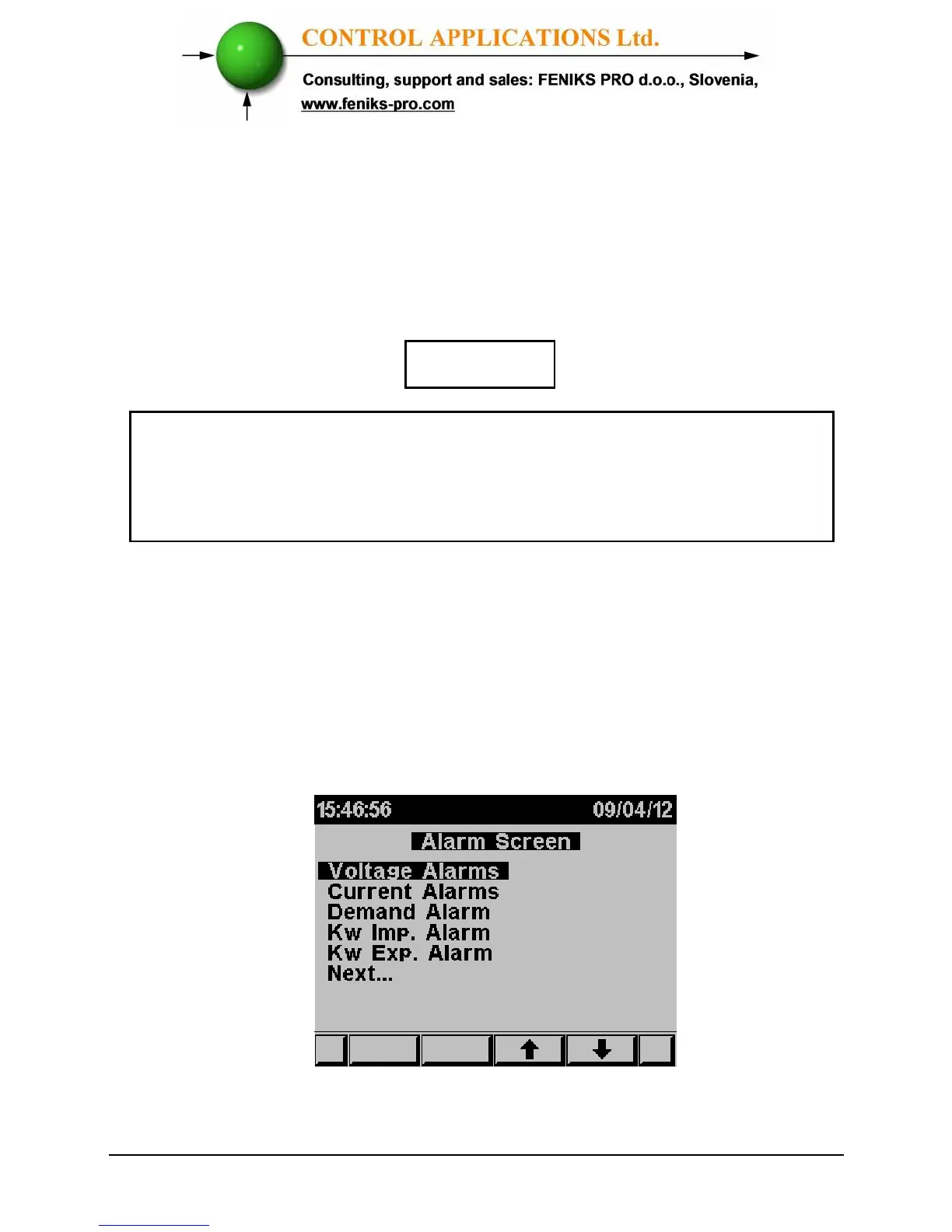
The Alarm Screen screens appear.
Figure 5.11 Alarm Screen



 To Next Page