58
3 Scroll to Alarm setup and click “ENTER”.
The Alarm setup screens appear, and you will be requested
to select the electrical measurement to be defined (voltage/
current / demand / KW IMP. / KW EXP) by pressing, “Enter”
and set the alarm levels.
5.6 — Energy Metering
To display active reactive and Apparent Energy values
1 From Main Menu scroll to ENERGY METER.
2 Click “ENTER”.
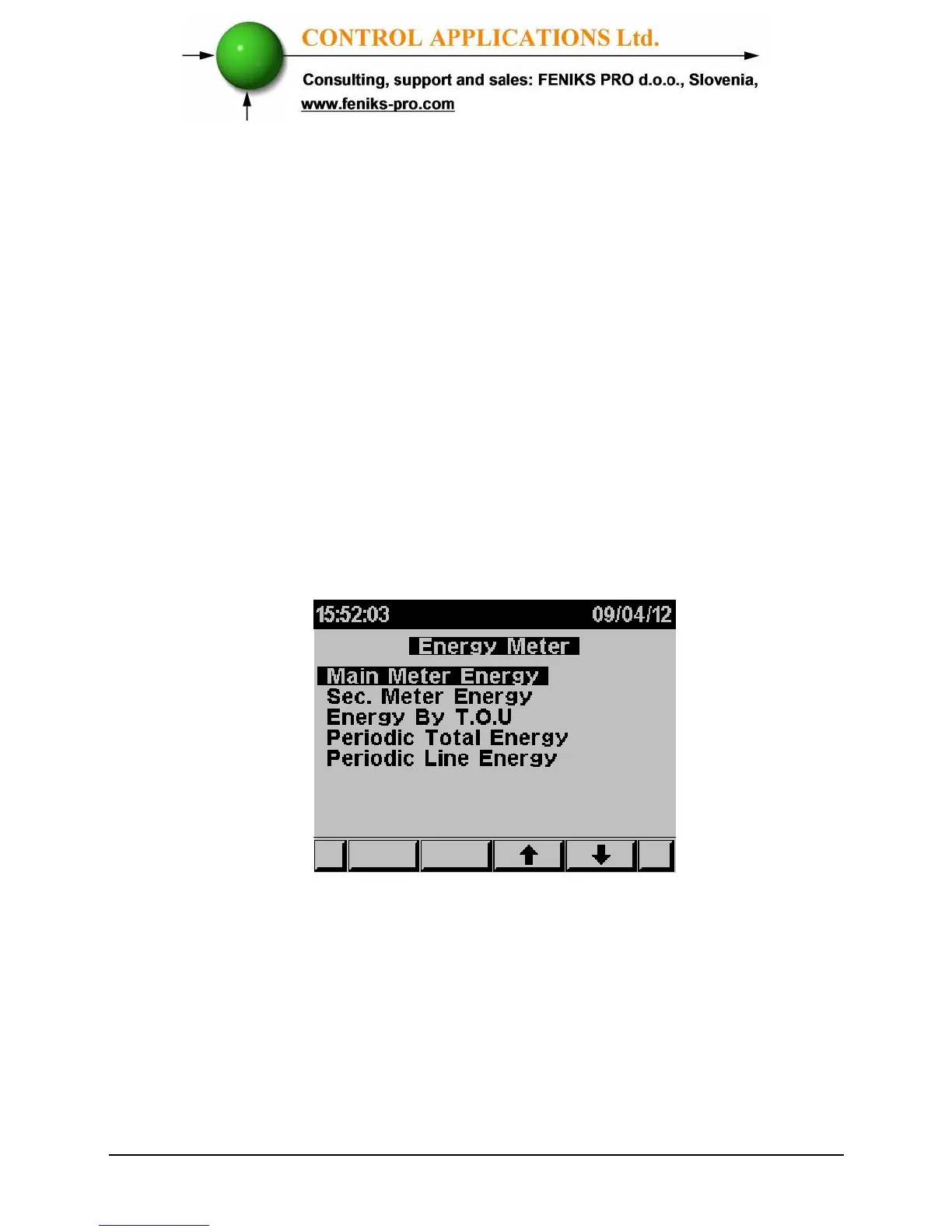
The Energy Meter screen appears
Figure 5.14 Energy meter



 To Next Page