56
NOTE!
Available Waveform Graphs
1. Volts Line 1, Line 2 and Line 3
2. Current Line 1, Line 2 and Line 3
Use “F1” in order to display voltage waveform.
Use “F2” in order to display current waveform
Use “F4” in order to toggle between L1, L2, L3.
5.4.2 — Harmonics Analyzer & THD
For analyzing and display Harmonics Bar Graphs & THD
1 From the Main Menu scroll to Power Quality Display.
2 Click
“ENTER”.
The Power Quality screens appear - See
Figure 5.18.
3 Scroll to Harmonics analyzer and click “ENTER”.
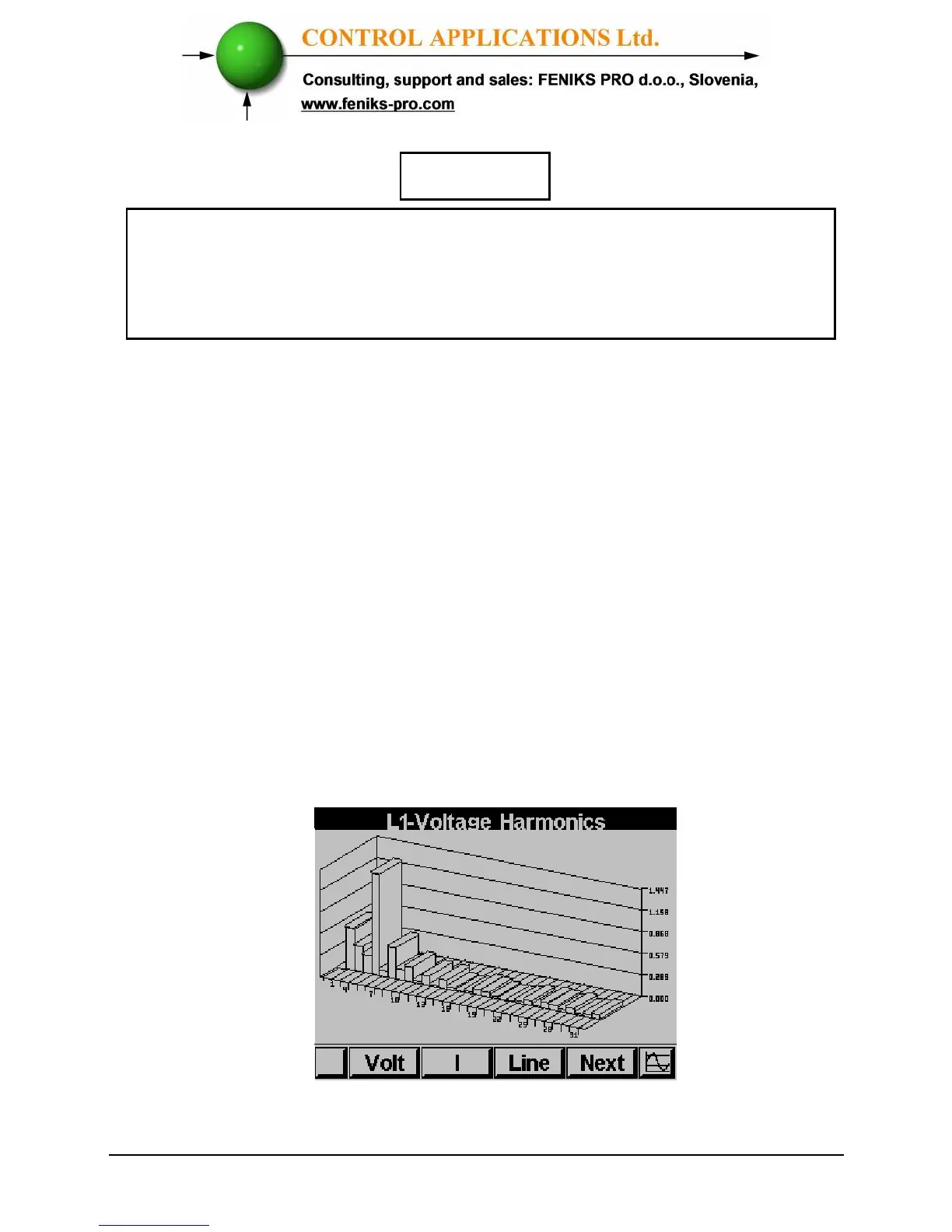
The Harmonics current Bar Graph screens appear
Figure 5.10 Harmonics bar Graph



 To Next Page