42
4.3 — Change language
To change language on the display screen
See Section 4.0 for instructions to arrive at the Technical Menu
From Technical Menu scroll to "NEXT" and "LANGUAGE".
1 Click
“ENTER”.
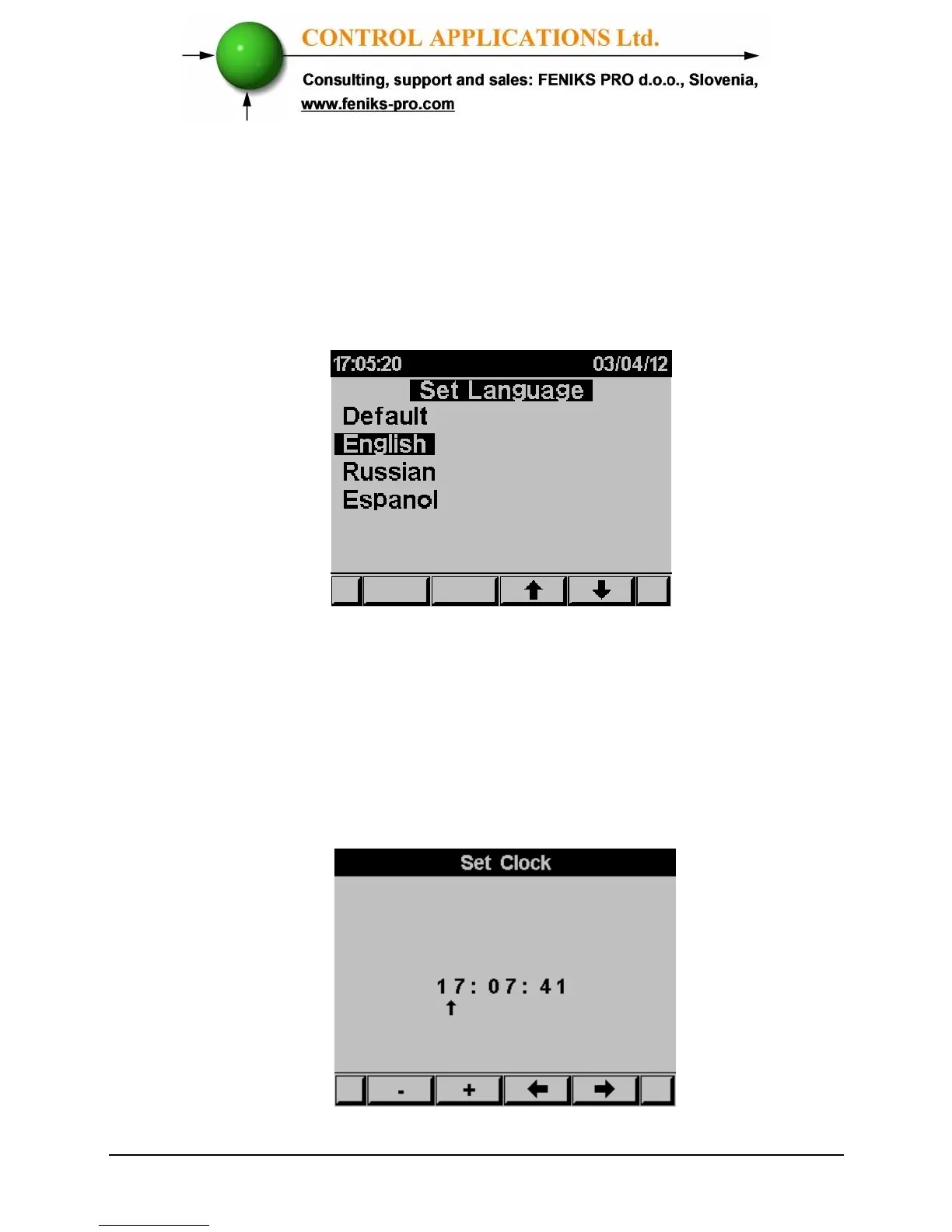
The Set Language screen appears
Figure 4.6 Set Language
4.4 — Time Settings
To set Time
See Section 4.0 for instructions to arrive at the Technical Menu
From Technical Menu scroll to Set clock.
1. Click
“ENTER”.
The Set Clock screen appears
Figure 4.7 Set Clock



 To Next Page