71
6.5 — Communication Set Up
6.5.1 — Set up Serial Communications
See Section 4.1 for instructions to reach the Technical Menu.
1 From Technical Menu scroll to Set Communication.
2 Click
“ENTER”
.
3 Scroll to "Serial Comm." and click "Enter".
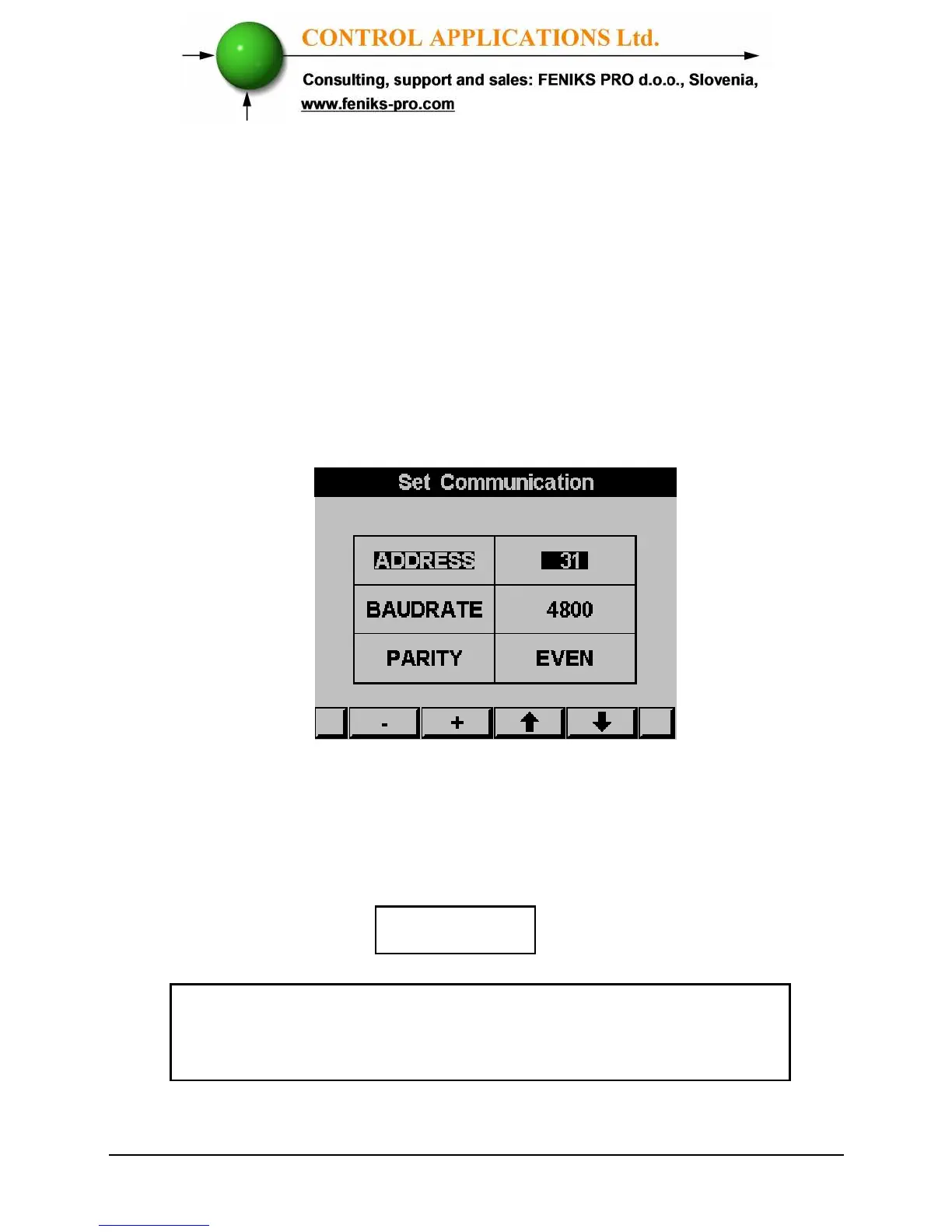
The Serial Communication Setup screen appears
Figure 6.2 Serial Communication Setup
Use buttons F1 &F2, to set the values
Use the buttons F3 & F4 to move the cursor
NOTE!
When the selection is made it takes immediate affect
with no further action required.



 To Next Page