46
In order to change the type of the electrical network connected to
the ELNet LT See Section 4.0 for instructions to arrive at the
Technical Menu.
1 From Technical Menu scroll to "Next" then to "Wiring” and
Click “ENTER”.
2 Scroll to “Delta/Star System”.
3 Click “ENTER”.
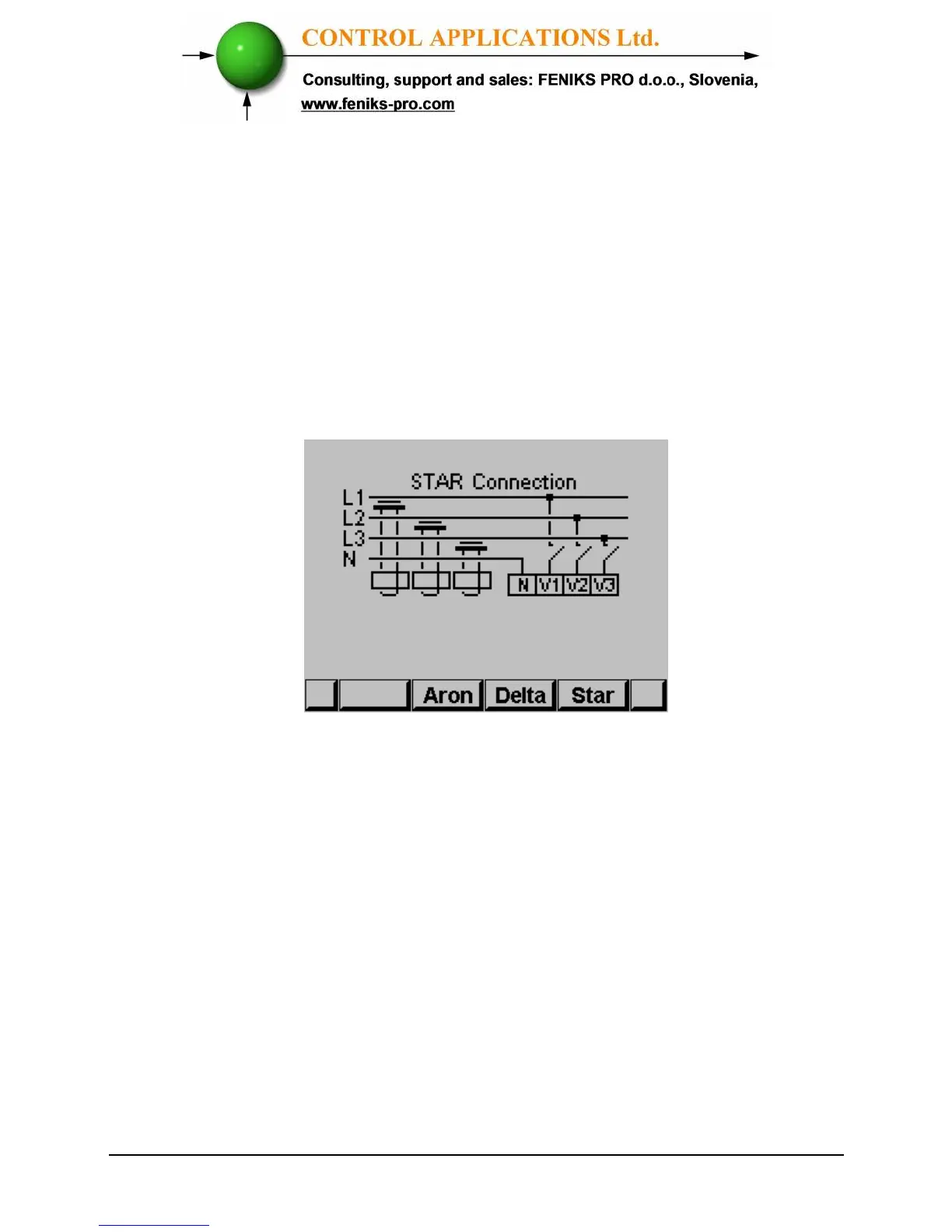
The Connection screen appears
Figure 4.11 Wiring Connections
4 Use “F2”, “F3” or "F4" in order to change the connection
type. When you are using "DELTA"/”OPEN DELTA”
networks the currents (line currents) and the voltages
(between phases) are not in the same phase therefore part of
the measurements are not applicable and part of the display
screens are not applicable.



 To Next Page