48
3 Scroll to REAL TIME DISPLAY and click “ENTER”
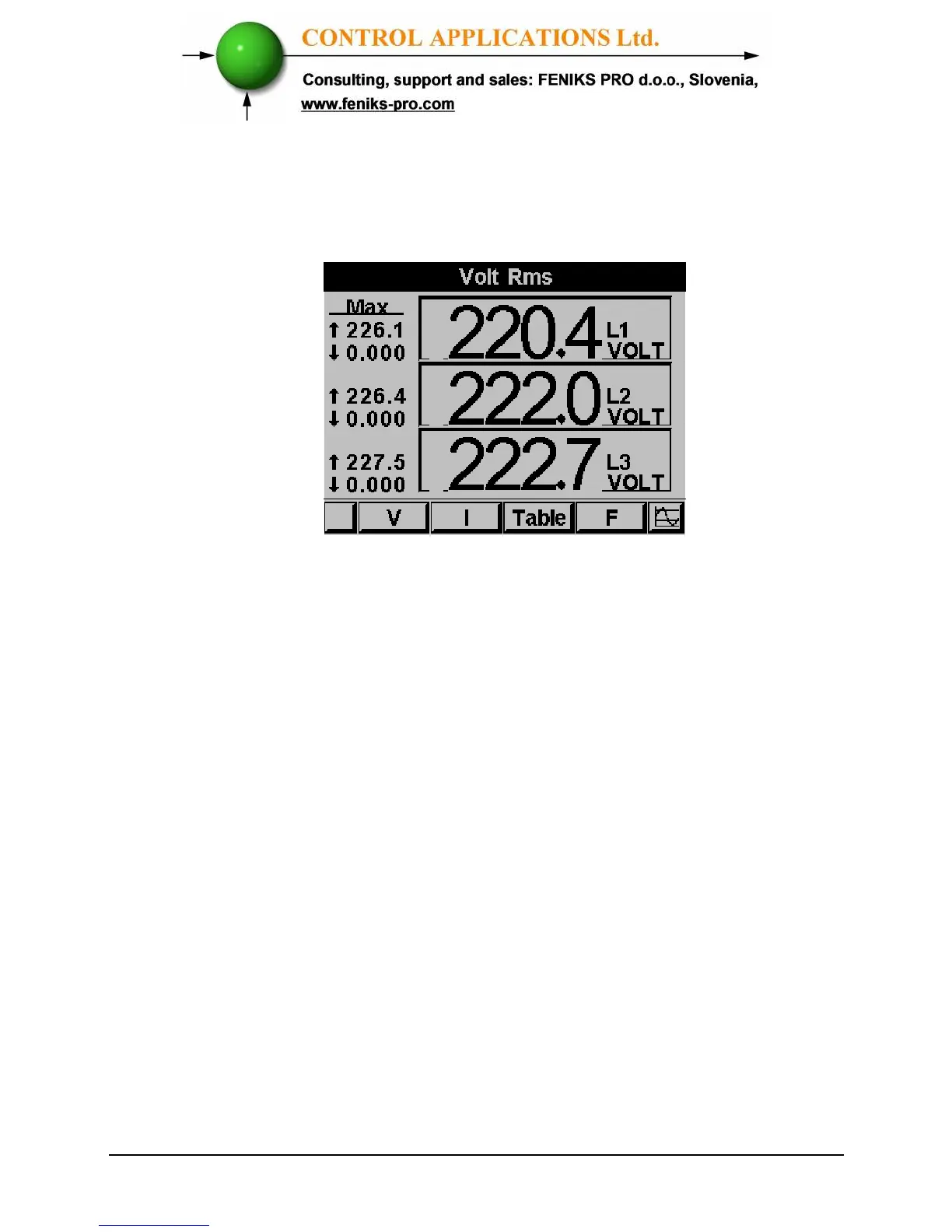
The Current Voltage and Frequency screen appears
Figure 5.3 Voltage screen
4 Use “F1” in order to display voltage values.
5 Use “F2” in order to display current values.
6 Use “F3” in order to display Current and Voltage
table view.
7 Use “F4” in order to display Frequency values.



 To Next Page