50
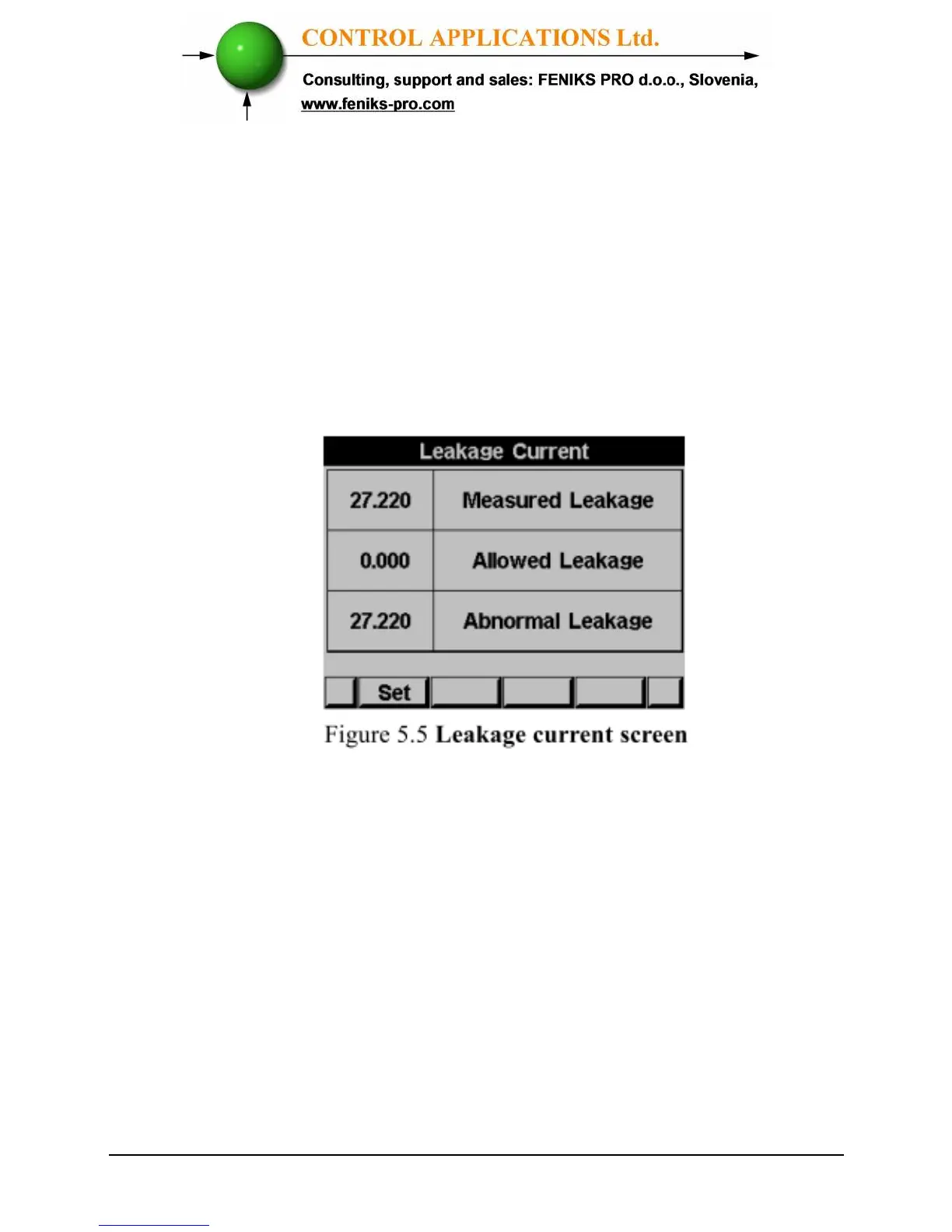
To display the Leakage Current.
1 From Main Menu scroll to Voltage, Current, Hz.
2 Click “ENTER”.
The Current Voltage and Frequency screen appears.
3 Scroll to Leakage Current and click “ENTER”
The Leakage Current screen appears
4 In order to set the Allowed Leakage level, click on the F1
button.
The Allowed Leakage Current screen appears



 To Next Page