www.elstat.io
40
7.8 How to perform a half reset (Hr)
Perform a half reset to clear the self-learning matrix if the ems controller has been unable to detect activity correctly,
for example, the view of the motion sensor was blocked, or if the cooler has been moved to a new location.
Perform a half reset as follows:
STEP IMAGE
1
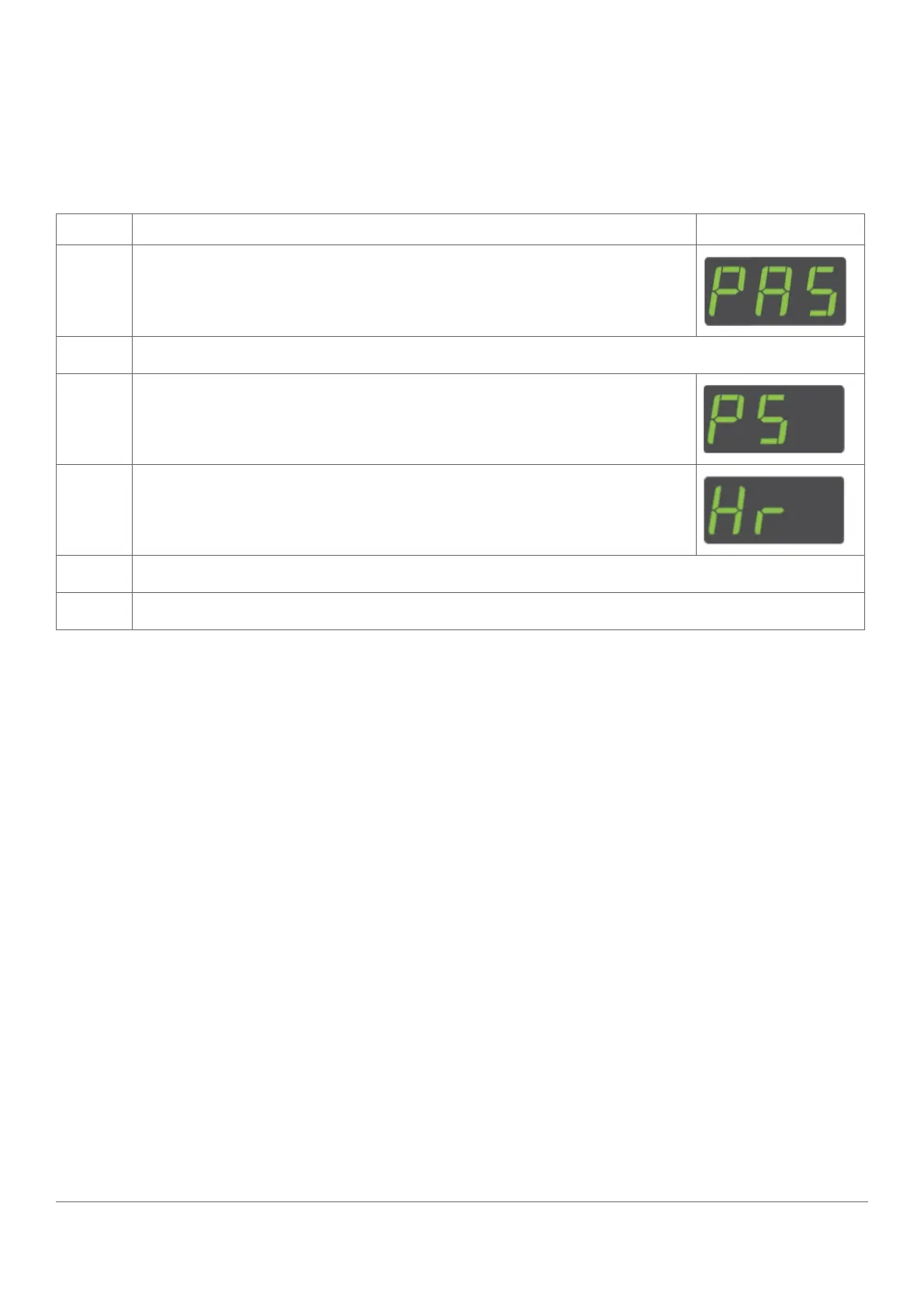
Press and hold the set button until PAS is displayed
2
Enter the button sequence of the password.
3
Ensure that PS is displayed.
4
Press the down button to scroll ro the Hr menu
5
Re-enter the button sequence of the menu entry password
6
Ensure that the ems controller resets. After a reset, the ems controller starts the power-up sequence.



 To Next Page