www.elstat.io
62
9.10 How to view the download counter
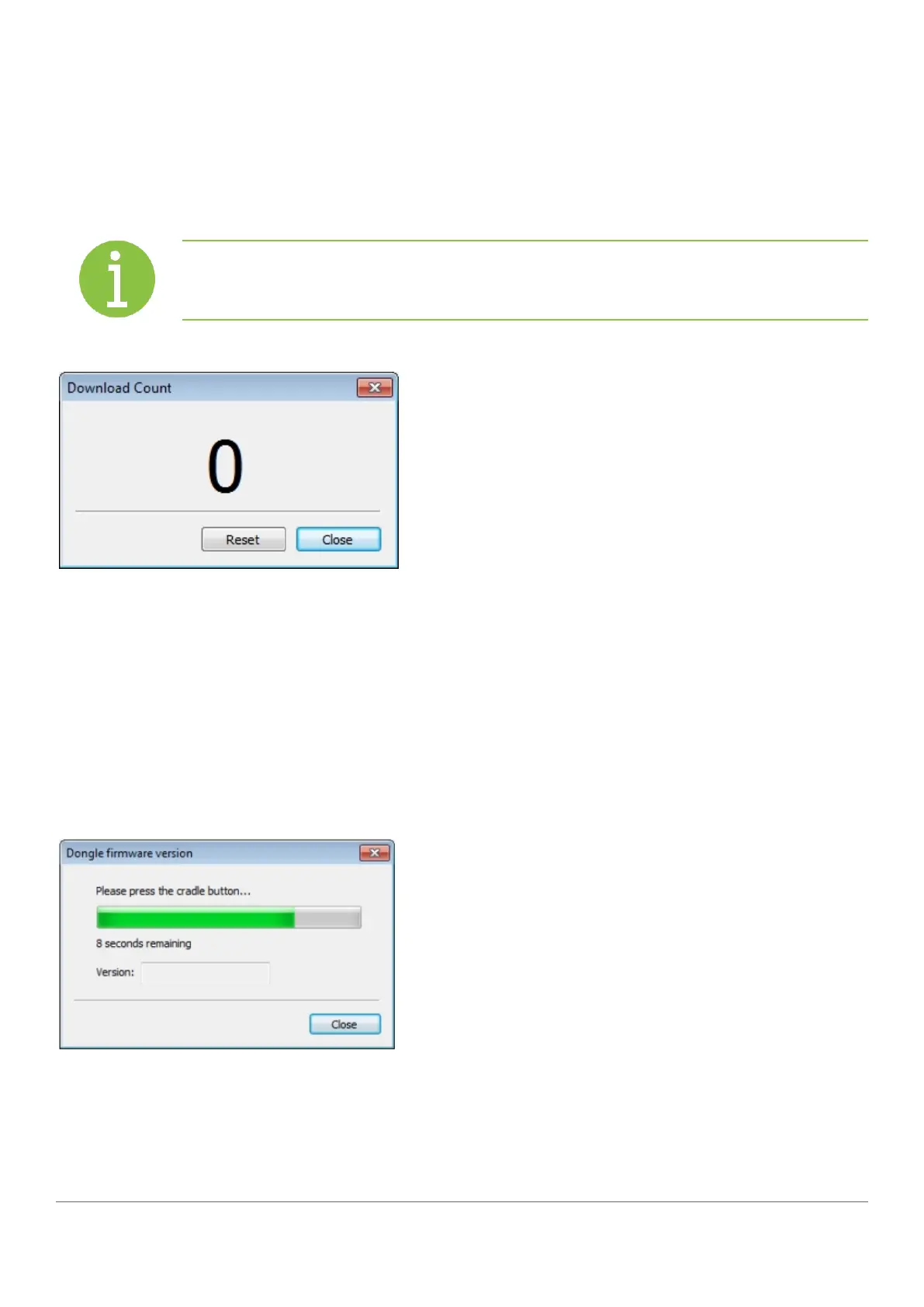
When programming a large quantity of parameter programming tools (dongles), a display counter can be viewed.
To view the download counter, click Tools > Download counter
Note
The download counter window must be displayed to count.
9.11 How to view the version of the parameter programming
tool (dongle)
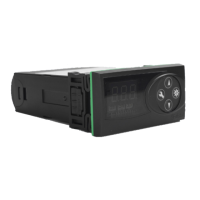
View the version of a parameter programming tool (dongle) as follows:
1. Insert the parameter programming tool (dongle) into the USB docking cradle.
2. Click Tools, Get dongle version to display the dialog below.



 To Next Page